
Users assignment at the call center
Assign users to the call center in WorkDial by adding them from the Salesforce Call Centers setup page, so each agent can place and receive calls.
Assign users to the call center
- Click on the gear icon in Salesforce.
- Select Setup from the dropdown menu.
- In the Quick Find box, search for “Call Centers” and select it.
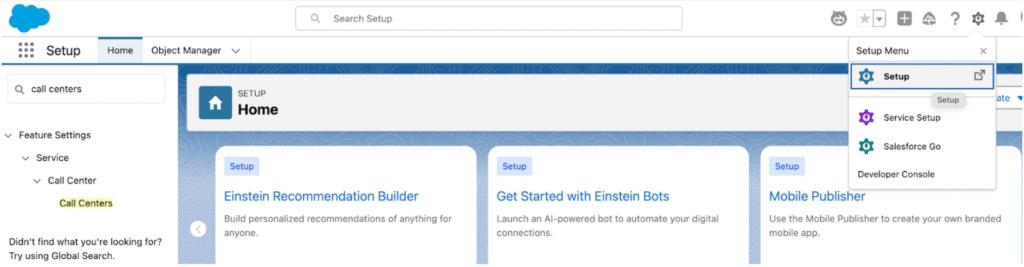
- On the Set Up Call Centers page, click Continue.
- Click on the name of the call center you wish to manage.
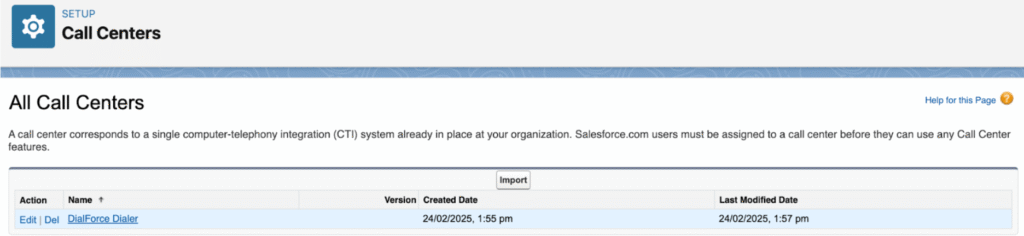
- Select Manage Call Center Users.

- Click Add More Users.
- Click Find to search for available users.
- Select the respective user(s) and click Add to Call Center to assign them.

Result
This process integrates users into the call center, enabling them to handle calls effectively.