
Support inside Salesforce
Take inbound WhatsApp calls on the case, route by status, and keep the recording and analysis on the record.
Call__c
Salesforce WhatsApp calling · on the record
Customers in WhatsApp-first markets answer WhatsApp before they answer a phone call. WorkDial lets reps reach them without leaving Salesforce: the rep sends a call request from the record, the contact accepts, and the call connects. WorkDial logs both channels the same way: one system of record, no second WhatsApp app to reconcile.
Outbound by request · inbound routed · Call__c on the record
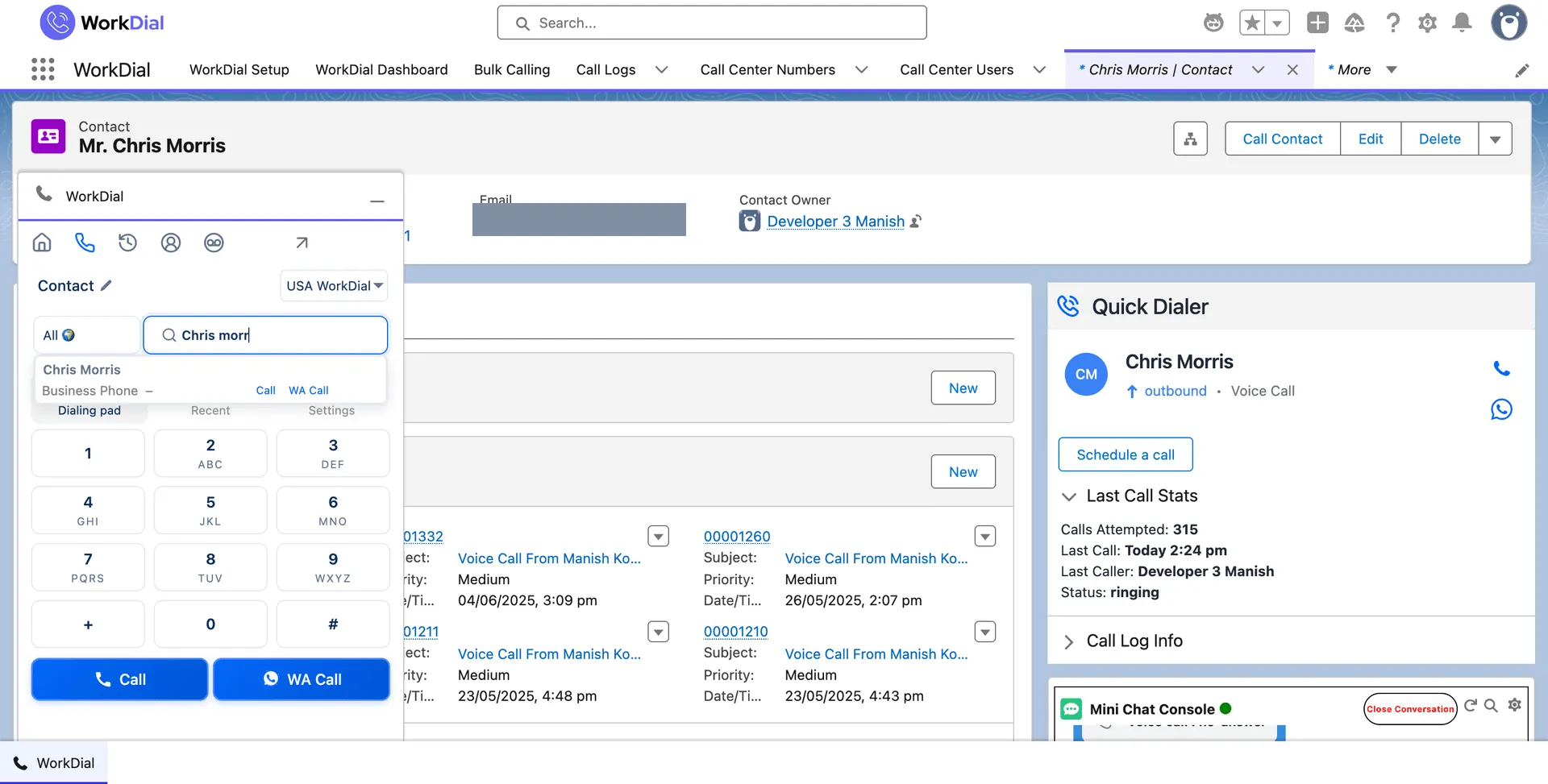
WorkDial is a Salesforce-native CTI platform that places and receives WhatsApp voice calls inside Salesforce. Outbound is request-based: the rep sends a call request from the record, the recipient accepts, and then the call connects. Inbound WhatsApp voice routes by your Salesforce data. Either way the call is written to the record as Call__c through the same calling layer as your PSTN calls, so it behaves like any other call in your reports, Flows, and security model. No second WhatsApp app, no separate log.
WhatsApp voice is included from Core at $28 per user per month, billed annually.
01Calling, not messaging
WorkDial places WhatsApp voice calls inside Salesforce. Text is ValueText's job, the messaging platform from the same team: WorkDial is the voice layer, ValueText the messaging. See how a WhatsApp call lands as a record, six reasons sales teams are switching to WhatsApp calling, and which Salesforce CTI apps place WhatsApp voice calls.
 ValueText
 Built by the team behind ValueText, the Salesforce-native messaging platform, rated 4.97 stars across 116 AppExchange reviews.
02The cost of WhatsApp around Salesforce
Call data outside Salesforce. The conversation lives in a separate WhatsApp app, not on the record. Your reports and the next rep never see it.
Reps switch systems. One more place to check, one more login to manage. Context slips between the WhatsApp app and the record.
No routing by Salesforce data. Inbound cannot route by owner, case status, or region. Calls land with whoever picks up, not the right person.
Automation cannot fire. Flow never sees a call that did not become a native record, so the follow-ups you built never trigger.
How an outbound WhatsApp call starts
A WhatsApp voice call begins with a request the recipient accepts. WorkDial runs that handshake from the record, then connects the call.
Send the request. The rep taps WA Call on the record to send a WhatsApp call request to the contact.
The recipient accepts. The contact accepts the call request in WhatsApp on their device.
Salesforce is notified. On acceptance, WorkDial tells Salesforce the call can connect.
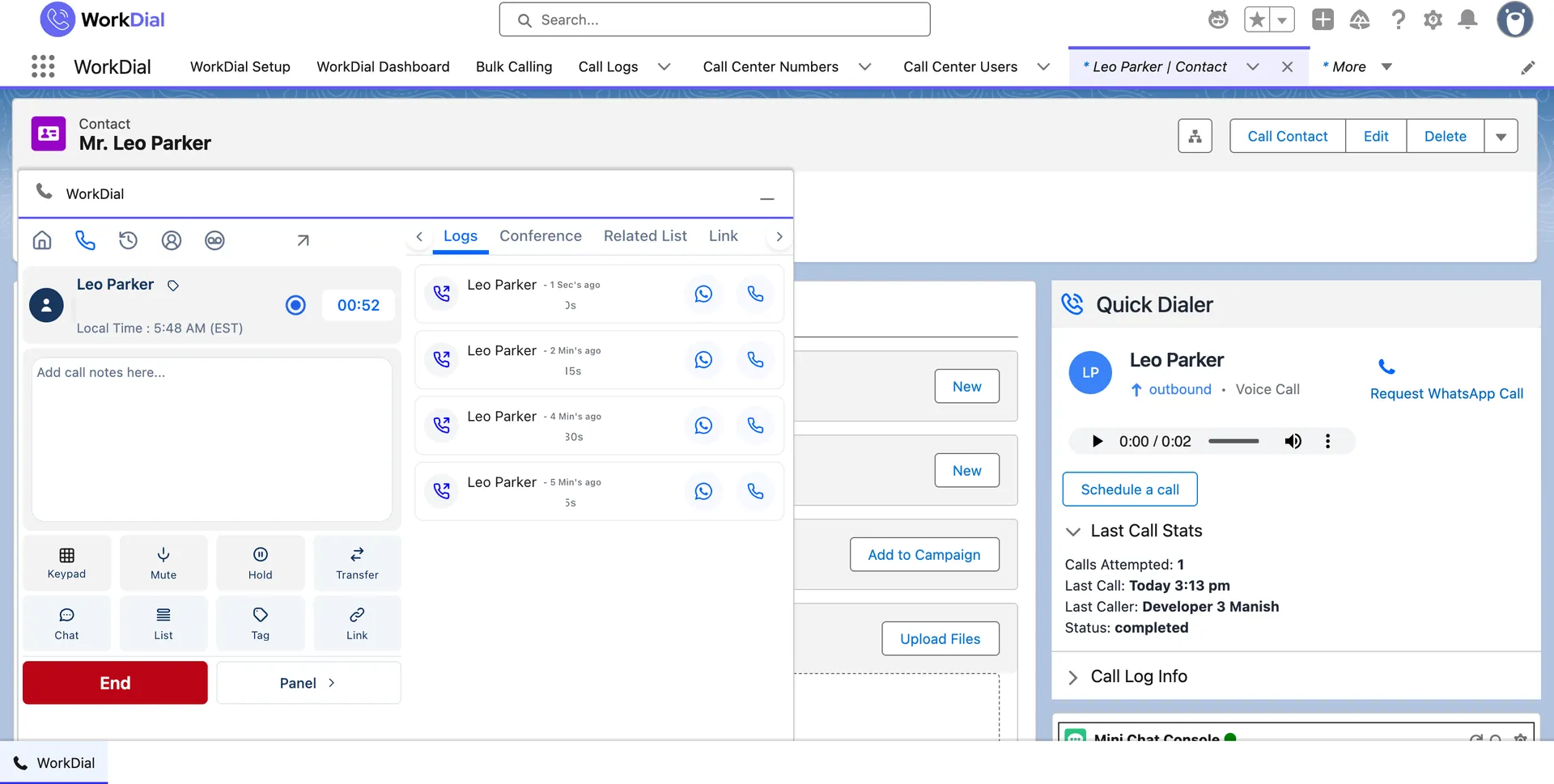
The rep places the call. The WhatsApp voice call connects and writes to the record as Call__c when it ends.
03What it does
WhatsApp calls from the record, routed by Salesforce data, written to Call__c. One layer, two channels.
See it live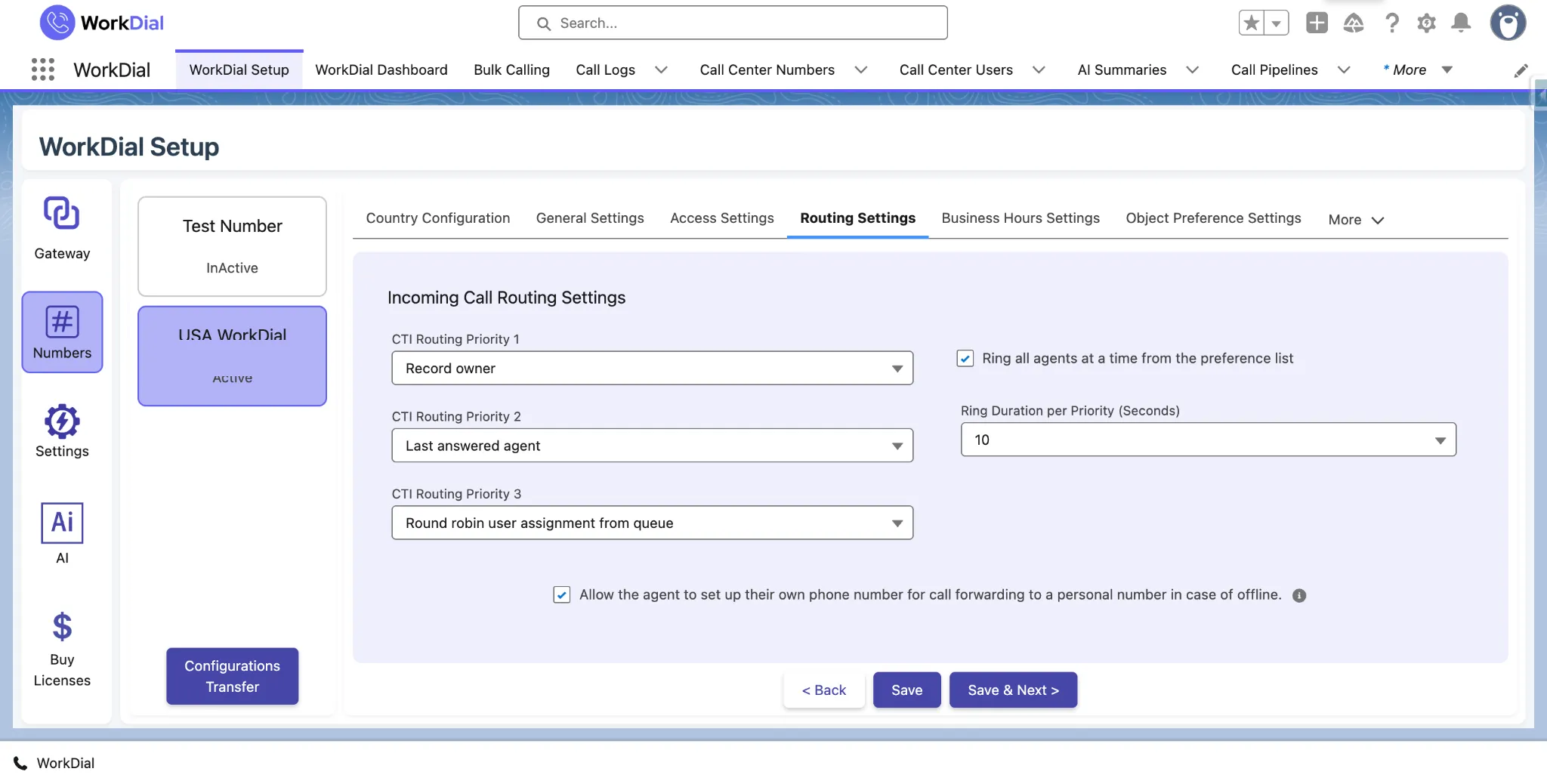
Inbound routing, one decision for both channels. Inbound WhatsApp calls enter the same Salesforce Omni-Channel routing as your phone calls, and can route by account owner, case status, region, or a custom field.
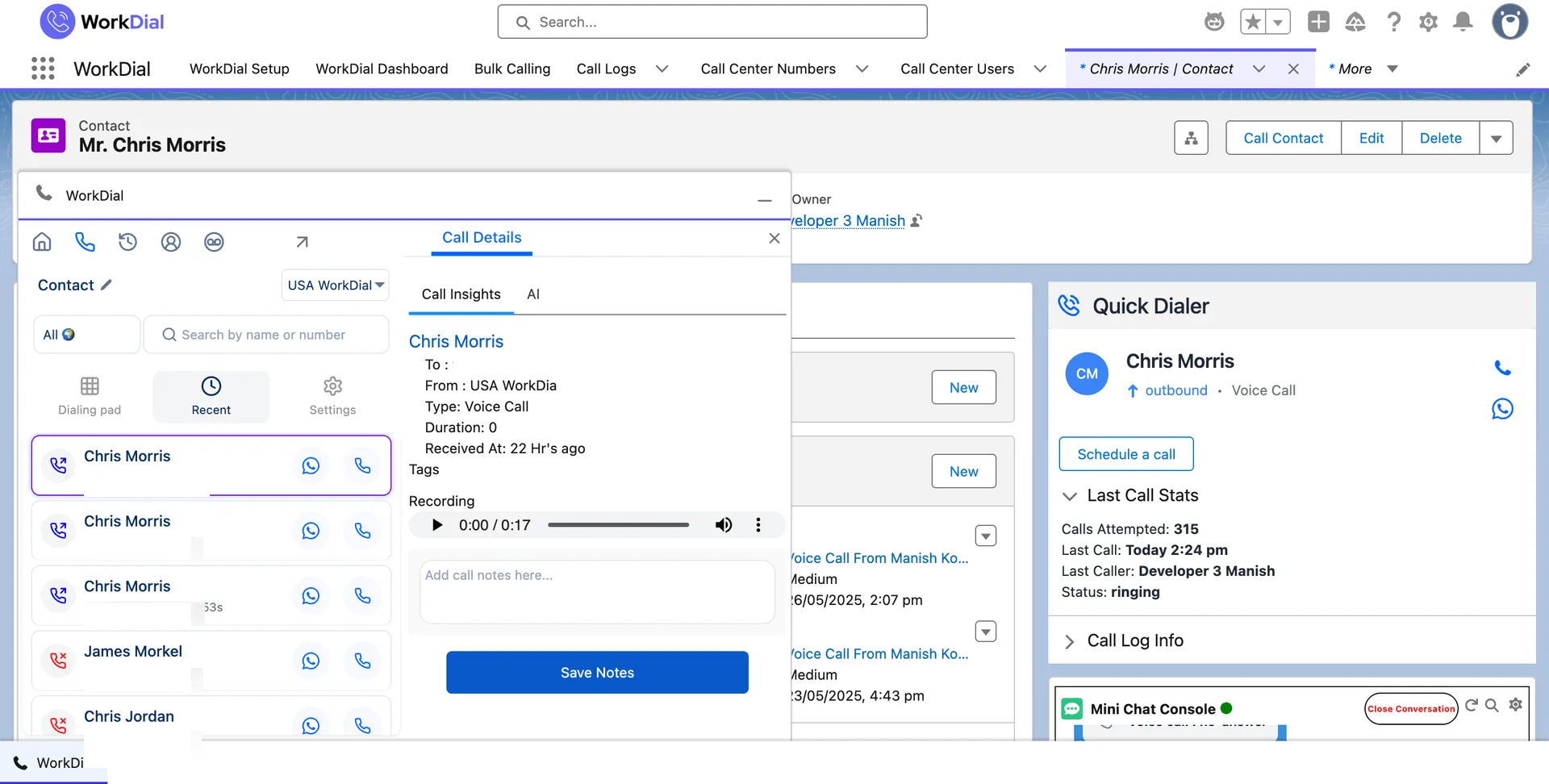
Automatic logging to the record. Every WhatsApp call is written to the record as Call__c, with the recording as Recording__c, and no separate WhatsApp log to reconcile.
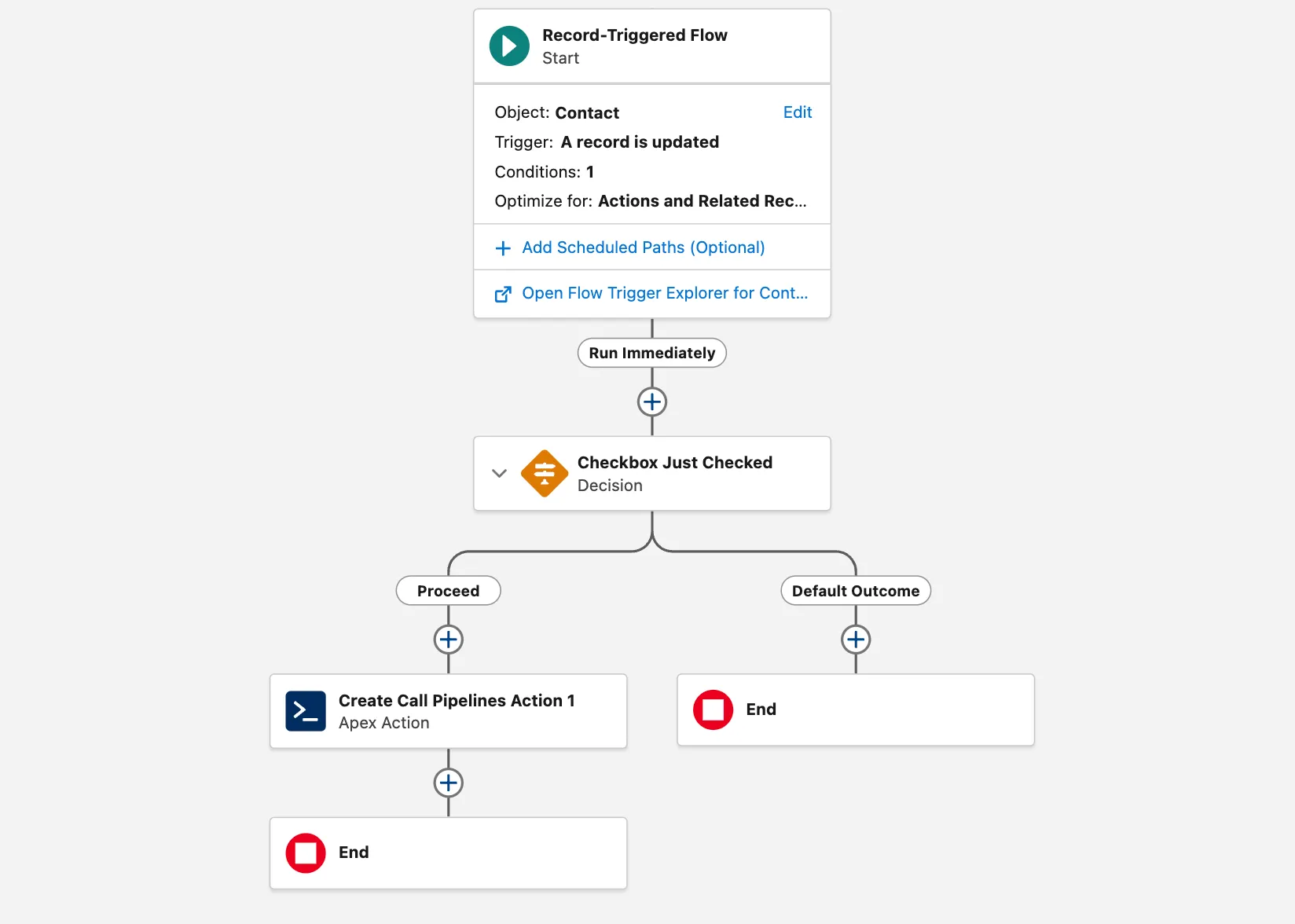
Flow on call events. Salesforce Flow triggers directly on a WhatsApp call event, the same as any other native call.
What you can report on
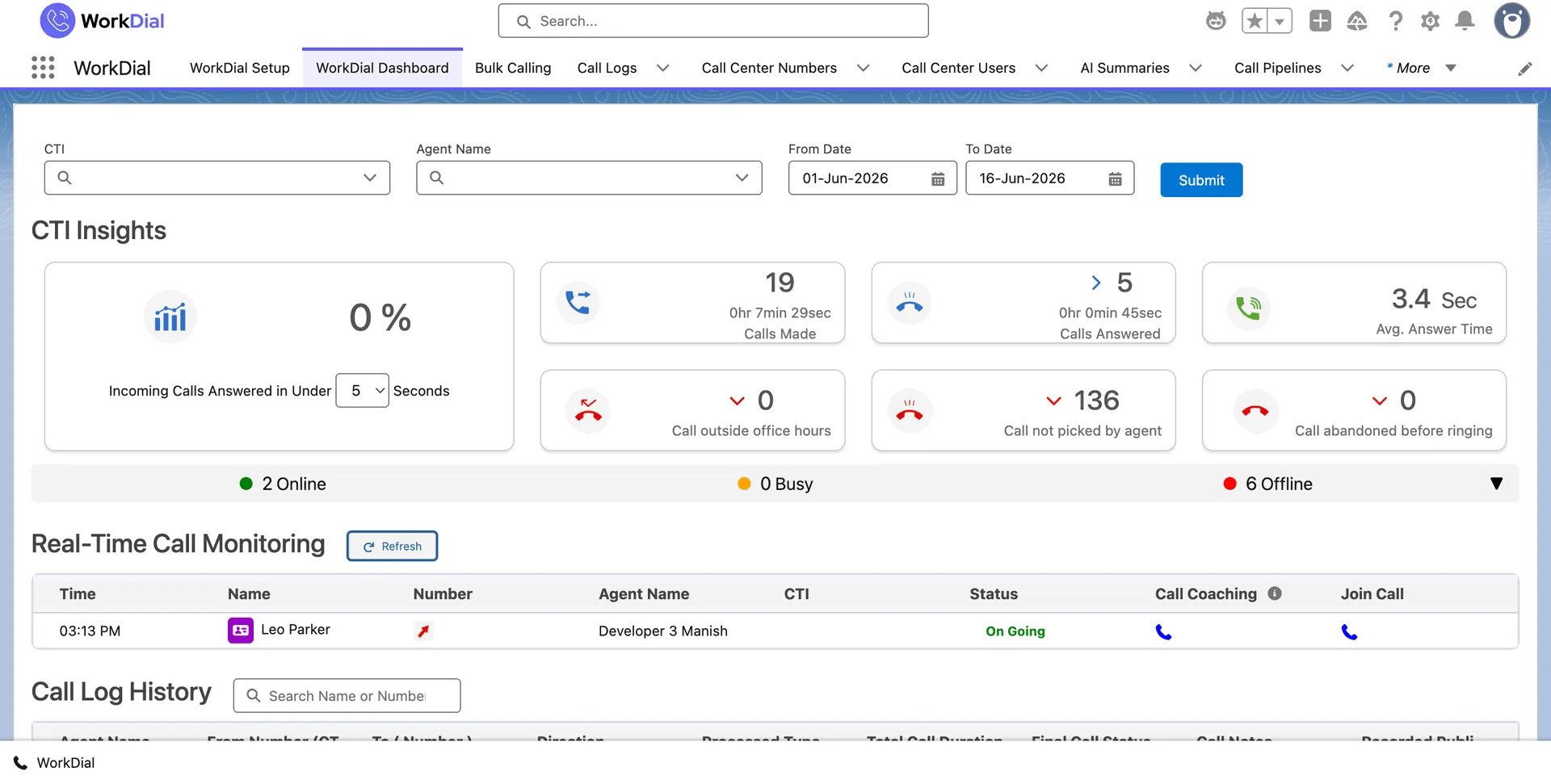
Because each WhatsApp call is a native record, it reaches your call dashboards alongside every PSTN call, with no separate log.
04Inside, not around
PSTN calls and WhatsApp voice calls both write to the same Salesforce objects through the same calling layer. Your reports, your Flows, and your security model treat them identically, because every call is a Call__c record. Outbound WhatsApp is request-based and inbound routes by your Salesforce data; both land on the record the same way. To activate WhatsApp, you enable the WhatsApp channel through your approved WhatsApp Business account. This is the inside-Salesforce versus integrated distinction applied to a second channel.
05What it means for the business
WhatsApp calls are the same Call__c records as your phone calls. One place to report on, no separate WhatsApp log to reconcile.
Reps work one calling layer, not two apps. Every WhatsApp call logs itself on the record, with no second login to manage.
WhatsApp calls report alongside your other calls and trigger Salesforce Flow directly. No connector to maintain. WorkDial keeps no external copy of your customer data: see where call data belongs.
06Who uses it
Take inbound WhatsApp calls on the case, route by status, and keep the recording and analysis on the record.
Reach buyers on the channel they answer, with every call logged to the opportunity for forecasting.
Handle PSTN and WhatsApp voice through one layer, with one set of reports and one security model.
Questions
Get started
4.97★ across 116 AppExchange reviews · from the team behind ValueText, the Salesforce-native messaging platform