
Service Cloud Voice vs CTI for Salesforce
Service Cloud Voice vs CTI comes down to where routing, call data, recordings, and configuration live. Here is a decision rule for Salesforce orgs.
Pick wrong and you re-platform in two years. Service Cloud Voice locks you into Omni-Channel routing and the VoiceCall data model; a native CTI keeps calling, AI analysis, and reporting inside Salesforce at $28 to $59 a seat with no add-on tax. Service Cloud Voice vs CTI is not a feature comparison. It comes down to where routing, call data, recordings, and configuration live, not which screen looks nicer. Here is the decision rule.
Are Service Cloud Voice and CTI the same thing?
No. They sit at different layers. Service Cloud Voice is a packaged Salesforce voice experience for service teams running on Omni-Channel, aligned to Salesforce’s VoiceCall data model. “CTI” (computer-telephony integration) is a category of integration patterns, and that range is wide:
- An Open CTI softphone embedded in Lightning.
- An external contact-center UI dropped into a Salesforce panel.
- An architecture where every call becomes a Salesforce record the moment it happens, with no vendor database in between.
Treating “CTI” as one thing is the mistake that derails these evaluations. The pattern you choose decides your reporting, your governance, and who owns change for the next three years.
Native CTI and integrated CTI are not the same architecture
A native CTI writes every call as a Salesforce object the moment it happens. An integrated (bolt-on) CTI connects to Salesforce from the outside: the call runs in the vendor platform, the recording sits in the vendor cloud, and outcomes sync into Salesforce as activity records on a delay, so Salesforce ends up as a second system of record, holding a copy, not the original.
WorkDial is a Salesforce-native CTI platform that takes this path. Call activity, dispositions, and AI artifacts (transcripts, sentiment, summaries) are written directly to Salesforce objects in real time, and telephony transport runs on your own Twilio account (bring your own account, BYOA), billed at carrier cost with no markup. See the deeper read on native vs integrated CTI for the full architecture argument.
Where does everything live? A side-by-side
The four columns that decide the fit are routing, call data, recordings, and configuration ownership. Here is how the three architectures compare.
| Where it lives | Service Cloud Voice | Native CTI (runs inside Salesforce) | Integrated CTI (connects from outside) |
|---|---|---|---|
| Routing | Salesforce Omni-Channel | Salesforce, admin-owned | Vendor platform, synced to Salesforce |
| Call data | VoiceCall objects | Salesforce objects, real time | Vendor database, synced in as activity |
| Recordings | Salesforce / partner storage | Your own Twilio (BYOA) | Vendor cloud |
| Configuration | Salesforce admin + setup | Admin-owned, no separate console | Separate vendor console |
| Reporting source of truth | Salesforce | Salesforce | Reconciliation between two systems |
The pattern that hurts later is the right-hand column: a calling UI that is convenient on day one but pushes data and governance work outside Salesforce, where your admins cannot own it.
The decision rule
Lead with where the data and the control belong, not with the demo.
Service Cloud Voice fits when:
- Voice is a core service channel routed through Omni-Channel.
- You want alignment to Salesforce’s VoiceCall data model for service workflows.
- You are comfortable operating inside a defined Salesforce telephony model.
This architecture fits when:
- You want calling, automatic logging, screen pops, and AI analysis inside Lightning without a separate console.
- You need call records, transcripts, and dispositions to be Salesforce data your admins control with permission sets.
- You want Salesforce dashboards to be the single source of truth, not a reconciliation of two systems.
An integrated (bolt-on) CTI still fits some orgs (a fixed telephony stack, minimal change tolerance). For the full framework on when that trade-off makes sense, see how to choose the right CTI for Salesforce.
WorkDial takes this path, not the integrated one. The call data is written as Salesforce objects, and the only thing that lives in your own account is the Twilio transport and audio you already control. If the tool is supposed to manage your Salesforce communication, why does your communication data live somewhere else?
How WorkDial maps to this decision
When the requirement is “no external CTI UI and call data that is native, not synced,” WorkDial provides click-to-dial, screen pops, logging, recordings in your own Twilio, AI analysis, and routing from within Salesforce. It is the Salesforce dialer and AI layer in one, governed by your existing Salesforce permission model.
It is buyable on its own. You do not need Service Cloud Voice, and you do not need ValueText, the messaging half of the same stack, to run it. The two together form the complete communication stack, and the WorkDial plus ValueText bundle is discounted 20%, but WorkDial stands alone.
For the full architectural picture, see the Salesforce CTI pillar and the framework for how to choose the right CTI for Salesforce. For the Salesforce-own cost math, including Service Cloud Voice, see what a Salesforce dialer costs per user.
Decide on architecture, then try it
Service Cloud Voice and this architecture both keep your data in Salesforce; an integrated bolt-on does not. If you want that without giving up your own Twilio and recordings, the fastest way to confirm the fit is to run it in your own org.
Start a trial: start your 14-day Professional trial, no card required. If routing, Omni-Channel alignment, or a larger rollout is in scope, talk to sales.
Common questions
- What is the difference between Service Cloud Voice and CTI?
- Service Cloud Voice is a Salesforce voice product for the Service Console, tied to Salesforce's Omni-Channel routing and VoiceCall data model. CTI is a broader category of telephony integration patterns that ranges from an Open CTI softphone to a native dialer that writes calls as Salesforce records.
- Does WorkDial run inside Salesforce or connect to it from outside?
- WorkDial runs inside Salesforce, not alongside it. Call activity, dispositions, and AI artifacts are written as native Salesforce objects in real time. It is not an integrated tool that holds your call data in a vendor database and syncs it in later.
- Where do call recordings live with a native CTI like WorkDial?
- Telephony runs on your own Twilio account under bring your own account (BYOA), so the audio recording stays in your own Twilio. The call data (activity, dispositions, transcripts, sentiment, summaries) is written natively to Salesforce objects you control with permission sets.
- Do I need Service Cloud Voice to use WorkDial?
- No. WorkDial is a standalone CTI platform that provides click-to-dial, screen pops, logging, AI analysis, and routing inside Salesforce. You can run it without Service Cloud Voice, and you can buy it without ValueText, the Salesforce-native messaging platform.
Written by WorkDial, The voice layer of Salesforce. WorkDial is built by the team behind ValueText, the Salesforce-native messaging platform, rated 4.97 stars across 116 AppExchange reviews.
Keep reading
Related posts.
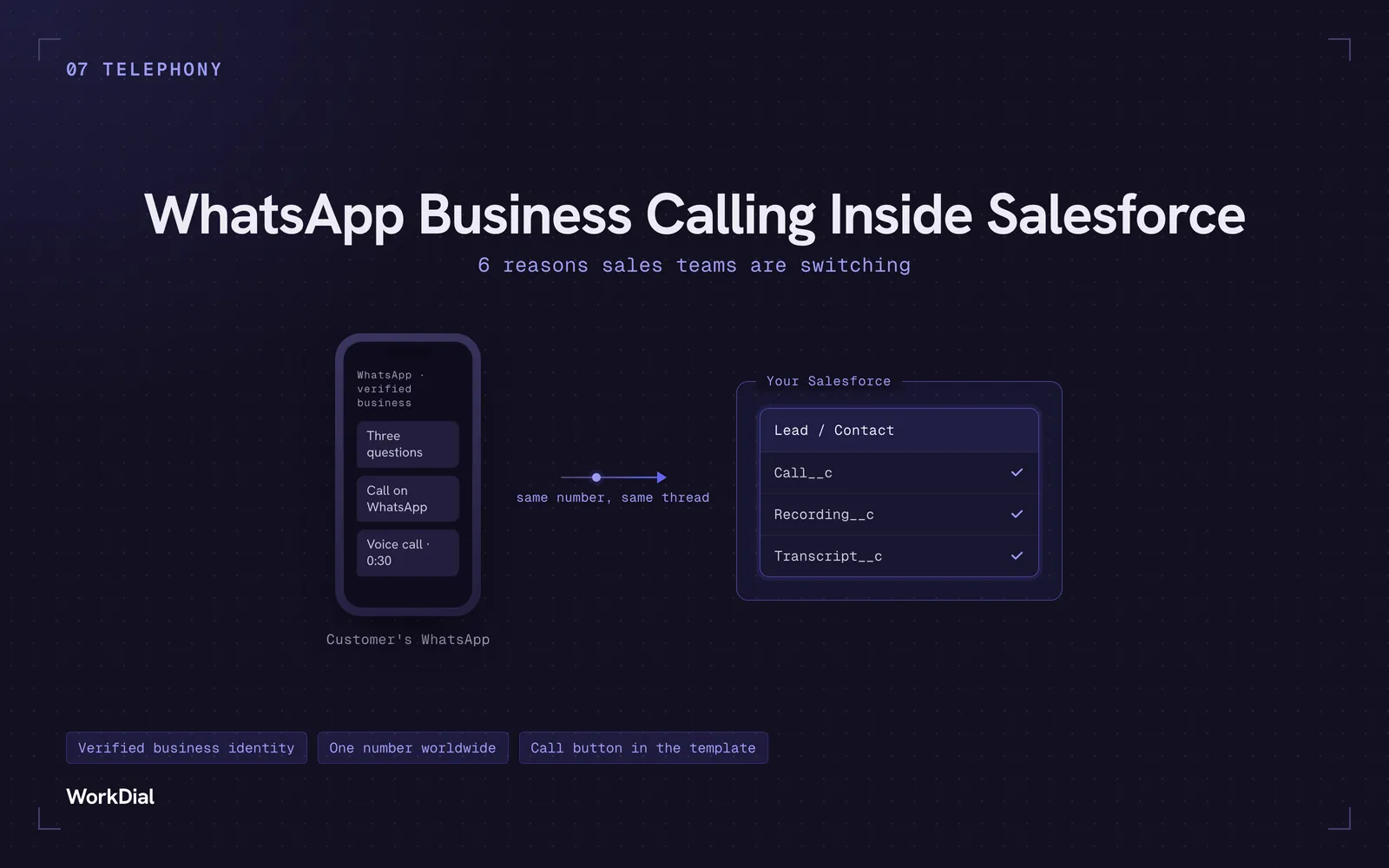
WhatsApp Business Calling Inside Salesforce: 6 Reasons Sales Teams Are Switching
Six reasons sales teams are moving calls onto WhatsApp inside Salesforce: one thread for chat and calls, a verified business identity on every call, one number worldwide, lower cost, a call button in the template, and one record for everything.
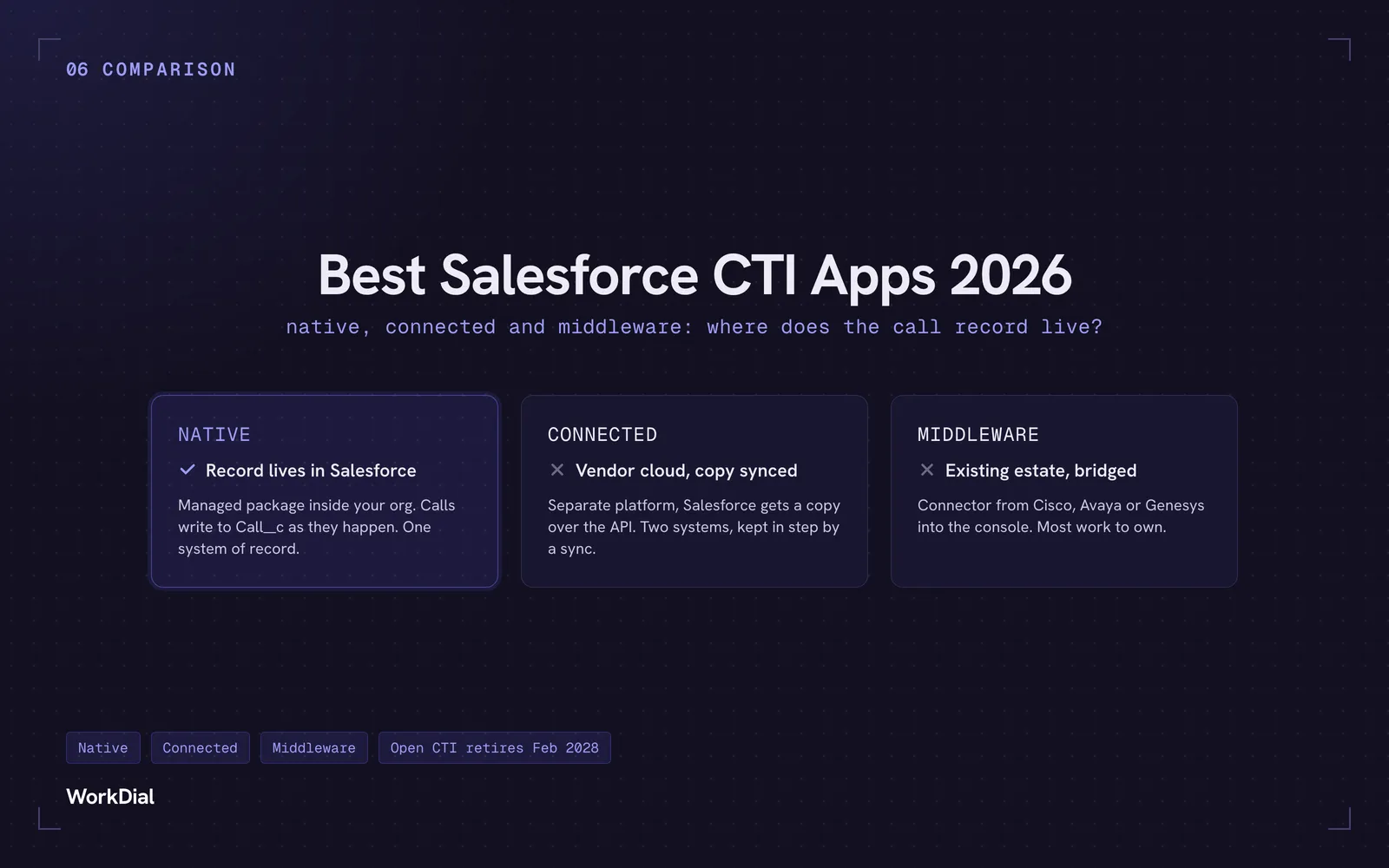
Best Salesforce CTI apps in 2026: native, connected and middleware
The 9 best Salesforce CTI apps in 2026, compared on one thing: where your call record actually lives. Native, connected and middleware, with real pricing.
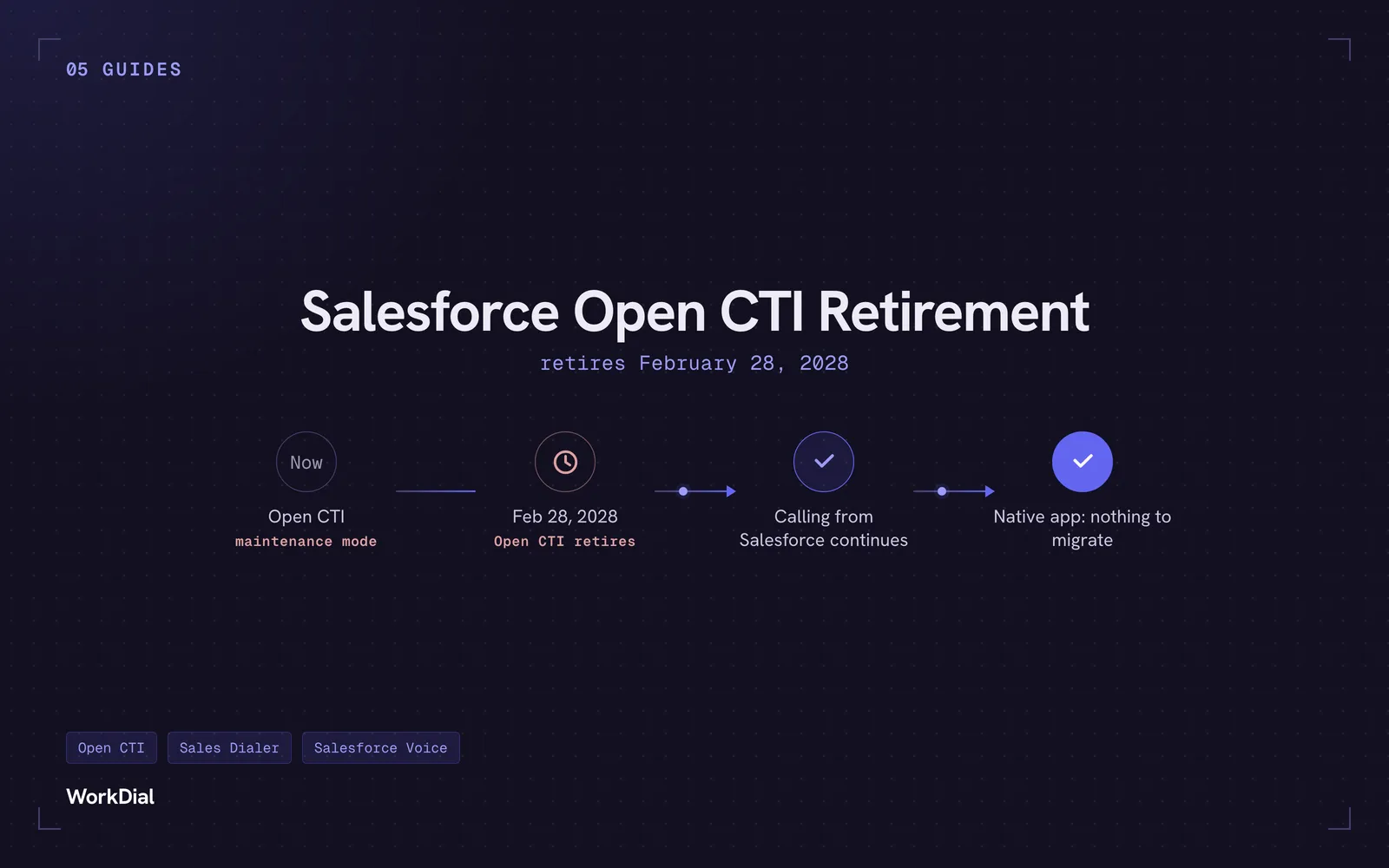
Salesforce Open CTI Retirement: What Actually Happens on February 28, 2028, and Your Real Options
Open CTI retires February 28, 2028. What breaks, what happens to your existing CTI, and how to keep calling in Salesforce without buying new licences.