
Why the first two hours decide every property deal
Portal leads are not exclusive: whoever reaches the buyer first, logged, books the viewing. Here is the Salesforce SLA that makes that repeatable.
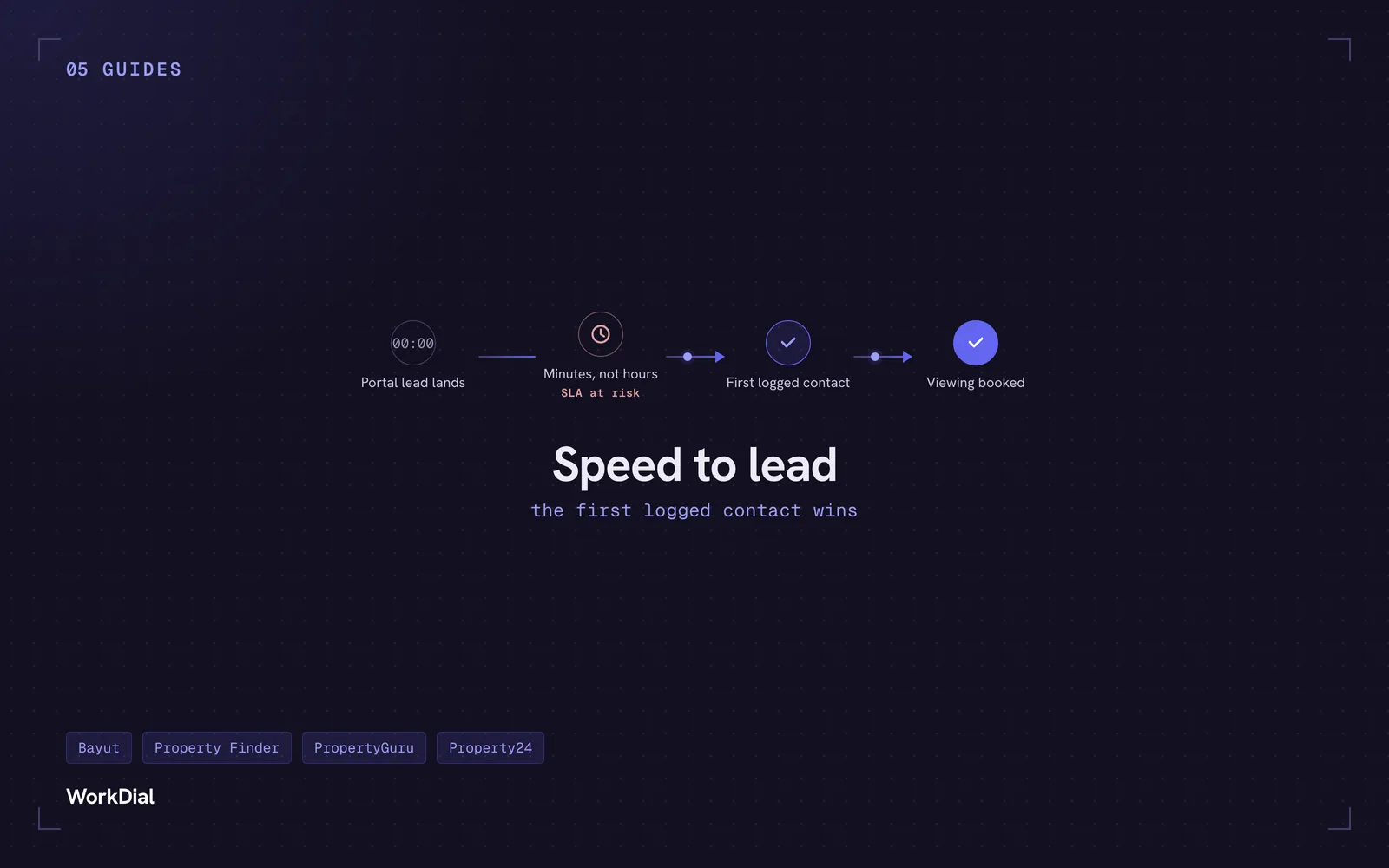
A buyer taps “contact agent” on a Bayut listing, then does the same thing on four more listings in the next ten minutes. Whoever calls back first, while that buyer is still standing in the building or scrolling the same search, gets the viewing. Everyone who responds after that is competing for a colder conversation with someone who has already moved on.
That is the entire economics of a portal lead. Bayut, Property Finder, PropertyGuru, and Property24 sell the same buyer’s attention to every agency chasing it, and intent decays by the hour, not the day. Speed to lead is not a dashboard vanity metric. It decides whether the lead you already paid for turns into a signed deal or someone else’s commission.
This post walks the mechanism: how a portal lead should move the moment it lands in Salesforce, why the argument over who actually contacted a client quietly wrecks a sales team’s trust and its numbers, and what an inside sales or BDR manager should measure to run a response SLA on evidence instead of opinion.
Why speed to lead decides more deals than conversion tactics do
Speed to lead matters more in real estate than in most verticals because portal leads are almost never exclusive. The same buyer who filled out a form on your listing filled out the same form on two or three competing listings in the same session, and each agency is racing to be the first live conversation the buyer has.
The agency that reaches the buyer first usually books the viewing, not because its pitch was sharper but because it was the only agency the buyer talked to before deciding where to spend a Saturday. Every lead-nurture tactic downstream of that first contact is optimizing a smaller and colder pool.
The channel shifts by market, the economics do not. A buyer comparing towers on Bayut or Property Finder in Dubai expects a WhatsApp reply within minutes, not a callback the next morning. A buyer shortlisting condos on PropertyGuru in Singapore, or a townhouse on Property24 in Johannesburg, is running the same side-by-side comparison across several agencies at once. Whichever agency turns up as a real, logged conversation first sets the terms for every conversation that buyer has afterward.
What actually happens inside the first two hours after a lead lands
A portal lead should auto-route to the listing owner the instant it lands in Salesforce, and the response clock should start at that same moment, before anyone has opened their phone. The routing decision is not a manual step for someone to notice in a shared inbox: it is an assignment rule or Flow that fires on the lead record itself.
From there, the agent works the lead without leaving Salesforce. They place a call straight from the record with the Salesforce dialer, or send a recorded WhatsApp voice call from the same record, both logged the instant they happen. WorkDial was first to market with WhatsApp voice inside Salesforce, so a buyer who would rather talk over WhatsApp than take a normal phone call never has to leave the channel they already picked.
The moment either call ends, AI call analysis attaches a summary, sentiment, and a next step to the record automatically. No agent has to type up notes before the next lead comes in, and no manager has to ask what happened on the call to find out.
The reshuffle problem: why leads get reassigned on gut feel
When a manager cannot see who actually contacted a lead and when, leads get reshuffled on argument instead of evidence. One agent insists they called twice, another insists they never got the assignment, and the manager reassigns the lead to whoever argues more convincingly, not whoever has proof.
That reshuffle costs more than the few minutes it takes to resolve. Leads sit untouched while the argument plays out, the same dispute repeats every week, and agents stop trusting that leads are distributed fairly. None of that shows up on a pipeline report, but all of it shows up in a lower contact rate.
A logged proof-of-contact record ends the argument on the spot: it either shows a timestamped call, WhatsApp message, or WhatsApp voice call against the lead, or it does not, and the manager spends no time refereeing whose word to trust.
This shows up hardest at agencies that split territory by building or community. Two agents legitimately worked the same tower this month, a walk-in buyer mentions they already spoke to “someone” from the agency, and without a record on the lead, sorting out who actually gets credit for the call comes down to whoever tells the story more firmly, not whoever picked up the phone first.
What an ops leader should measure: three numbers, not a vibe
Three numbers turn speed to lead from a slogan into something you manage: time-to-first-touch, contact rate, and SLA breaches. Each one answers a distinct question a manager actually needs answered every week.
- Time-to-first-touch: minutes between lead creation and the first logged contact, by agent and by lead source.
- Contact rate: the share of leads that produce an actual two-way conversation, not a dial attempt with no answer.
- SLA breaches: leads that cross your response window with no logged contact at all.
Because a portal lead, its routing, and every call and WhatsApp contact against it live as native records related to the same lead, these three numbers come out of standard Salesforce reports built on Call__c and its related objects. There is no vendor dashboard to reconcile against Salesforce, because there is only one place the activity was ever written.
Cut the same report by lead source and the three numbers stop being one blended average and start telling you where the real leak is. A slower contact rate on Property Finder leads than on Bayut leads, or a longer time-to-first-touch on evening leads than daytime ones, points a manager at a specific fix: a routing rule, a staffing gap, an agent who needs coaching, instead of a blanket instruction to the whole team.
Turning the SLA into something you can enforce
A response SLA is only enforceable if a breach is visible without asking anyone. If the honest answer to “did we hit our SLA this week” requires pulling logs from a separate dialer console or texting agents to ask, the SLA is a policy statement, not an operating control.
Build the report once, on Call__c and the related lead and contact activity, and a manager can see time-to-first-touch by agent, contact rate by source, and breach count for the week without leaving Salesforce. Coaching becomes specific: a manager can show a rep exactly how far their Bayut response time sits from the team average, not hand them a vague instruction to move quicker.
WorkDial is built by the team behind ValueText, the Salesforce-native messaging platform with 4.97 stars across 100+ AppExchange reviews. WorkDial carries the call and WhatsApp voice leg of that first response; ValueText carries WhatsApp chat and SMS on the same record, so the entire two-hour window is logged on one lead, not split across tools a manager has to check separately.
Speed to lead is not a mindset you install with a training session. It is a routing rule, a clock, and a record that proves what happened, all running on the lead the moment it lands. Get those three right and the reshuffle argument disappears along with the minutes you were losing to it.
See the response clock and proof-of-contact working on a real record: start your trial, no card required. If you would rather watch it running on a portal lead first, see it live.
Common questions
- Why does speed to lead matter for real estate?
- Portal leads from sites like Bayut, Property Finder, PropertyGuru, and Property24 are rarely exclusive: the same buyer often contacts several listings within minutes of searching. The agency that reaches the buyer first, while intent is still hot, is the one that books the viewing, and every response after that is competing for a colder conversation. Speed to lead is the mechanism that decides whether a lead you already paid for converts or goes to a competitor.
- How fast should you respond to a property portal lead?
- The response clock should start the instant the lead lands in Salesforce, and the target is a logged, two-way conversation within minutes, not hours. There is no single industry benchmark to cite, so set the target from your own data: track time-to-first-touch by agent and tighten the window until conversion stops improving. Waiting until the next hour, or the next business day, hands the buyer's attention to whichever competing agency called first.
- What is proof of contact and why does it matter?
- Proof of contact is a timestamped record on the lead or contact showing an agent actually reached the client: a completed call, a WhatsApp message, or a WhatsApp voice call, not a dial attempt with no answer. It matters because it replaces argument with evidence: a manager can see whether and when a lead was contacted instead of relying on an agent's word. On WorkDial, that record carries an AI-generated summary and next step attached to it automatically.
- How do you route a portal lead to the listing owner in Salesforce?
- A portal lead should enter Salesforce through Web-to-Lead or an API feed and route immediately to the agent who owns the listing, using assignment rules or Flow rather than a shared inbox an admin checks periodically. Because the routing decision and the resulting call and WhatsApp activity live on native Salesforce objects, the same automation that assigns the lead can start the response clock and flag it if the SLA is at risk. That removes the delay of a lead sitting unnoticed in a queue.
- How do you enforce a lead response SLA?
- An SLA is only enforceable if a breach is visible without asking anyone: report on time-to-first-touch, contact rate, and SLA breach count directly from the Salesforce objects that already hold call and message activity. WorkDial writes every call to native Call__c records the moment it happens, so those three numbers run on standard Salesforce reports and dashboards instead of a separate export or a manager's memory. That turns the SLA from a line on a slide into a number a manager checks the same way they check pipeline.
Written by WorkDial, The voice layer of Salesforce. WorkDial is built by the team behind ValueText, the Salesforce-native messaging platform, rated 4.97 stars across 116 AppExchange reviews.
Keep reading
Related posts.
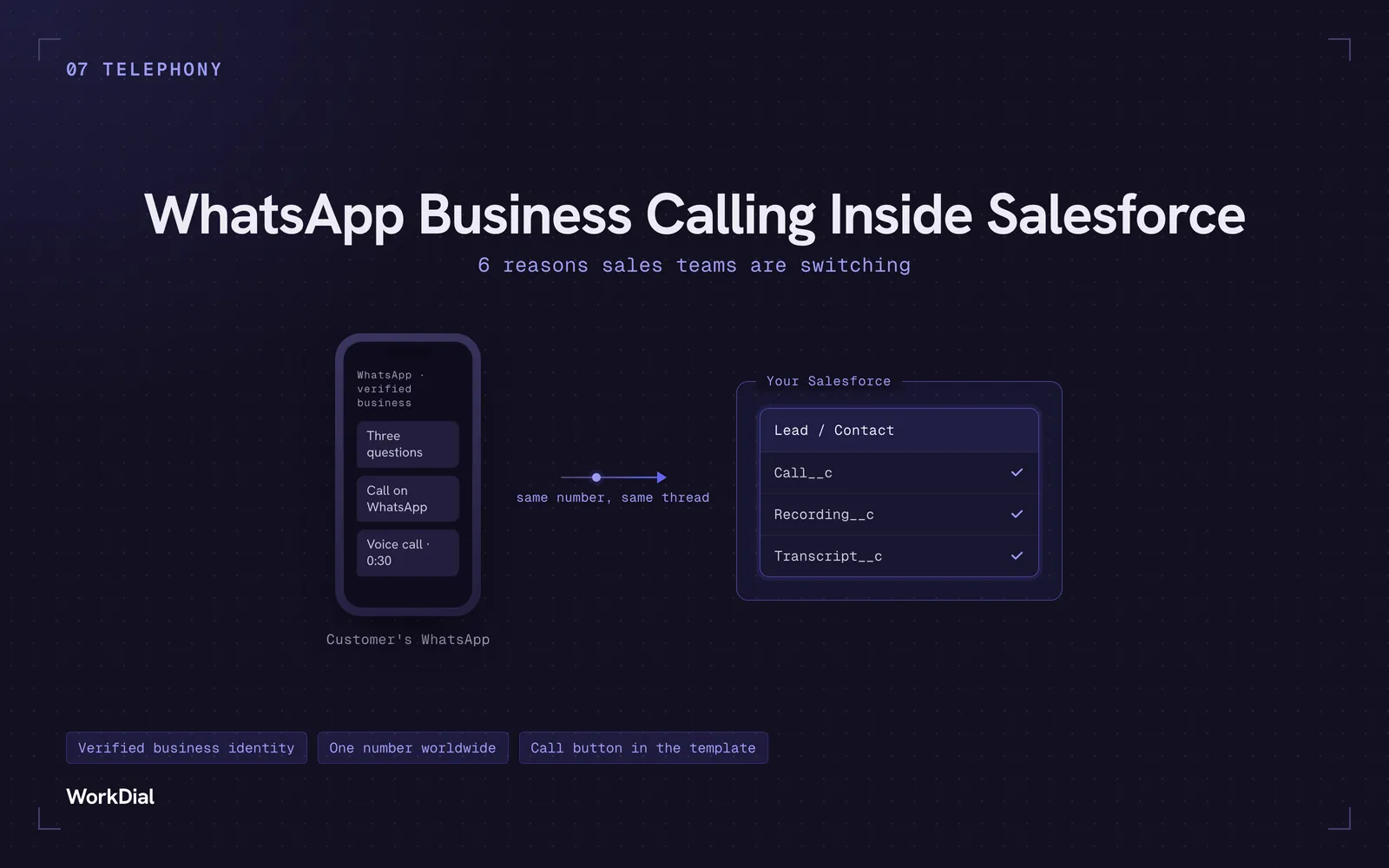
WhatsApp Business Calling Inside Salesforce: 6 Reasons Sales Teams Are Switching
Six reasons sales teams are moving calls onto WhatsApp inside Salesforce: one thread for chat and calls, a verified business identity on every call, one number worldwide, lower cost, a call button in the template, and one record for everything.
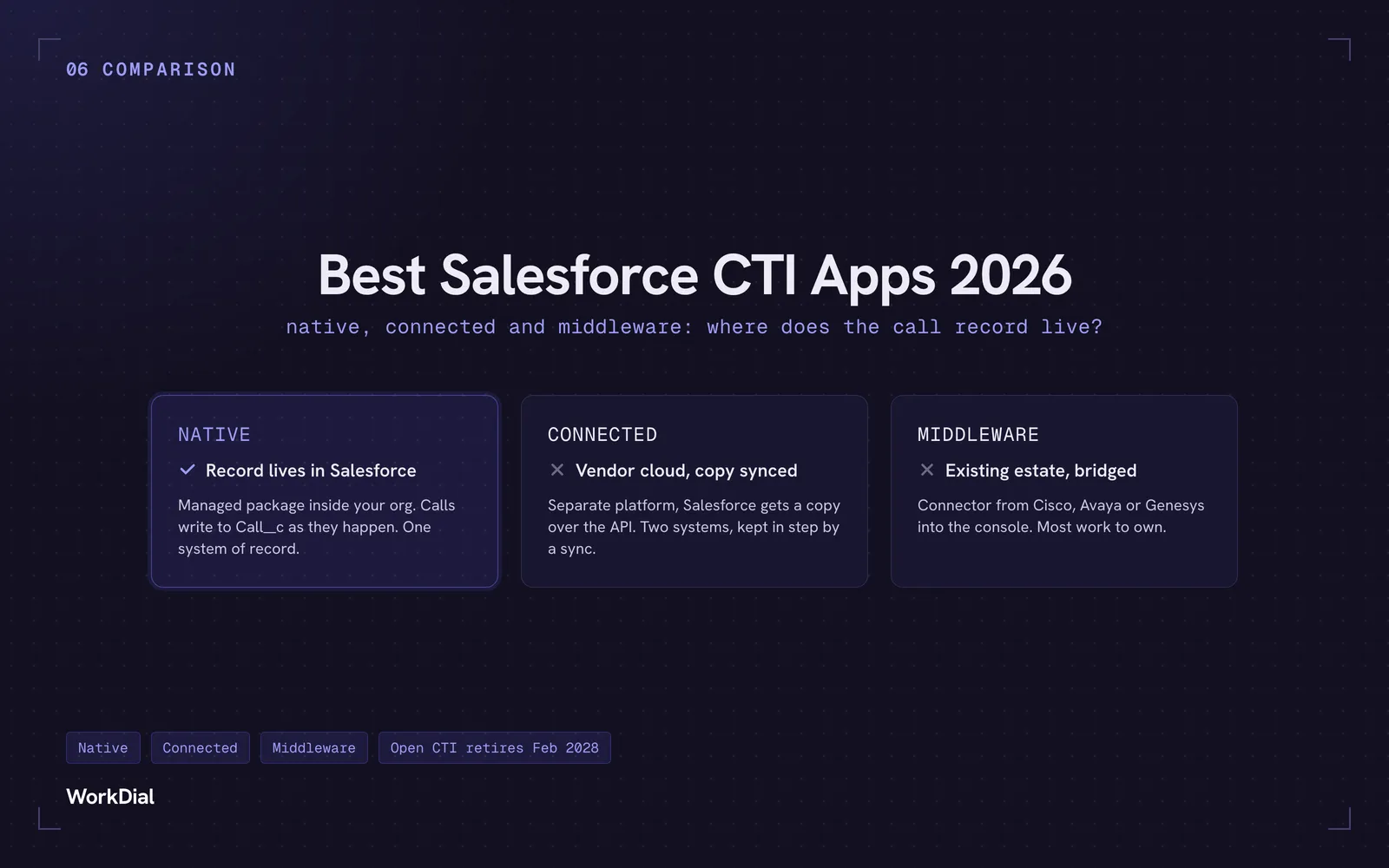
Best Salesforce CTI apps in 2026: native, connected and middleware
The 9 best Salesforce CTI apps in 2026, compared on one thing: where your call record actually lives. Native, connected and middleware, with real pricing.
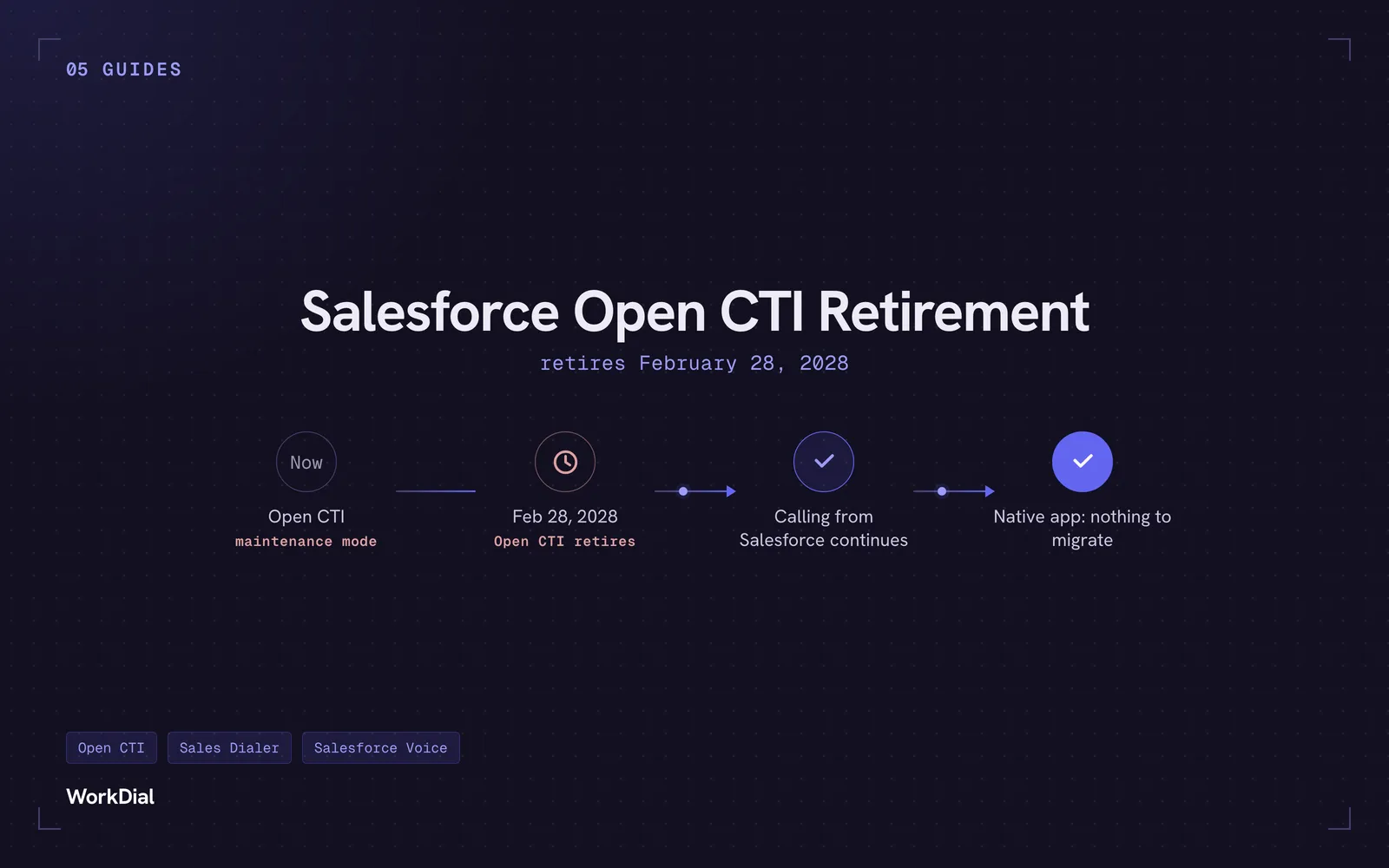
Salesforce Open CTI Retirement: What Actually Happens on February 28, 2028, and Your Real Options
Open CTI retires February 28, 2028. What breaks, what happens to your existing CTI, and how to keep calling in Salesforce without buying new licences.