
Native vs integrated CTI in Salesforce
Native vs integrated CTI comes down to one question: is Salesforce the system of record for your calls, or where a connector drops activity logs?
Native computer-telephony integration (CTI) writes call data as native Salesforce objects: the Call__c record, dispositions, and AI artifacts are created in Salesforce in real time. Integrated (bolt-on) CTI runs in a vendor system and syncs a copy of that activity into Salesforce after the call ends. The split is architectural, not a feature gap, and it decides where your reporting, routing, and access control actually live.
That single distinction explains most CTI rollout pain. The phones work, but reporting is unreliable, routing rules sit in a vendor console, and nobody is certain where call data and recordings live. Those are not feature problems. They trace back to one question: is Salesforce the system of record for telephony, or a place where a connector drops activity logs? For the fast, one-screen answer, see native vs integrated Salesforce CTI. This post is the architecture walkthrough: what native actually requires, how to diagnose an integrated tool in your own org, and the full axis-by-axis comparison.
What is the difference between native and integrated CTI?
A native Salesforce CTI represents the call as a native Salesforce record from the moment it starts, and runs routing, automation, and security on Salesforce’s own platform. An integrated CTI runs the call inside a separate vendor platform and pushes a summary into Salesforce afterward, so Salesforce becomes a consumer of telephony data rather than the place where telephony logic runs.
Both can install from the AppExchange. Both can show a softphone next to a record. The difference is invisible in a demo and decisive in production, because it determines what your admins can change, what your dashboards can trust, and what your security team has to govern in a second system. This is the native vs integrated question at the heart of Salesforce CTI, and it is worth answering before you compare a single feature.
WorkDial is a Salesforce-native CTI platform: other tools connect to Salesforce, WorkDial runs inside it.
How can I tell an integrated CTI from a native one?
You can identify an integrated Salesforce CTI by where its core logic lives, not by its marketing. The reliable test is to ask where the call record is created, where routing decisions are made, and where recording access is governed. If any of those answers point outside Salesforce, the tool is integrated, regardless of how the listing describes itself.
These symptoms show up in integrated implementations:
- Routing rules live in a separate admin console. No one in Salesforce can explain why a call went to one agent over another without logging into the vendor portal.
- Voice data does not behave like the rest of your CRM. Outcomes, queues, and recordings do not sit cleanly on the Call__c, Case, or Opportunity records leadership relies on.
- Reports disagree. The CTI dashboard and the Salesforce dashboard report different call counts for the same agent because they read different sources.
- Security reviews stall. Recordings are stored by the vendor, so who can listen, how long files are kept, and how access is audited is governed outside the Salesforce security model.
If several of those are true in your org, you are running on an integrated architecture even if the product is marketed for Salesforce.
Native vs integrated CTI, by architecture
The table below compares the two models across the axes admins, architects, and RevOps actually evaluate. It contrasts architectures, not named vendors.
| Axis | Integrated (bolt-on) CTI | Native CTI |
|---|---|---|
| Data model | Vendor defines its own call schema and maps a subset of fields into Salesforce as Tasks or custom objects after the call. | Calls are written as native Call__c records in real time, related to Contact, Lead, Case, Account, and Opportunity. |
| Routing | Queues, skills, and overflow live in a separate routing engine; voice and digital channels run on two routing brains. | Voice is a work item type in Omni-Channel, sharing the same queues, skills, presence, and business hours as cases and chat. |
| Automation and Flow | Vendor emits events via webhooks or a managed package; Salesforce reacts through custom integration logic that can drift. | Call lifecycle events are record events, so Record-Triggered Flows fire on Call__c objects with no translation layer. |
| Security model | Recording access, redaction, and retention are governed by the vendor’s security model, separate from Salesforce. | Access is governed by permission sets, profiles, field-level security, and sharing rules you already maintain. |
| Reporting | CTI dashboards read the vendor database, so call counts and outcomes can diverge from Salesforce activity. | Dashboards read native Call__c and related objects, so reporting matches the rest of the CRM. |
The pattern is consistent across every row. In an integrated model, Salesforce holds a copy of the truth. In a native model, Salesforce holds the truth. For a deeper treatment of why the record location matters more than any feature, see why call data belongs in Salesforce.
Where does call data live with a native CTI?
With a native CTI, the structured call data lives in Salesforce and the audio recording lives in your own carrier account. Call activity, dispositions, and the AI artifacts (transcripts, sentiment, summaries) are written to native Salesforce objects, not synced in from a vendor database. The recording itself stays in the telephony account you own.
This is the honest version of the data-residency story, and it matters because a Technical Champion will check it. A native CTI does not mean nothing leaves Salesforce. Telephony has to run on a carrier, and audio has to be stored somewhere. The architectural fact is narrower and stronger: WorkDial keeps no data store of its own. The records live in your org, and the recordings stay in infrastructure you control.
WorkDial implements this with bring-your-own-account (BYOA) telephony. Calls run on your own Twilio account, billed at carrier cost with no markup, so the transport and the recording storage stay in your Twilio account while the call record writes to Salesforce as a Call__c object. That split, transport in your telephony account, structured data in Salesforce, is what keeps WorkDial from holding a copy of its own. The mechanics are covered in bring your own Twilio; the cost and ownership consequences of the alternative are covered in why call data belongs in Salesforce.
What does native actually require in Salesforce terms?
Native CTI means the softphone runs as a Lightning component on Open CTI, the primary call record is the native Call__c object, routing uses Omni-Channel, automation runs in Flow and Apex, and security relies on Salesforce’s own permission model. If any of those run in a vendor system instead, the tool sits somewhere on the spectrum toward integrated, even when it installs from the AppExchange.
Being concrete here is the whole point, because the word native is used loosely in the market. A softphone embedded in an iframe that points back to Salesforce does not qualify, and neither does a proprietary call object with partial replication into Salesforce. The checkable definition is structural:
- The softphone is a Lightning component, not an embedded third-party UI.
- The call record is the native Call__c object, not a vendor object that replicates a subset of fields.
- Routing runs on Omni-Channel and Salesforce configuration, not an external engine.
- Automation is Flow and Apex on Salesforce objects, not middleware reacting to webhooks.
- Recordings, analytics, and access control rely on Salesforce’s data and permission model.
For how this lands on day-to-day operations, the works inside Salesforce surface walks through what changes for an agent and an admin.
How WorkDial implements the native model
WorkDial implements every requirement above rather than approximating it. The softphone is a Lightning component built on Open CTI and the Salesforce Voice APIs. Calls are logged as native Call__c records tied to the right business objects. Routing runs through Omni-Channel alongside your existing case and chat work. Telephony runs on your own Twilio account at carrier cost.
In practice that gives your teams admin-owned routing, business hours, and skills configured in Salesforce, a unified timeline where voice and messaging sit next to cases and tasks, real-time dashboards reading directly from native call objects, and a compliance story governed by the Salesforce controls your team already uses. The dialer side of that implementation is detailed on the Salesforce dialer page.
WorkDial is not a dialer that integrates with Salesforce. It is a CTI layer expressed in Salesforce primitives, so architecture, governance, and operations stay where your teams already work. It is buyable on its own. It also pairs with ValueText, the messaging platform built on the same native architecture, to form a complete communication stack inside Salesforce at a 20% bundle discount, but the voice product stands alone.
Where does Service Cloud Voice fit?
Service Cloud Voice is Salesforce’s own framework for bringing telephony into the agent console, and a native CTI builds on the same primitives (Call__c records, Omni-Channel, Open CTI) rather than working around them. The choice between Service Cloud Voice and a CTI app is itself an architectural decision, not a feature contest, and it depends on your licensing and your contact-center scale.
That comparison deserves its own treatment, covered in Service Cloud Voice vs CTI. The point for this discussion is narrow: a genuinely native CTI does not compete with Salesforce’s voice platform. It speaks the same object model.
A practical next step
If you are reviewing CTI options or untangling an existing rollout, start with an architectural audit rather than a feature matrix. Ask where routing rules live today, what the true system of record for call history is, which changes a Salesforce admin can make without a vendor portal, and whether you can answer audit and performance questions from Salesforce alone. Those four answers tell you where a tool sits on the native-to-integrated spectrum.
The native model holds because it removes the second system. There is no vendor database to reconcile, no separate routing brain, and no parallel security model. Your structured call data stays in Salesforce, and your recordings stay in whichever account you choose.
Start a trial to see the native architecture in your own org: start your 14-day Professional trial, no card required. If you would rather walk an architecture review with the team first, talk to sales.
Common questions
- What is the difference between native and integrated CTI in Salesforce?
- A native Salesforce CTI runs inside Salesforce: calls become native Call__c records, routing uses Omni-Channel, and automation runs in Flow. An integrated CTI runs in a vendor system and syncs a copy of call activity into Salesforce after the fact, keeping the source data in its own database.
- Where does call data live with a native CTI?
- With a native CTI, call activity, dispositions, and AI artifacts are written as native Salesforce objects in real time, not synced in from a vendor database. The audio recording lives in your own carrier account. So the structured call data is native to Salesforce and the recording stays in storage you control.
- Is WorkDial a native or integrated CTI?
- WorkDial is a Salesforce-native CTI platform. The softphone is a Lightning component on Open CTI, calls write to native Salesforce objects, routing runs through Omni-Channel, and automation runs in Flow. Telephony runs on your own Twilio account at carrier cost, so the transport and recording stay in infrastructure you own.
- Does an AppExchange listing mean a CTI is native?
- No. Many integrated CTI tools ship as AppExchange managed packages while their routing engine, call schema, and recordings still live in the vendor system. Architecture is what makes a CTI native: where the call record is written, where routing runs, and which security model governs access.
- Can I buy a native Salesforce CTI without other products?
- Yes. WorkDial is buyable on its own and sold without ValueText. It pairs with ValueText, the Salesforce-native messaging platform, to form a complete Salesforce-native communication stack at a 20% bundle discount, but the voice product stands alone.
Written by WorkDial, The voice layer of Salesforce. WorkDial is built by the team behind ValueText, the Salesforce-native messaging platform, rated 4.97 stars across 116 AppExchange reviews.
Keep reading
Related posts.
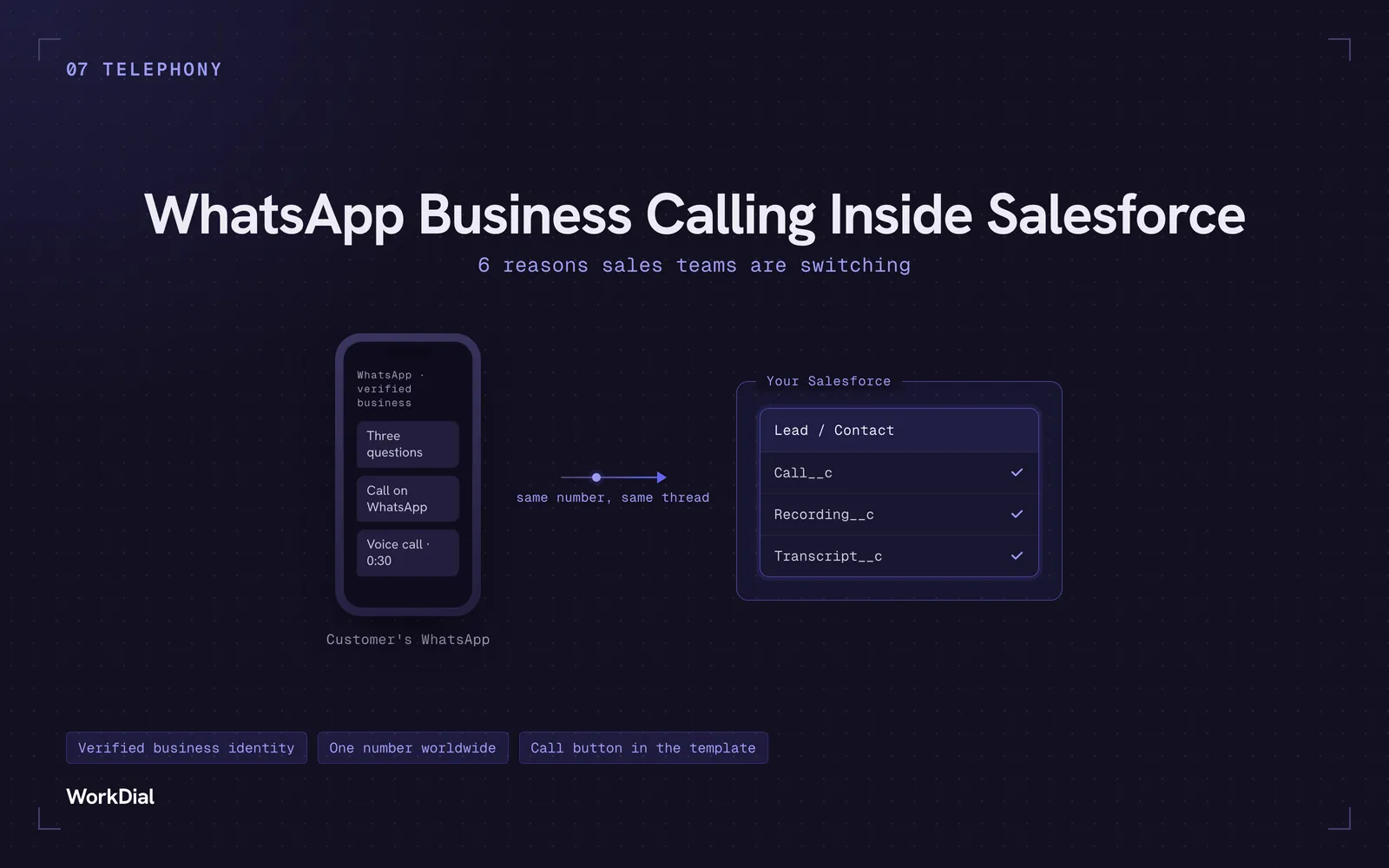
WhatsApp Business Calling Inside Salesforce: 6 Reasons Sales Teams Are Switching
Six reasons sales teams are moving calls onto WhatsApp inside Salesforce: one thread for chat and calls, a verified business identity on every call, one number worldwide, lower cost, a call button in the template, and one record for everything.
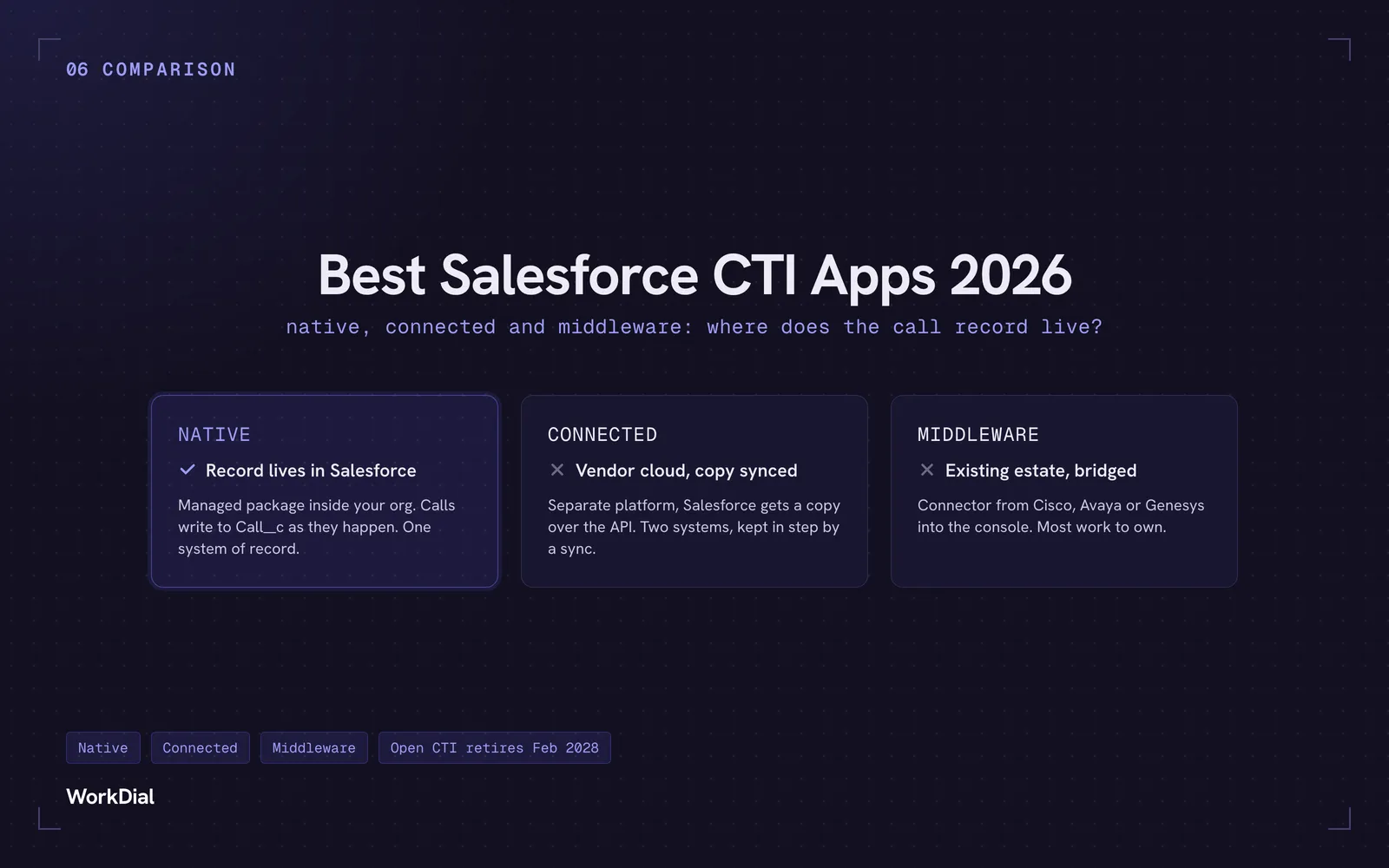
Best Salesforce CTI apps in 2026: native, connected and middleware
The 9 best Salesforce CTI apps in 2026, compared on one thing: where your call record actually lives. Native, connected and middleware, with real pricing.
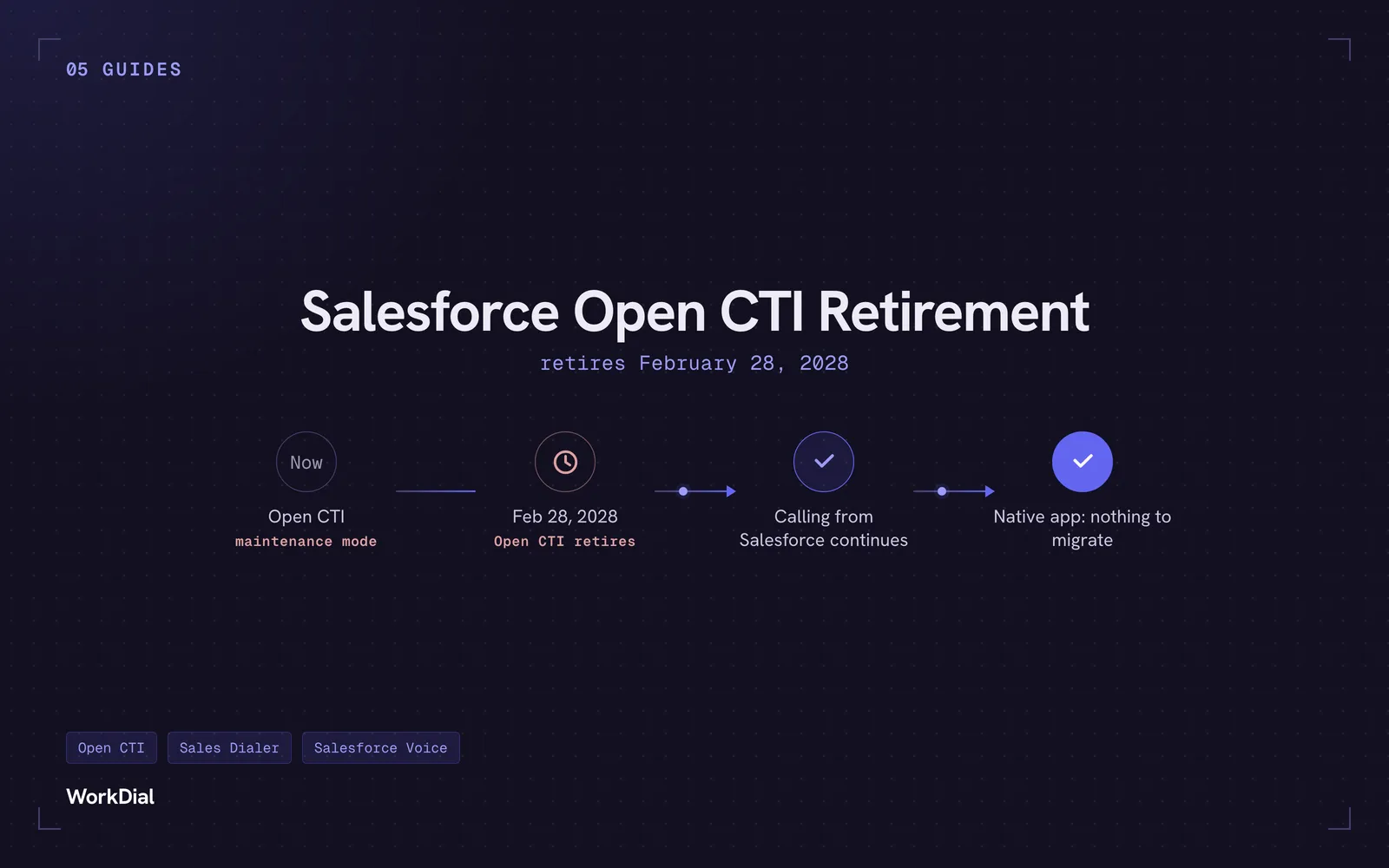
Salesforce Open CTI Retirement: What Actually Happens on February 28, 2028, and Your Real Options
Open CTI retires February 28, 2028. What breaks, what happens to your existing CTI, and how to keep calling in Salesforce without buying new licences.