
How to choose the right CTI for Salesforce
To choose a CTI for Salesforce, decide where call data should live. A native CTI writes records to Salesforce objects; a bolt-on syncs them in.
The first fork in any Salesforce CTI shortlist is architecture: native or bolt-on. See native vs integrated CTI for Salesforce for the full case.
WorkDial is a Salesforce-native CTI platform. The rest of this guide is the checklist that follows from building on that architecture: budget, the questions to put to a vendor’s sales rep, red flags in a demo, and how to read a Salesforce AppExchange listing before you sign.
What is your budget band by seat count?
Bucket your shortlist by seat count before comparing price sheets. Under 5 seats, a full CTI is usually overkill; general-purpose call tools cover it. From 5 to 50 seats, most Salesforce CTI vendors, WorkDial included, publish self-serve pricing you can check without a call. Above about 15 seats, or once procurement is involved, expect the conversation to shift to a sales-assisted quote regardless of vendor. At 500 or more seats, you are shopping in a different category: contact-center platforms built for workforce management and omnichannel routing, not a Salesforce CTI. WorkDial’s own tiers (Core, Professional, Enterprise) are published on the pricing page.
What should you ask a vendor’s sales rep?
Put five questions to every rep before the demo ends. Where does a completed call live: a Salesforce object, or a vendor database that syncs a copy in? Is AI (transcripts, sentiment, summaries) included in the seat price, or sold as a separate tier? Is telephony run on your own carrier account or the vendor’s, and is there a per-minute markup? Is there a seat minimum or a required annual commitment? Can you see published per-seat pricing, or does every quote start with a call? The answers sort vendors faster than any feature comparison.
What are the red flags in a demo?
Watch for four patterns. The rep cannot name the Salesforce object a call becomes, or answers with “it syncs over.” The demo runs in the vendor’s own console rather than inside a Salesforce org. AI is pitched as a paid add-on, discovered only when you ask. Pricing requires a custom quote with no published starting point. None of these disqualifies a vendor on its own, but two or more in the same demo is a reason to slow down.
How do you read a Salesforce AppExchange listing?
Check four things beyond the star rating. Review recency: fifty reviews from the past year tell you more than a high average built on reviews from three years ago. Review content: look for mentions of support response time and bug-fix speed, not just onboarding praise. Permission scope: the install prompt should request access that matches what the tool actually does; a CTI asking for broad object permissions across the org is worth a question. Listing transparency: a listing that links straight to per-seat pricing is easier to evaluate than one that routes every visitor to a contact form.
What about telephony and call recordings?
The call audio itself does not live in Salesforce; no CTI can put it there. The real question is whose account holds it, and whether the vendor charges a markup on top of carrier cost to store it.
WorkDial runs telephony on your own Twilio account (bring your own account, BYOA) at carrier cost with no markup, and the audio recording stays in that account. Salesforce holds the call record, dispositions, and AI artifacts; your Twilio account holds the transport and the recording. You are never renting minutes from a CTI vendor at a markup, and you are never handing recordings to a third-party cloud you cannot audit.
This is a sharper position than the loose claim some vendors make that your data never leaves Salesforce. It does, the moment a call connects. The defensible version: WorkDial keeps no data store of its own, and where the recording lives is your choice, not a fixed claim.
Which capabilities still matter once architecture is settled?
After you have ranked tools by architecture, compare the capabilities your team uses daily. Architecture decides where data lives; capabilities decide how reps spend their hours. Both belong on the scorecard, in that order.
For outbound teams, dialing speed is the lever. Decide whether reps need click-to-dial from any Salesforce record or a power dialer that works through a list without manual dialing between calls. The difference between a power and a predictive dialer is itself an architectural choice covered in power vs predictive dialing for Salesforce.
For teams that live on call quality, AI is the differentiator. AI call analysis for Salesforce writes transcripts, sentiment, and summaries as native records, so a manager can report on call themes in a standard Salesforce dashboard instead of a vendor console. Ask whether AI is included in the price or sold as an add-on tier, because that changes the real cost of the tool.
For inbound and support teams, routing and monitoring matter: skill-based routing, business-hours handling, supervisor monitoring. Map these to your actual call volume rather than buying the longest feature list. A capability you will not use is not a reason to pick a tool.
How do you run the evaluation itself?
Run a short, structured evaluation rather than a long demo tour. Three steps surface the architecture and the daily fit without dragging the decision out. For a rundown of the genuinely native field first, see the vendors that actually run inside Salesforce.
First, ask each vendor where a completed call lives and watch how directly they answer. A native vendor will name a Salesforce object. Second, run a trial with your own Salesforce org and your own data, and check whether a call shows up as a native record that Flow can act on immediately. WorkDial offers a 14-day no-card trial of the Professional tier for exactly this test. Third, involve your Salesforce admin or RevOps lead as the technical evaluator, because they are the person who will own the connector if you choose a bolt-on.
Pricing belongs in the same pass. Compare published, per-seat pricing rather than custom quotes where you can, and factor in whether AI and telephony markup are bundled or extra. WorkDial publishes its tiers (Core, Professional, and Enterprise) on the pricing page so you can model cost before a sales call.
Where WorkDial fits
WorkDial is part of the Salesforce CTI category, built on the side of the line that runs inside Salesforce: every call becomes a Call__c record, telephony runs on your own Twilio at cost, and AI is included rather than sold as an add-on. It is bought on its own. ValueText, the messaging platform from the same team, is a separate product; run together they form the complete Salesforce communication stack. To see how all of this lands in the org, look at how WorkDial works inside Salesforce.
If your shortlist still treats Salesforce as a place to sync data into, you are evaluating bolt-ons. If you want the tool to run inside Salesforce, start a trial and check whether a real call becomes a native record in your own org. Prefer to see it first? View a demo.
Common questions
- What is the most important criterion when choosing a CTI for Salesforce?
- Where call data lives. A native CTI writes call activity, dispositions, and AI artifacts as Salesforce objects you own. A bolt-on keeps them in a vendor database and syncs copies in, so reports, automation, and security depend on a connector that can lag or break.
- How can I tell if a Salesforce CTI is native or a bolt-on?
- Ask where a completed call lives. If the answer is a Salesforce object that Flow can trigger on the moment the call ends, it runs inside Salesforce. If the answer is a vendor cloud that syncs records over, it is a bolt-on connected to Salesforce, not built into it.
- Should I pick a CTI on features or architecture?
- Architecture first, then features. Feature lists converge over time, but architecture decides whether your call data is a real Salesforce record or a synced copy. A native CTI lets Salesforce reports, Flow, and sharing rules act on calls directly, with no middleware to maintain.
- Does a native Salesforce CTI control my call recordings?
- Not with WorkDial. Telephony runs on your own Twilio account at carrier cost, and the audio recording stays in that account. The call activity, dispositions, and AI artifacts become native Salesforce records, while the recording storage and carrier transport stay under your control.
- Can I buy WorkDial without ValueText?
- Yes. WorkDial is a standalone Salesforce-native CTI platform and is bought on its own. ValueText, the Salesforce-native messaging platform, is a separate product from the same team. Run together they form the Salesforce-native communication stack, with a 20% discount on the combined total.
Written by WorkDial, The voice layer of Salesforce. WorkDial is built by the team behind ValueText, the Salesforce-native messaging platform, rated 4.97 stars across 116 AppExchange reviews.
Keep reading
Related posts.
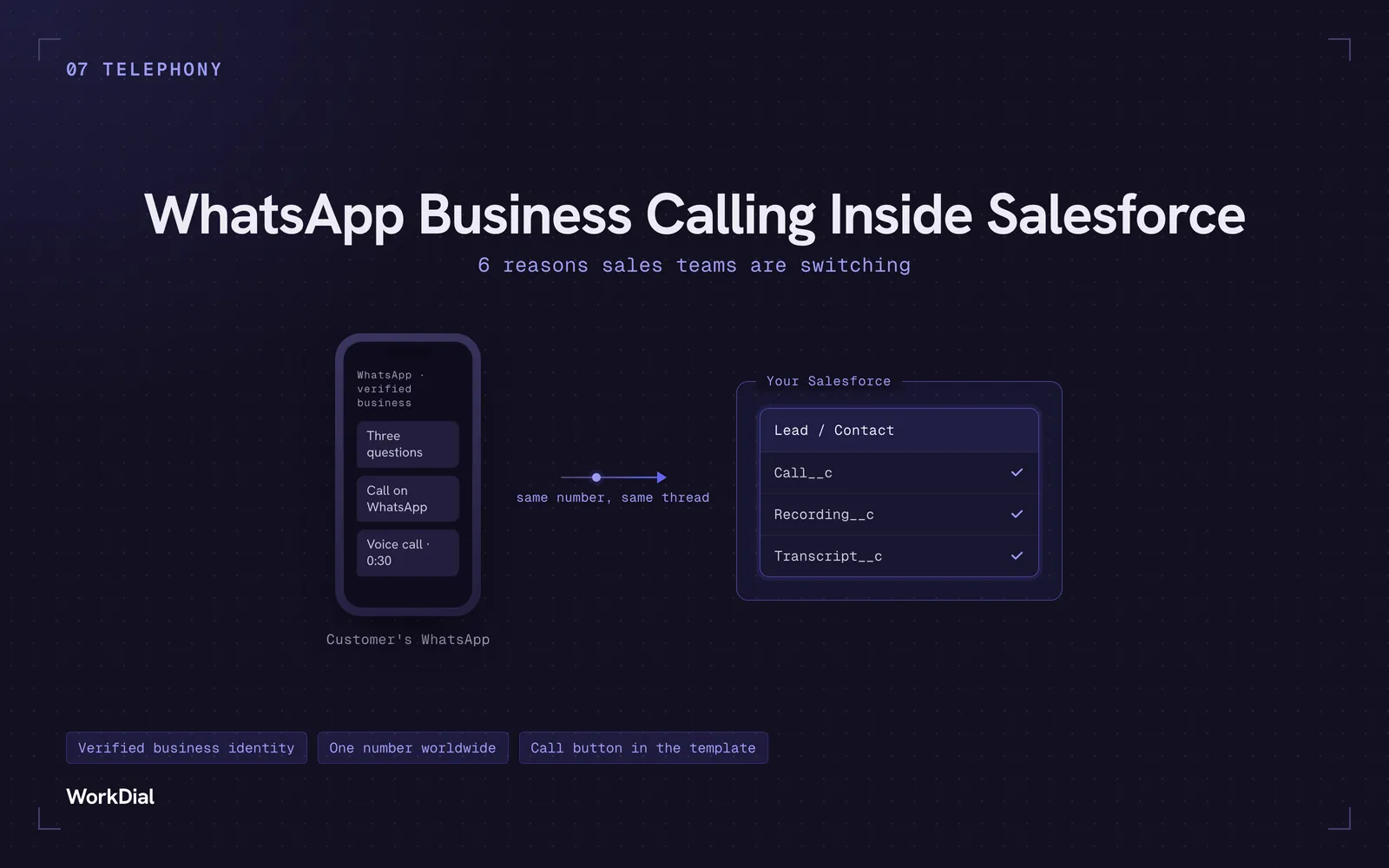
WhatsApp Business Calling Inside Salesforce: 6 Reasons Sales Teams Are Switching
Six reasons sales teams are moving calls onto WhatsApp inside Salesforce: one thread for chat and calls, a verified business identity on every call, one number worldwide, lower cost, a call button in the template, and one record for everything.
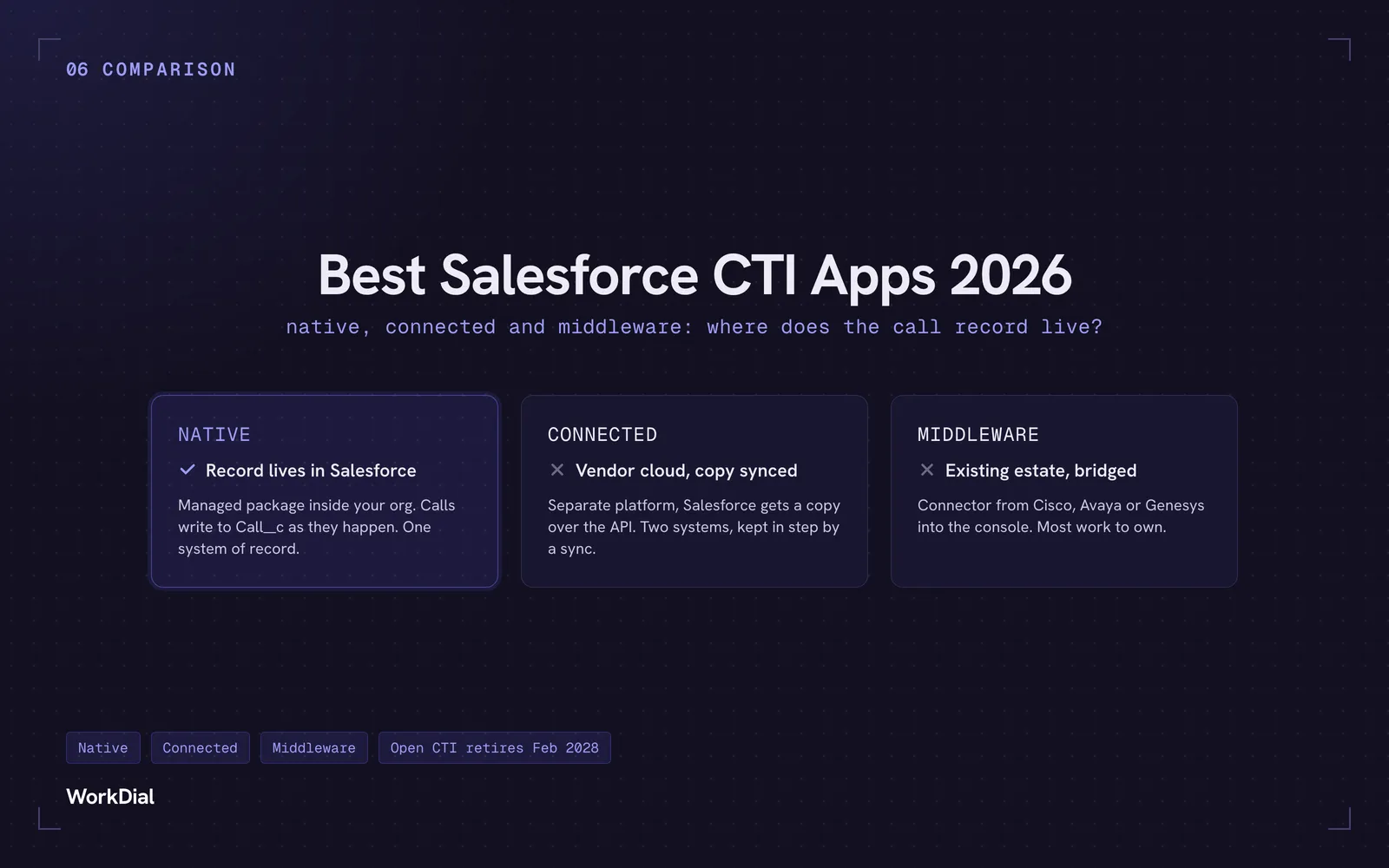
Best Salesforce CTI apps in 2026: native, connected and middleware
The 9 best Salesforce CTI apps in 2026, compared on one thing: where your call record actually lives. Native, connected and middleware, with real pricing.
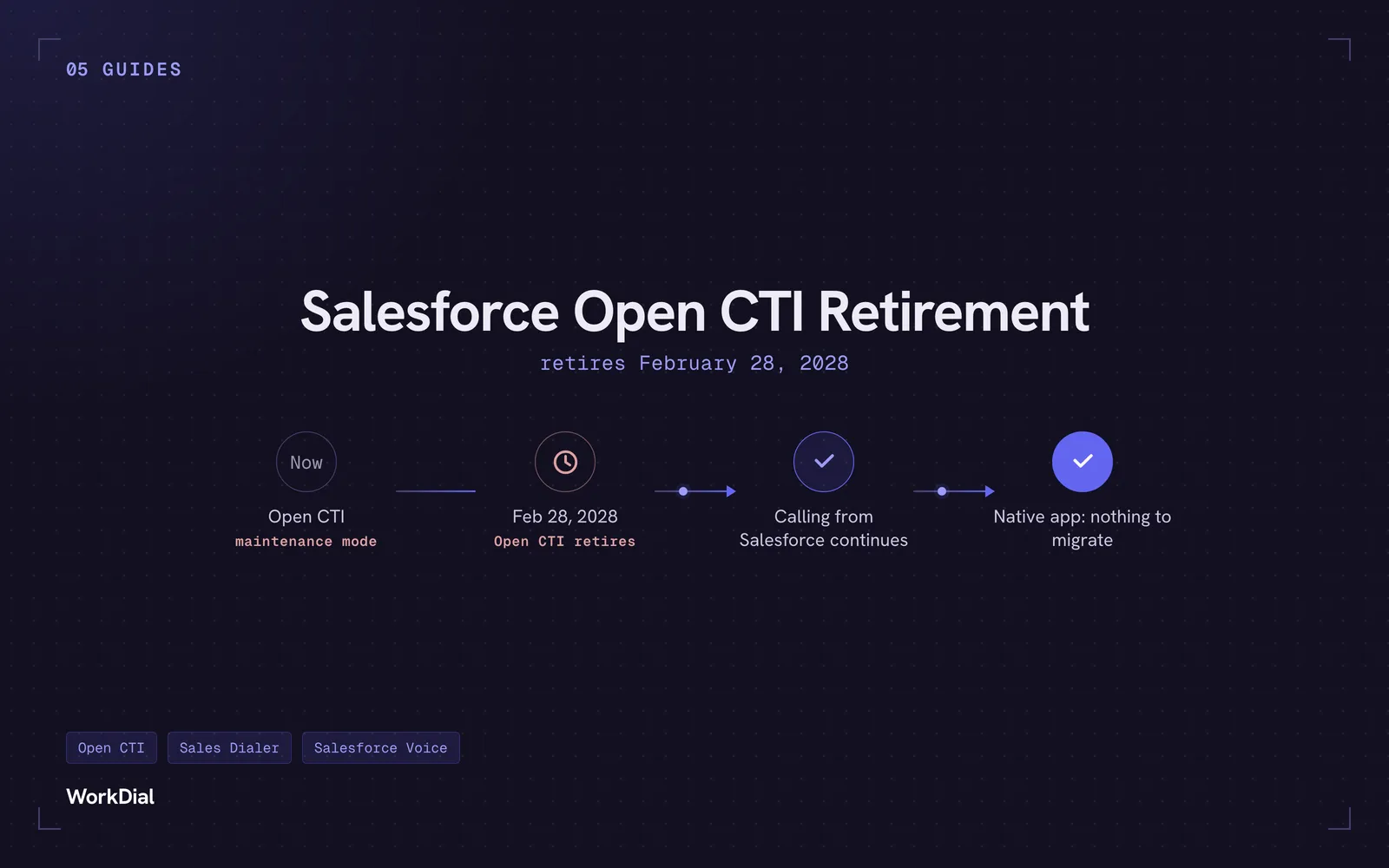
Salesforce Open CTI Retirement: What Actually Happens on February 28, 2028, and Your Real Options
Open CTI retires February 28, 2028. What breaks, what happens to your existing CTI, and how to keep calling in Salesforce without buying new licences.