
How automatic call logging works in Salesforce
Automatic call logging writes every call to Salesforce as a native record the moment it ends, removing manual data entry and closing the gaps it leaves.
Automatic call logging in Salesforce writes every call to a native Salesforce record the moment it ends. WorkDial captures the contact or lead, related record, duration, direction, and disposition without the rep typing anything. On plans with AI, the transcript, sentiment, and summary attach to the same record, so the activity history fills itself.
What does automatic call logging in Salesforce mean?
Automatic call logging means the act of recording a call in the CRM happens by the system, not by the rep. Instead of a person ending a call and then opening a record to type what happened, the Salesforce-native CTI platform creates the activity entry from the call event itself: connected, duration, direction, outcome.
Manual logging is the alternative, and it leaves a thin activity record. Reps end a call, move to the next one, and come back to type notes hours later or not at all. The gaps are predictable: calls that connected but were never logged, dispositions guessed from memory, follow-up dates that depend on whether someone remembered. The cost is real even without a percentage attached to it: time spent on data entry is time not spent on the next call, and a half-logged pipeline produces reports nobody trusts.
Where does the logged call data live with WorkDial?
WorkDial writes call data as native Salesforce objects in your own org. WorkDial is a CTI platform (computer-telephony integration, the layer that connects your phone system to your CRM) that runs the call inside Salesforce rather than connecting to it from outside. Call activity, dispositions, and the AI artifacts (transcripts, sentiment, summaries) become native records the moment the call ends.
The difference shows up at the moment the call ends: WorkDial writes the record directly into Salesforce, a bolt-on dialer writes it into its own database first and copies it in later. The record you see in Salesforce, in the bolt-on case, is a mirror of data that lives somewhere else. With native logging there is no mirror: the call record belongs in Salesforce from the start, and Salesforce reports, Flow automation, and sharing rules act on the real object.
The honest version of the data story has two halves. The call data (activity, disposition, transcript, sentiment, summary) lives natively in Salesforce. The carrier transport and the audio recording live in your own Twilio account, because WorkDial telephony runs on bring-your-own-account (BYOA) billing at carrier cost with no markup. So the records are native and the recording stays in an account you control. WorkDial keeps no data store of its own.
How does automatic call logging work, step by step?
Automatic logging works because the dialer and the CRM are the same system, so the call event writes the record directly. The sequence is short:
- A rep places or receives a call through the Salesforce dialer inside their Salesforce view.
- When the call ends, WorkDial creates the activity on the related contact, lead, or opportunity: duration, direction, timestamp, and the disposition the rep picked.
- On plans that include AI, the AI call analysis attaches the transcript, sentiment read, and summary to the same record.
- Salesforce Flow can trigger on the new call record immediately, since it is a native object, not an inbound sync.
No field mapping between systems, no nightly sync job, no reconciliation when the vendor database and Salesforce disagree. The record is correct because there is only one record.
Automatic vs manual logging
Native and synced logging differ in one place: who creates the record and when. WorkDial writes the call as a Salesforce object the instant it ends; a bolt-on connector stores it in its own cloud first, then copies a version in on a schedule. The full trade-off breakdown, timing, source of truth, where AI artifacts attach, lives in the native versus integrated CTI comparison.
A connector can log calls automatically too. The question is what gets written and where it lives. If the tool is supposed to log your Salesforce calls, why does the log entry start its life somewhere else?
What gets logged automatically
A native log is more than a timestamp. WorkDial captures the full shape of the call as Salesforce data:
- The matched contact, lead, or opportunity, so the activity lands on the right record.
- Duration, direction (inbound or outbound), and connection outcome.
- The disposition the rep selects, available as a reportable field.
- On AI plans, the transcript, a sentiment read, and a summary, all attached to the call record.
Because these are native fields, you build reports and dashboards on them with standard Salesforce reporting. No export to a vendor dashboard, no waiting for a sync to value the numbers. The Salesforce CTI pillar maps where call logging sits among routing, dialing, and analysis.
Does this replace manual logging entirely?
Yes, for the mechanical part. Reps stop typing the who, when, and how-long of each call, because the system already knows it. What a rep still adds is judgment: a next step, a note the transcript missed, a field a Flow cannot infer. The activity record stops depending on memory and discipline, which is where manual logging fails first.
That reliability is the point of automatic logging. A pipeline reported from native call data reflects what happened, not what reps found time to record. Coaching, forecasting, and follow-up all rest on the same complete activity history.
Where WorkDial fits
WorkDial runs inside Salesforce, sold on its own, at its own published pricing, with a 14-day no-card trial of the Professional plan that includes full AI call analysis. It is buyable without anything else. ValueText, the messaging counterpart that runs the same way, is the messaging half; the two together form the complete communication stack, and the bundle saves 20% on the combined subscription, but WorkDial stands alone.
Automatic call logging is one piece of what runs natively once you are inside Salesforce. View a demo to watch a call become a Salesforce record in real time, or start a trial and check your own activity history against it.
Common questions
- What does automatic call logging in Salesforce do?
- Automatic call logging writes each call to Salesforce the moment it ends: who was called, the related record, duration, direction, and disposition. The rep does not type anything. With WorkDial the entry is a native Salesforce record, not a row synced in from a separate vendor database.
- Does WorkDial store my call recordings?
- No. WorkDial keeps no data store of its own. Call activity, dispositions, transcripts, sentiment, and summaries are written to native Salesforce objects in your org. The audio recording stays in your own Twilio account, since calling runs on your Twilio under bring-your-own-account billing.
- Do reps still have to log calls manually?
- No. WorkDial logs the call automatically as a native Salesforce activity when the call ends, including disposition and AI artifacts on the plans that include analysis. Reps stop retyping notes, so the activity record stops depending on whether each rep remembered to log.
- Can I get automatic call logging without buying ValueText?
- Yes. WorkDial is a Salesforce-native CTI platform sold on its own, with its own pricing. ValueText, the Salesforce-native messaging platform, is a separate product. The two together form the complete Salesforce-native communication stack, but neither requires the other.
Written by WorkDial, The voice layer of Salesforce. WorkDial is built by the team behind ValueText, the Salesforce-native messaging platform, rated 4.97 stars across 116 AppExchange reviews.
Keep reading
Related posts.
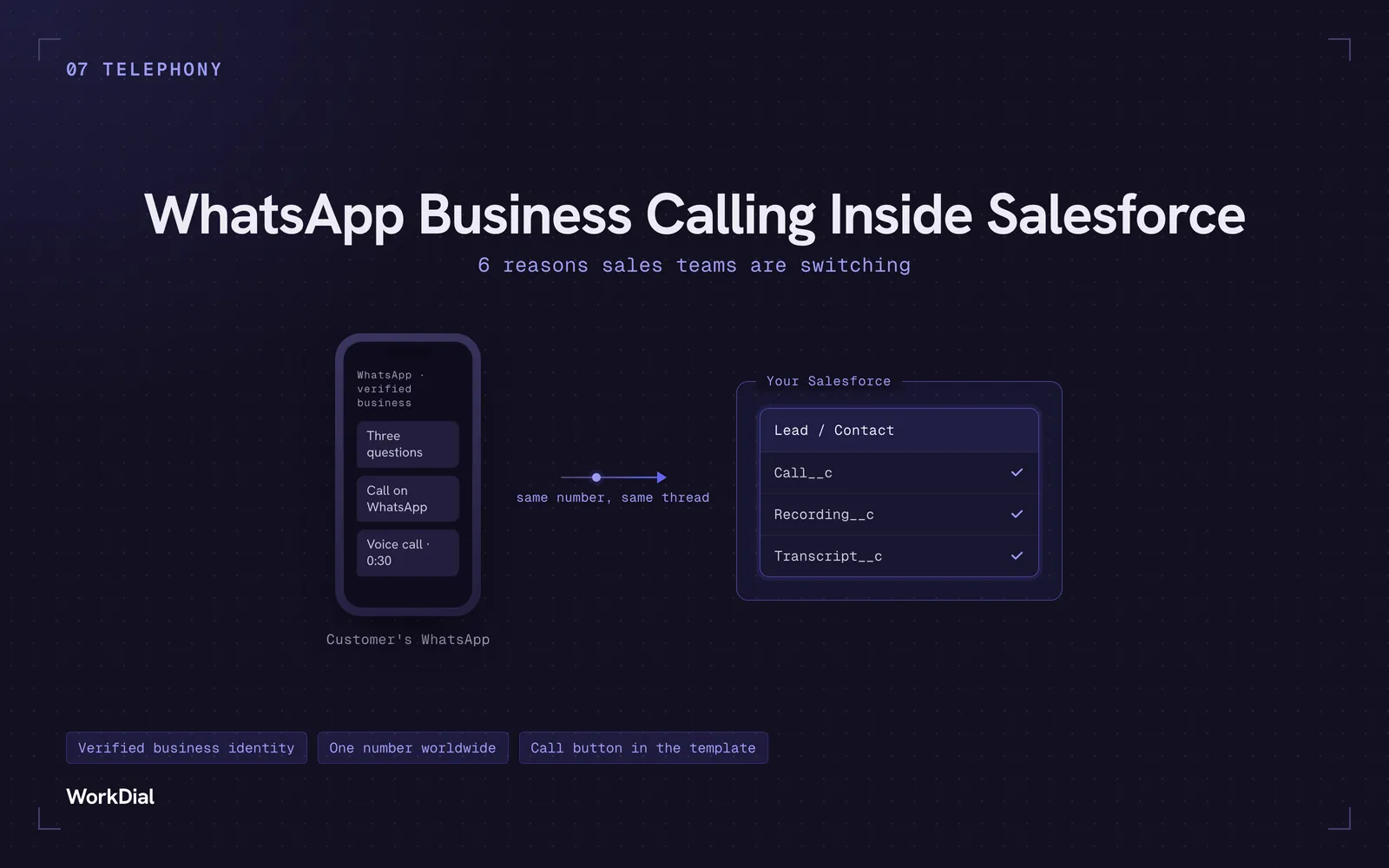
WhatsApp Business Calling Inside Salesforce: 6 Reasons Sales Teams Are Switching
Six reasons sales teams are moving calls onto WhatsApp inside Salesforce: one thread for chat and calls, a verified business identity on every call, one number worldwide, lower cost, a call button in the template, and one record for everything.
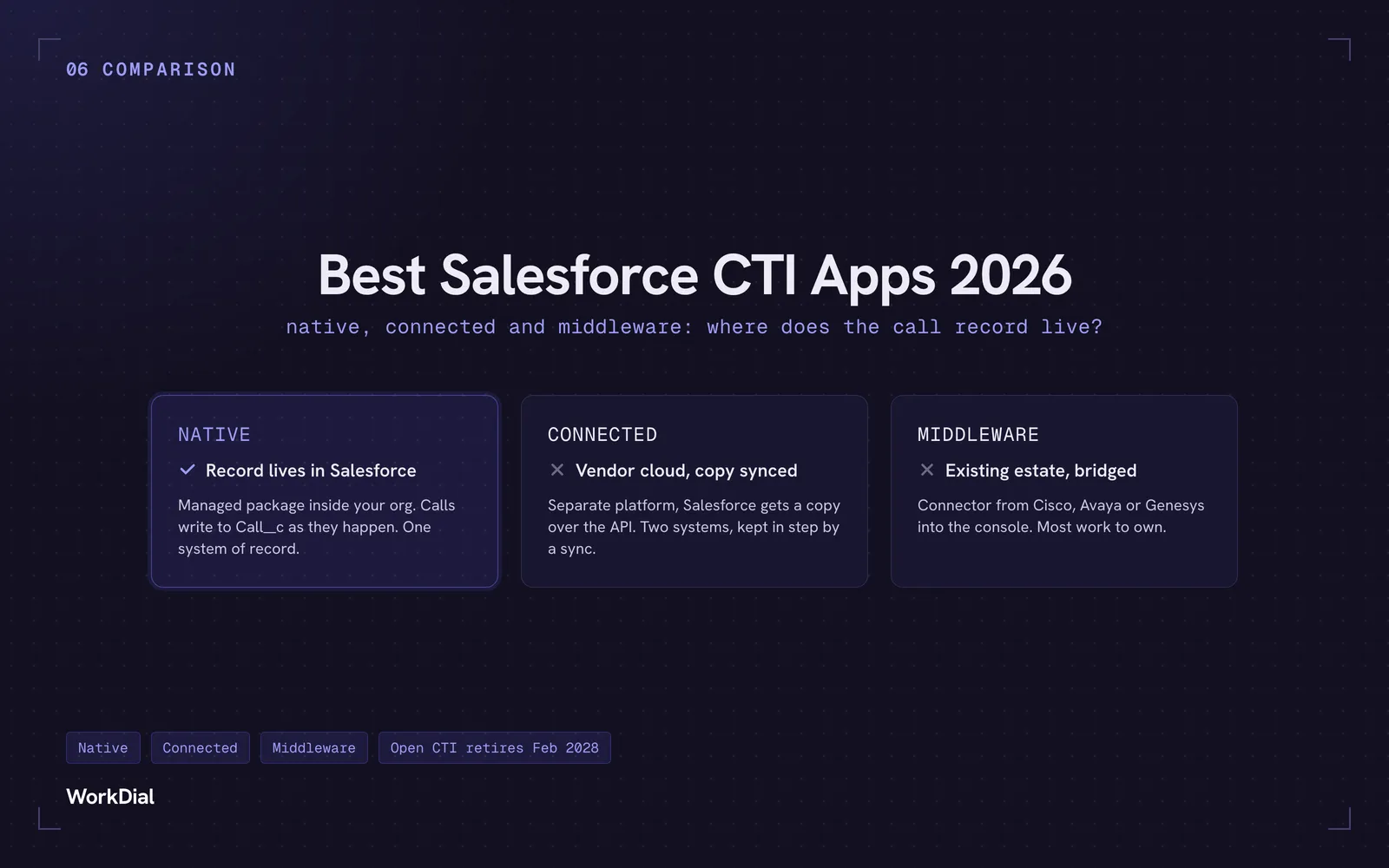
Best Salesforce CTI apps in 2026: native, connected and middleware
The 9 best Salesforce CTI apps in 2026, compared on one thing: where your call record actually lives. Native, connected and middleware, with real pricing.
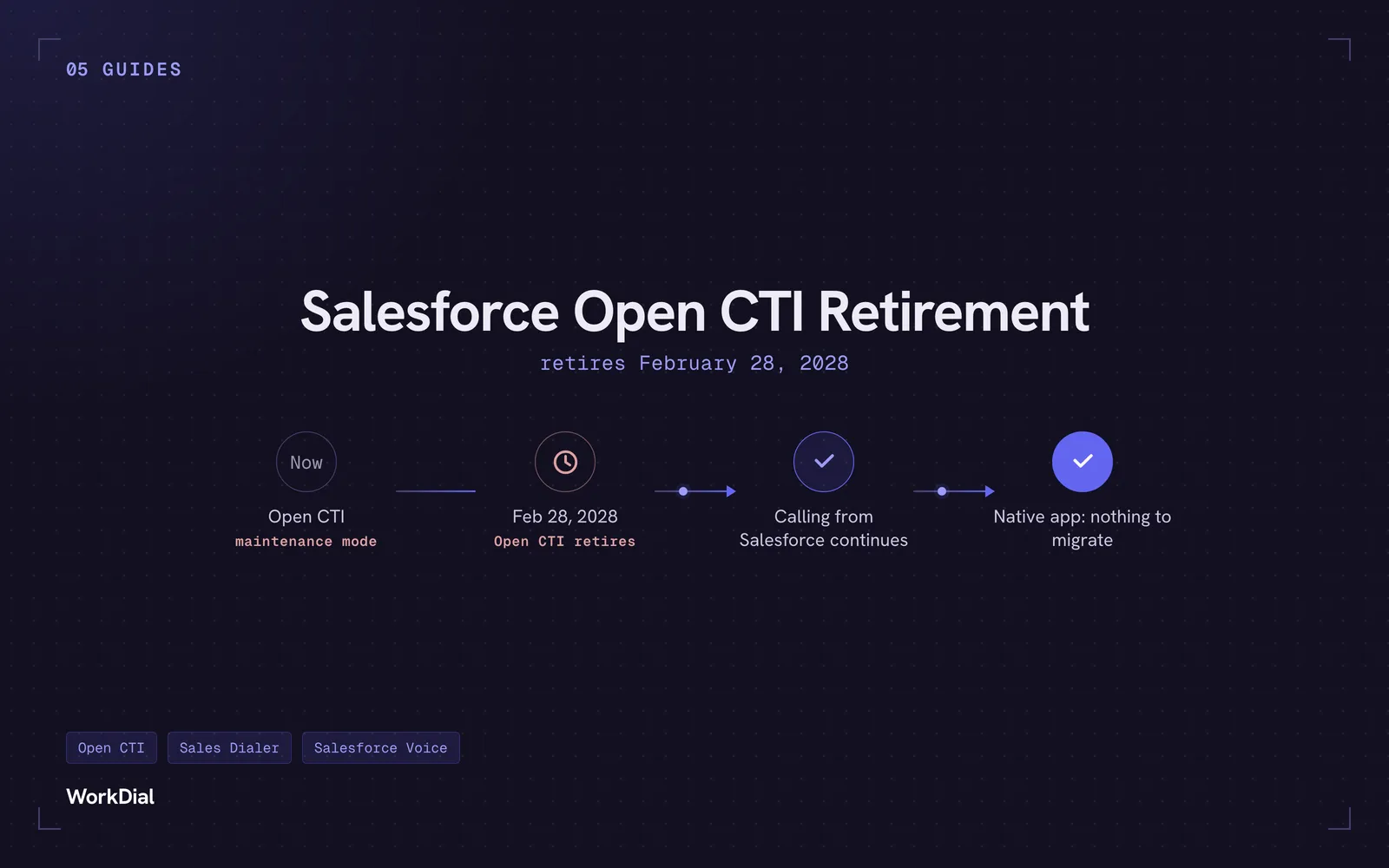
Salesforce Open CTI Retirement: What Actually Happens on February 28, 2028, and Your Real Options
Open CTI retires February 28, 2028. What breaks, what happens to your existing CTI, and how to keep calling in Salesforce without buying new licences.