
How CTI improves CRM data and sales work
CTI that runs inside Salesforce writes every call as a native record, makes speed-to-lead measurable, and routes work in Salesforce. Here is how it works.
WorkDial is a Salesforce-native CTI platform that improves CRM data and sales follow-through by writing every call as a native Salesforce record the moment it happens. Computer-telephony integration (CTI) built this way turns calls into structured activity, makes speed-to-lead measurable, and routes work through Salesforce instead of an external admin portal.
Most Salesforce orgs run a CRM that works well and telephony that sits next to it. CTI gets described as click-to-dial and call logging, which undersells what running natively inside Salesforce does to your data. When the phone layer is a true platform component, it changes how records are created, how work is queued, and how consistently follow-up happens. Other tools connect to Salesforce. WorkDial runs inside it.
How does CTI make every call structured CRM data?
CTI makes calls structured CRM data by writing each one as a native Call__c record tied to the lead, contact, account, and opportunity, capturing direction, duration, outcome, and disposition in the same data model instead of freehand notes or a vendor database. The full mechanics of that record structure: automatic call logging in Salesforce.
How does CTI make speed-to-lead enforceable?
CTI makes speed-to-lead enforceable by triggering a call task the instant a lead is created and logging the first attempt as a Call__c record, so response time is measured from the data instead of taken on a rep’s word. The full mechanics of the click-to-dial flow and the enforcement rule: click-to-dial from any record.
How does routing focus reps on the right work?
Routing focuses reps on the right work by letting Salesforce, not the rep, decide who handles each conversation: Omni-Channel queues and skills route inbound calls to the correct person, and business hours send off-hours calls to voicemail or overflow. The full routing rules: skill-based routing and business hours.
How do dispositions drive follow-up discipline?
Dispositions drive follow-up discipline by turning each call outcome into a structured field tied to an automatic next action through Salesforce Flow, so a promised follow-up becomes a task instead of a gap in the activity record. Managers see which deals have calls but no follow-up task, and which reps lean on generic dispositions instead of specific ones.
How does CTI make coaching data-driven?
CTI makes coaching data-driven by attaching recording references and AI artifacts to the same Call__c records managers already report on, so coaching patterns correlate with pipeline movement instead of anecdote. The full mechanics of transcripts, sentiment, and manager review views: AI call analysis; the same data feeds CTI dashboards in Salesforce without an export step.
Where the architecture changes the picture
These gains depend on telephony being a platform component, not an addition bolted onto the side. When the phone runs through an iframe or a separate desktop application, partial logging is common, sync delays appear, and routing rules split between Salesforce and an external admin portal: a second system of record for every call. See native versus integrated CTI for the full side-by-side.
Built on Open CTI and Salesforce Voice APIs, the Call__c records exist from the start, routing runs on Omni-Channel, and automation runs on Flow against standard objects. At that point, “CTI improving CRM performance” is not a slogan. It is a side-effect of the architecture. The deeper case for keeping records native is laid out in the architecture pillar on Salesforce CTI.
WorkDial follows this pattern: the softphone is a Lightning component on Open CTI and the Voice APIs, calls are stored as native Call__c records, and routing runs through Omni-Channel and business hours. Telephony runs on your own Twilio account billed at carrier cost with no markup, so the call data is native in Salesforce while the recording stays in storage you control. WorkDial keeps no data store of its own.
Put the architecture to work
If your CRM data quality and follow-through depend on the phone layer, the place that data lives is the decision that matters. WorkDial writes calls as native Salesforce records, so reporting, routing, and coaching all run on one model. AI transcription and sentiment are included, not a line-item add-on, and telephony runs on your own Twilio at cost with no markup. Start a trial to see your own calls land as native records, or view a demo if you want a walkthrough first.
Common questions
- Does CTI actually improve CRM data quality?
- Yes, when the computer-telephony integration (CTI) writes calls as native Salesforce records rather than syncing them in from a vendor database. Each call lands as a Call__c record linked to the lead, contact, account, and opportunity, so the activity history is complete and reportable instead of scattered across notes.
- How does CTI make speed-to-lead enforceable?
- A CTI platform built this way can trigger a call task or dialer list the moment a lead is created, then record the first call attempt as a native Call__c record. Because creation timestamps and outcomes live in the same data model, you can measure response time directly instead of trusting that reps logged it.
- Where do call recordings live with a native CTI?
- With WorkDial, the call activity, dispositions, and AI artifacts are written to native Salesforce objects. The carrier transport and audio recording stay in your own Twilio account under bring-your-own-account (BYOA) billing. So the call data is native in Salesforce while the recording stays in storage you control.
- Do I need ValueText to use WorkDial?
- No. WorkDial is buyable on its own. ValueText, the messaging platform that runs the same way inside Salesforce, is the messaging layer that pairs with it to form the complete communication stack, but WorkDial stands alone for voice and AI call analysis.
Written by WorkDial, The voice layer of Salesforce. WorkDial is built by the team behind ValueText, the Salesforce-native messaging platform, rated 4.97 stars across 116 AppExchange reviews.
Keep reading
Related posts.
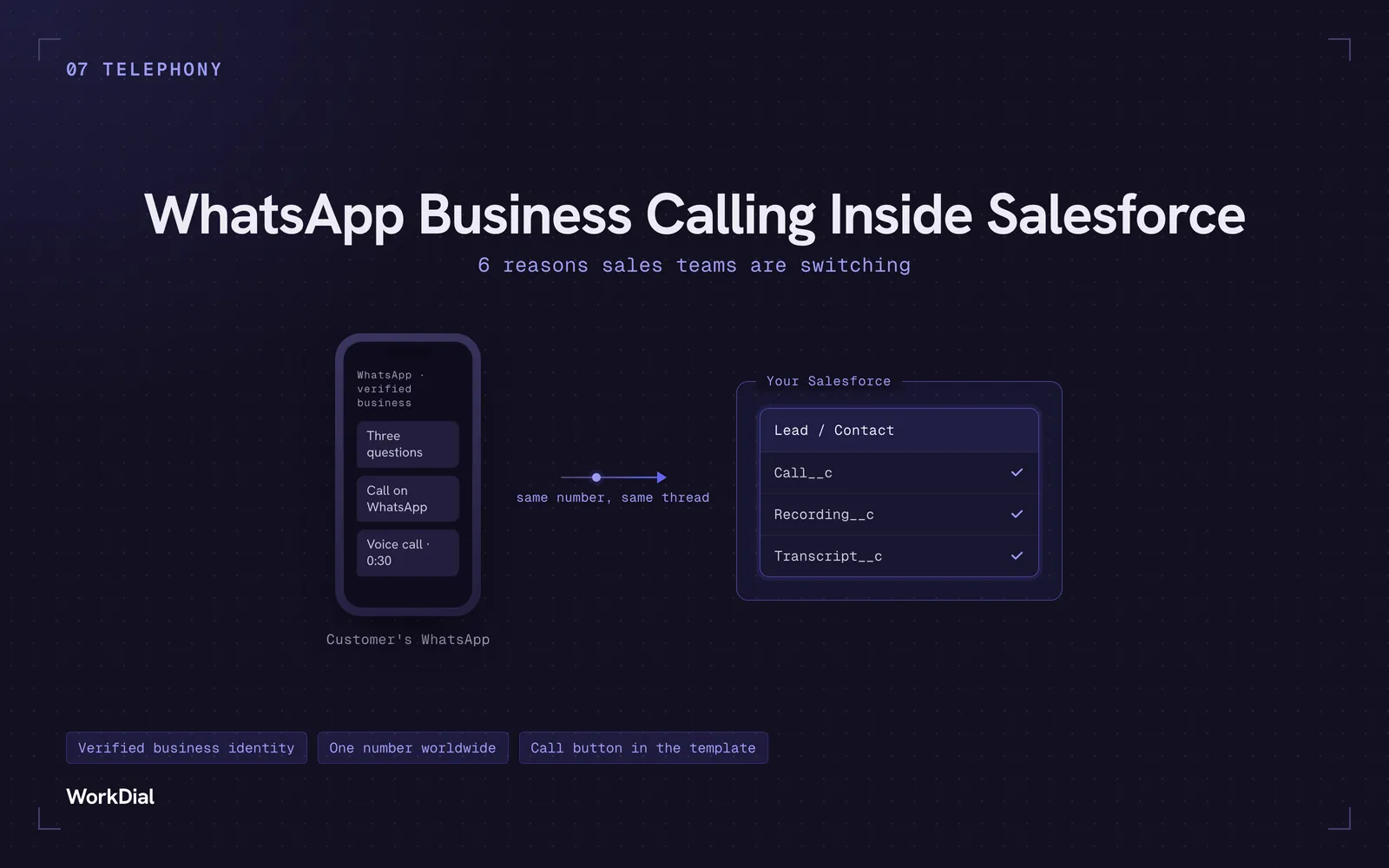
WhatsApp Business Calling Inside Salesforce: 6 Reasons Sales Teams Are Switching
Six reasons sales teams are moving calls onto WhatsApp inside Salesforce: one thread for chat and calls, a verified business identity on every call, one number worldwide, lower cost, a call button in the template, and one record for everything.
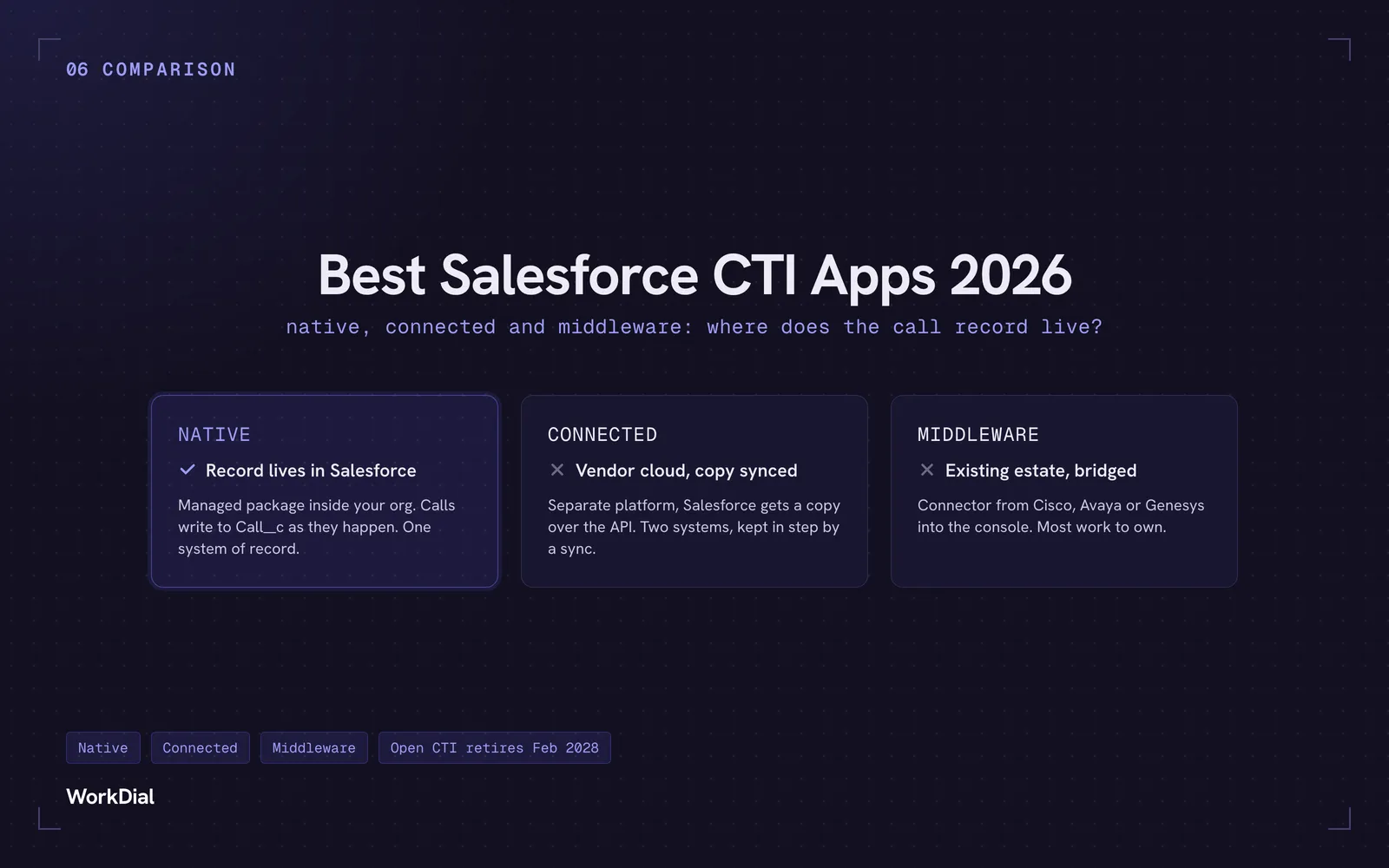
Best Salesforce CTI apps in 2026: native, connected and middleware
The 9 best Salesforce CTI apps in 2026, compared on one thing: where your call record actually lives. Native, connected and middleware, with real pricing.
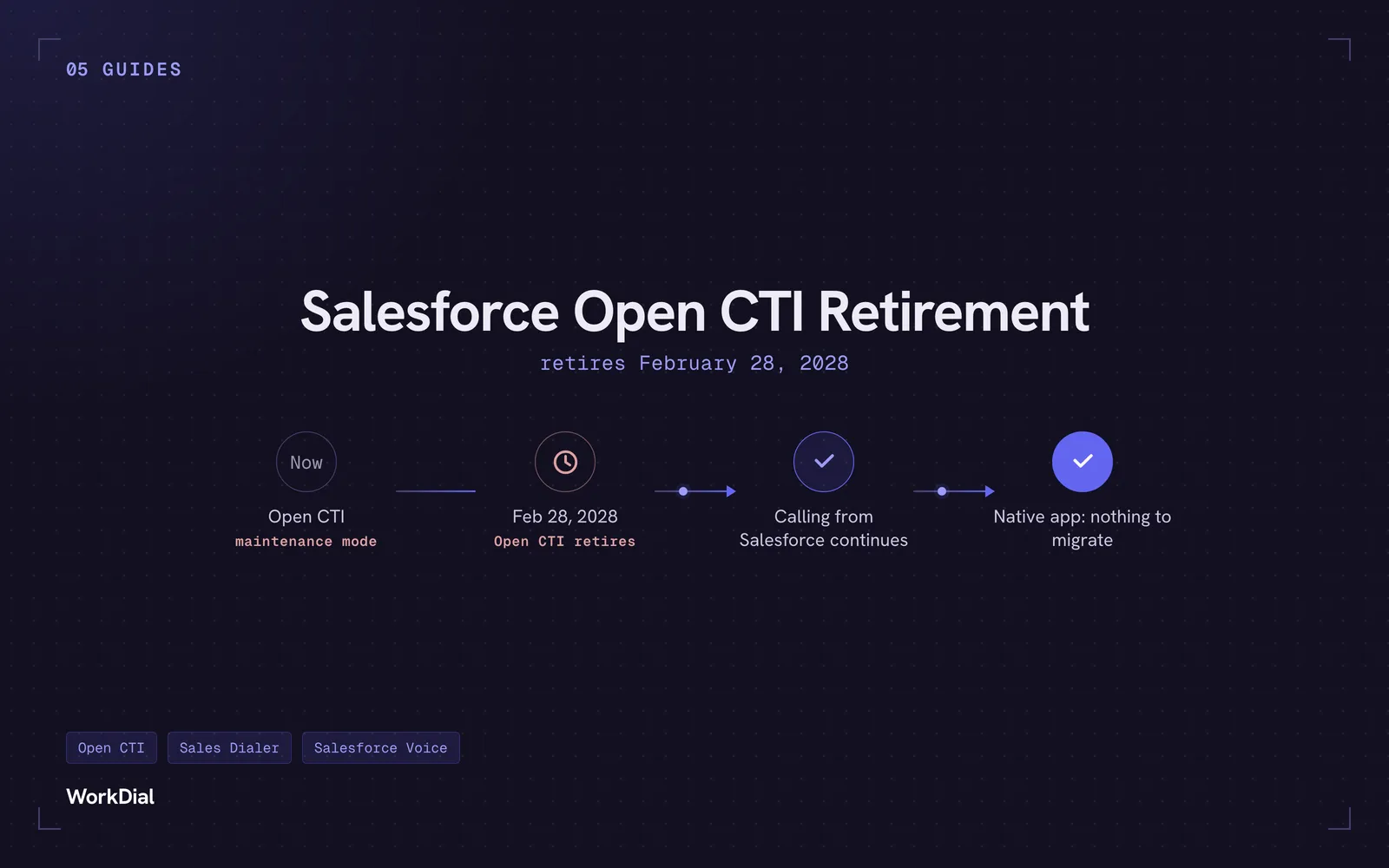
Salesforce Open CTI Retirement: What Actually Happens on February 28, 2028, and Your Real Options
Open CTI retires February 28, 2028. What breaks, what happens to your existing CTI, and how to keep calling in Salesforce without buying new licences.