
Salesforce skill-based routing and business hours
Keep skill-based routing, queues, and business hours as native Salesforce objects so one calendar and one routing engine govern every call, not a CTI silo.
WorkDial is a Salesforce-native computer-telephony integration (CTI) platform that keeps skill-based routing, queues, and business hours as native Salesforce objects. Salesforce Omni-Channel owns the skills, queues, and capacity. Business hours and holidays are defined once in Salesforce. Each call is written as a native Call__c record, so one routing engine and one calendar govern every call.
When voice routing feels random in a Salesforce org, it is rarely a CTI feature problem. It is usually because three basics are not wired cleanly into Salesforce: who should take the call (skills and queues), when the team is actually open (business hours), and whether the number should be contacted at all (consent and A2P context). When these live partly in a CTI portal, partly in carrier consoles, and only partly in Salesforce, admins end up debugging two routing engines for every escalation.
Why does routing drift when it lives next to Salesforce?
Routing drifts because Salesforce stops being the system of record and becomes one more consumer of CTI data, the same split covered in native vs. integrated CTI. Here, the practical cost shows up in three places:
- Adding a new team or queue means changing configs in multiple places.
- Hours change on the website but not in the dialer, or the other way around.
- Outbound calls and messages share numbers, but consent and registration are unclear.
Where should skill-based routing live in Salesforce?
Skill-based routing is easier to manage when skills sit on users and queues inside Salesforce Omni-Channel rather than in a CTI silo. This model treats the Salesforce dialer as an execution layer that follows Salesforce decisions, not as a second system that holds its own copy of the routing logic.
A practical pattern:
- Queues for real work types. Set up
Support - Tier 1,Support - Tier 2,Sales - Inbound, andSales - Outboundas Omni-Channel queues. - Skills on users. Configure language, product area, region, and seniority as Omni-Channel skills on the agent, not on the dialer.
- Mapping calls to queues and skills. Numbers, IVR options, or call reasons resolve to a target queue and a required skill set (for example, Billing plus English).
- Presence and capacity from Salesforce. Agents use Salesforce presence, and capacity is managed centrally in Omni-Channel.
In this model the CTI platform asks Salesforce a single question for each call: which queue and which available, skilled agent should receive it now. Because WorkDial works inside Salesforce on Lightning, there is no separate routing brain to keep aligned.
How do business hours work with WorkDial?
Business hours belong in Salesforce, not re-implemented in the CTI platform. Define business hours and holidays once in Salesforce, and Omni-Channel uses that one calendar to decide whether to route live, send to voicemail, or trigger after-hours flows. Salesforce Flow and other automations reference the same configuration.
| Concern | Routing engine outside Salesforce | Salesforce owns the logic |
|---|---|---|
| Skills and queues | Configured in a CTI admin UI | Omni-Channel skills and queues |
| Business hours | Maintained again in the dialer | Defined once in Salesforce |
| Consent and A2P | Tracked in a carrier portal | On Leads, Contacts, Accounts |
| Call record | Synced back after the fact | Call__c record created live |
| Change effort | Edit configs in several places | Update Salesforce once |
One calendar avoids calls reaching agents outside their schedule, avoids different behavior between cases created by email and cases created by calls, and removes the extra work every time hours or regions change. The rule is straightforward: there is one calendar, and the CTI platform respects it instead of redefining it. This is the same principle behind keeping call data in Salesforce.
How does A2P and consent stay aligned with routing?
A2P registration affects voice whenever the same numbers carry calls and messages, because carriers evaluate traffic across channels. A Salesforce-first approach stores number ownership and usage in Salesforce (which business unit uses which numbers, which countries and use cases are allowed) and maintains consent and preferences on Leads, Contacts, and Accounts.
Outbound voice and messaging then run through a shared guardrail Salesforce Flow that checks consent, checks whether the selected number and purpose align with registration and policy, and only then allows the call or message to proceed. WorkDial writes call activity back to Salesforce as Call__c records, so admins can see which numbers drive which calls and how outbound volume relates to what was registered. That keeps compliance in the same governance space as the rest of your CRM, which matters when choosing a CTI for Salesforce.
One pattern for inbound and outbound
Once routing, hours, and consent live in Salesforce, the flows become predictable.
For inbound: telephony hands the call to WorkDial, a Call__c record is created at the start, and Salesforce chooses the queue and agent based on IVR input, skills, and business hours. If no one is available or you are closed, a Salesforce Flow drives voicemail or callback behavior.
For outbound: lists and campaigns are built in Salesforce, a guardrail Flow checks consent and number policy, and if voice is allowed the CTI platform places the call and logs it as a Call__c record. If not, only allowed channels are used.
This is how WorkDial implements the Salesforce CTI model in practice. The softphone is a Lightning component built on Open CTI and Salesforce Voice APIs, not an iframe or plugin. Telephony runs on your own Twilio account (bring your own account, billed at carrier cost with no markup), and the audio recording stays in your own Twilio while the call data lands natively in Salesforce as Call__c records. Skill-based routing, business hours, and A2P-aware outbound are all owned by your Salesforce team, not by a separate CTI admin console.
WorkDial is the voice layer of this stack and is buyable on its own. ValueText, the Salesforce-native messaging platform, is the matching messaging layer when you want voice and messaging under one guardrail.
If you want one routing engine and one calendar governing every call, start a 14-day Professional trial with no card and wire skills, queues, and business hours where they belong. If you would rather walk through a reference model first, talk to sales.
Common questions
- Where do skills and queues live with WorkDial?
- WorkDial keeps skills, queues, and capacity in Salesforce Omni-Channel. Skills sit on users, queues map to real work types, and the CTI platform asks Salesforce which available skilled agent should take each call. There is no separate routing engine to keep aligned.
- How do business hours work with WorkDial?
- Business hours and holidays are defined once in Salesforce. Omni-Channel uses that one calendar to decide whether to route live, send to voicemail, or trigger after-hours flows. The CTI platform respects the same schedule instead of redefining it in a separate console.
- Does skill-based routing depend on a vendor data store?
- No. With WorkDial, routing decisions run in Salesforce Omni-Channel and each call is written as a native Call__c record. Call activity and AI artifacts land on native Salesforce objects, so there is no vendor database holding a second copy of your routing data.
- Can WorkDial handle A2P and consent for outbound calling?
- Consent and number ownership live on Leads, Contacts, and Accounts in Salesforce. A guardrail Salesforce Flow checks consent and number policy before any outbound call or message, so voice and messaging share one compliance guardrail in the same governance space as the rest of your CRM.
Written by WorkDial, The voice layer of Salesforce. WorkDial is built by the team behind ValueText, the Salesforce-native messaging platform, rated 4.97 stars across 116 AppExchange reviews.
Keep reading
Related posts.
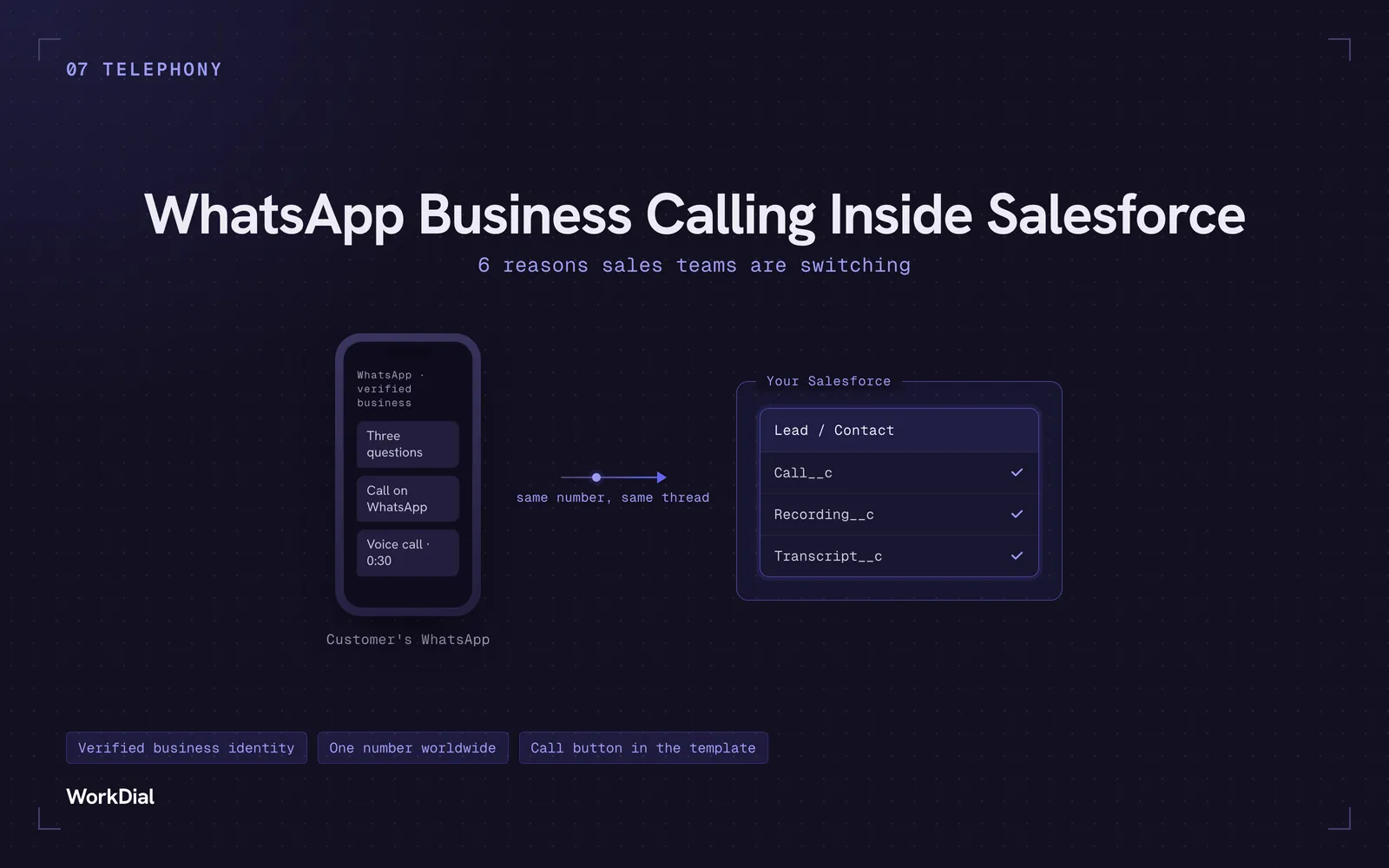
WhatsApp Business Calling Inside Salesforce: 6 Reasons Sales Teams Are Switching
Six reasons sales teams are moving calls onto WhatsApp inside Salesforce: one thread for chat and calls, a verified business identity on every call, one number worldwide, lower cost, a call button in the template, and one record for everything.
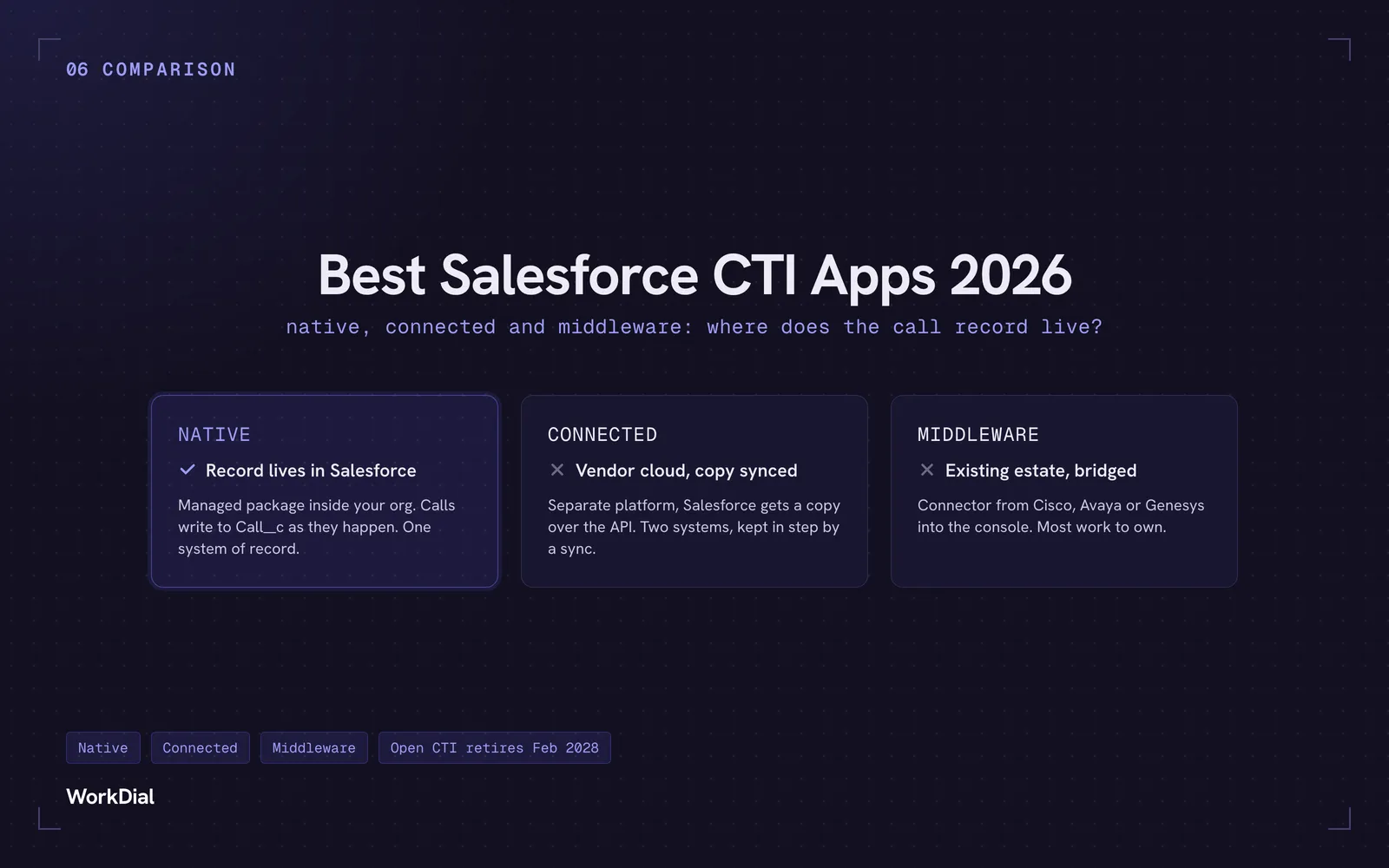
Best Salesforce CTI apps in 2026: native, connected and middleware
The 9 best Salesforce CTI apps in 2026, compared on one thing: where your call record actually lives. Native, connected and middleware, with real pricing.
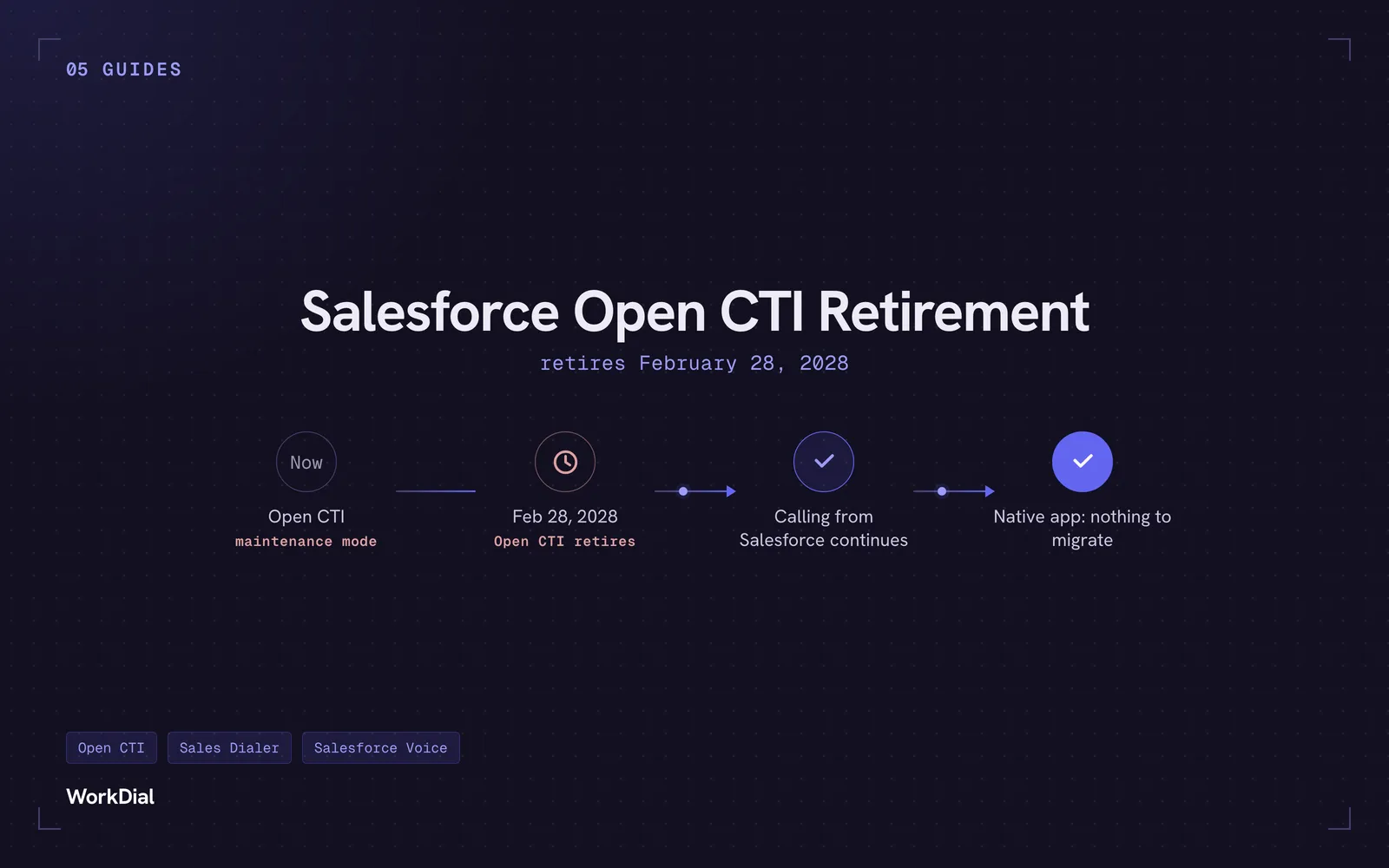
Salesforce Open CTI Retirement: What Actually Happens on February 28, 2028, and Your Real Options
Open CTI retires February 28, 2028. What breaks, what happens to your existing CTI, and how to keep calling in Salesforce without buying new licences.