
Click-to-dial for Salesforce: native vs bolt-on
Click-to-dial lets reps dial a Salesforce number in one click. The real question is where the call lands: as a native Salesforce record, or in a vendor's cloud.
Click-to-dial turns a phone number on a Salesforce record into a one-click call: the rep clicks the number, a softphone places the call, and the matching record opens. The capability is common. What separates the options is where the call lands. WorkDial is a Salesforce-native CTI platform (computer-telephony integration, the layer that connects phone calls to CRM records) that writes each call as a native Salesforce record; bolt-on dialers log it elsewhere and sync a copy in.
What does click-to-dial actually do?
Click-to-dial removes the manual step between reading a number and placing a call. Instead of copying a number out of Salesforce into a phone or softphone, the rep clicks the number on a Lead, Contact, or Opportunity. The call places automatically, the right record surfaces, and the rep talks instead of typing digits.
That single click matters because the manual path leaks time and accuracy. Copying numbers by hand produces misdials, and the activity record only gets updated if the rep remembers to log the call afterward. Manual logging leaves gaps in the activity history and costs rep time on every call. Click-to-dial closes the gap on the front end. The harder question is what happens on the back end, after the call connects.
Why does it matter where the call data lands?
Click-to-dial only wins the first second of the call. What happens when it ends, whether the result is a native Salesforce object or a row waiting to sync in, is the deeper architecture question. A click-to-dial feature that dials from Salesforce but logs into its own cloud has solved the rep’s first click and created a second system of record for everything that happens after. WorkDial’s full case for that split is on native vs integrated CTI in Salesforce; the rest of this post stays on the click-to-dial mechanics.
Bolt-on click-to-dial vs native click-to-dial
Both models give a rep a clickable number. They diverge on what happens in the second after the click.
| Dimension | Bolt-on click-to-dial | Native click-to-dial (WorkDial) |
|---|---|---|
| What happens on click | Vendor app dials, then queues a copy for Salesforce | Salesforce Flow dials directly on the record |
| Activity timestamp | Set after the sync job runs | Set the moment the call ends |
| Confirmation the rep sees | A note that logging is still processing | The call activity, visible on the record immediately |
| If the sync step fails | The call happened, the log may not, often silently | Nothing to fail, there is no sync step |
The pattern is consistent. A bolt-on tool treats Salesforce as a destination to push data toward. A native tool treats Salesforce as the place the data is created. Other tools connect to Salesforce. WorkDial runs inside it.
How WorkDial handles click-to-dial natively
WorkDial places click-to-dial calls and writes every result as a native Salesforce record. A rep clicks a number on any record, the call connects, and when it ends the call activity, disposition, and AI artifacts (transcripts, sentiment, summaries) are written to native Salesforce objects. There is no vendor database to sync from.
The telephony runs on your own Twilio account (bring your own account), billed at carrier cost with no markup. The carrier transport and the audio recording stay in your own Twilio. The call data lives natively in Salesforce; the recording storage lives in the account you already control. That split is the honest version of data residency: call data where your reports already look, recordings in infrastructure you own.
Because the record is written directly to the object, the rest follows without middleware. Salesforce Flow can trigger on the call event directly. Reports run on the same objects leadership already uses. Logging is not a separate sync job to monitor, which is why automatic call logging in Salesforce is a property of the architecture rather than a feature you bolt on. For the full picture of how the dialer and routing work together, see the Salesforce dialer page.
Choosing click-to-dial without the marketing
Most click-to-dial pitches lead with the click and stay quiet on the record. When you evaluate options, ask three questions that the demo will answer fast:
- When the call ends, is the result a native Salesforce object or a synced copy? Ask to see the record without a refresh delay.
- Where do the AI artifacts live? Transcripts and summaries stored by the vendor are governed by the vendor’s access model, not yours.
- Where does the audio recording sit, and who pays the carrier? A bring-your-own-account model keeps both in your control.
Those three questions sort native from bolt-on more reliably than any feature checklist. WorkDial is built for Salesforce-only orgs that want the answer to be “native” on all three. It is not a general business phone system, and it does not claim feature parity with mature contact-center suites. It is the voice layer that lives inside the CRM. The broader category context is on the Salesforce CTI pillar.
WorkDial Core starts at $28 per user per month billed annually, with full AI analysis at the Professional tier and a 14-day trial of Professional with no card. Current rates are on the pricing page.
Start dialing from the record
Click-to-dial is table stakes. Where the call lands is the decision. WorkDial places the call from Salesforce and leaves the record in Salesforce, on objects your reports and Flows already read. Start a trial to dial from a record and watch the native call object appear, or view a demo to see the architecture first.
Common questions
- What is click-to-dial in Salesforce?
- Click-to-dial turns any phone number on a Salesforce record into a clickable link. The rep clicks it, the call places automatically from a softphone, and the matching record opens. It removes manual dialing and the misdials that come from copying numbers by hand.
- Does click-to-dial log calls automatically in Salesforce?
- It depends on the architecture. A bolt-on dialer logs the call in its own database, then syncs a copy into Salesforce on a delay. WorkDial writes each call as a native Salesforce record the moment it ends, so the activity history is complete without a sync step.
- Do I need a separate phone system for click-to-dial?
- No. WorkDial runs click-to-dial on your own Twilio account (bring your own account), billed at carrier cost with no markup. You connect the account, and reps dial from any Salesforce record. There is no separate vendor phone platform to buy or administer.
- Can I buy WorkDial click-to-dial without ValueText?
- Yes. WorkDial click-to-dial is buyable on its own. ValueText pairs with it as the messaging layer, and the two together carry a 20% bundle discount, but WorkDial click-to-dial stands alone.
Written by WorkDial, The voice layer of Salesforce. WorkDial is built by the team behind ValueText, the Salesforce-native messaging platform, rated 4.97 stars across 116 AppExchange reviews.
Keep reading
Related posts.
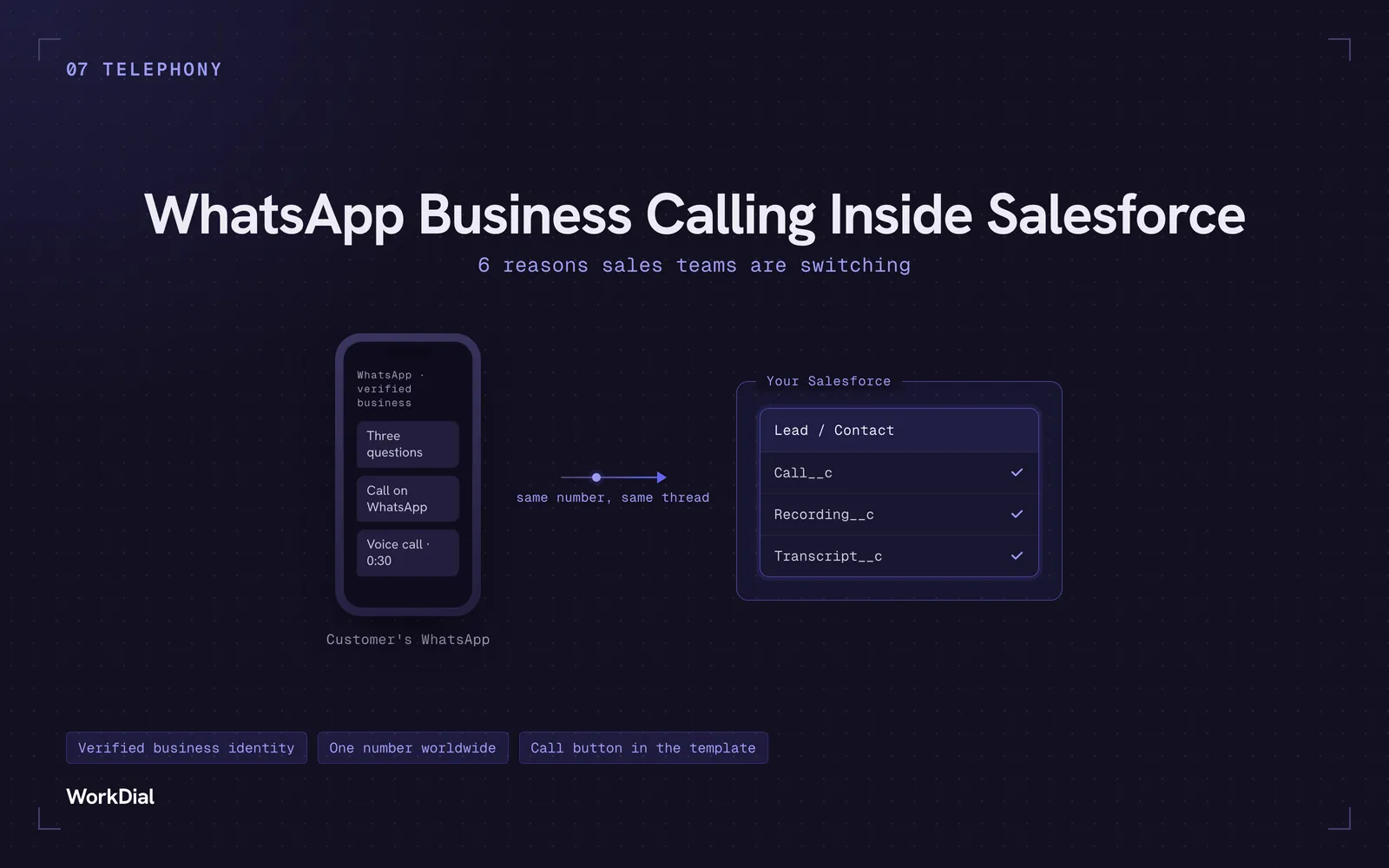
WhatsApp Business Calling Inside Salesforce: 6 Reasons Sales Teams Are Switching
Six reasons sales teams are moving calls onto WhatsApp inside Salesforce: one thread for chat and calls, a verified business identity on every call, one number worldwide, lower cost, a call button in the template, and one record for everything.
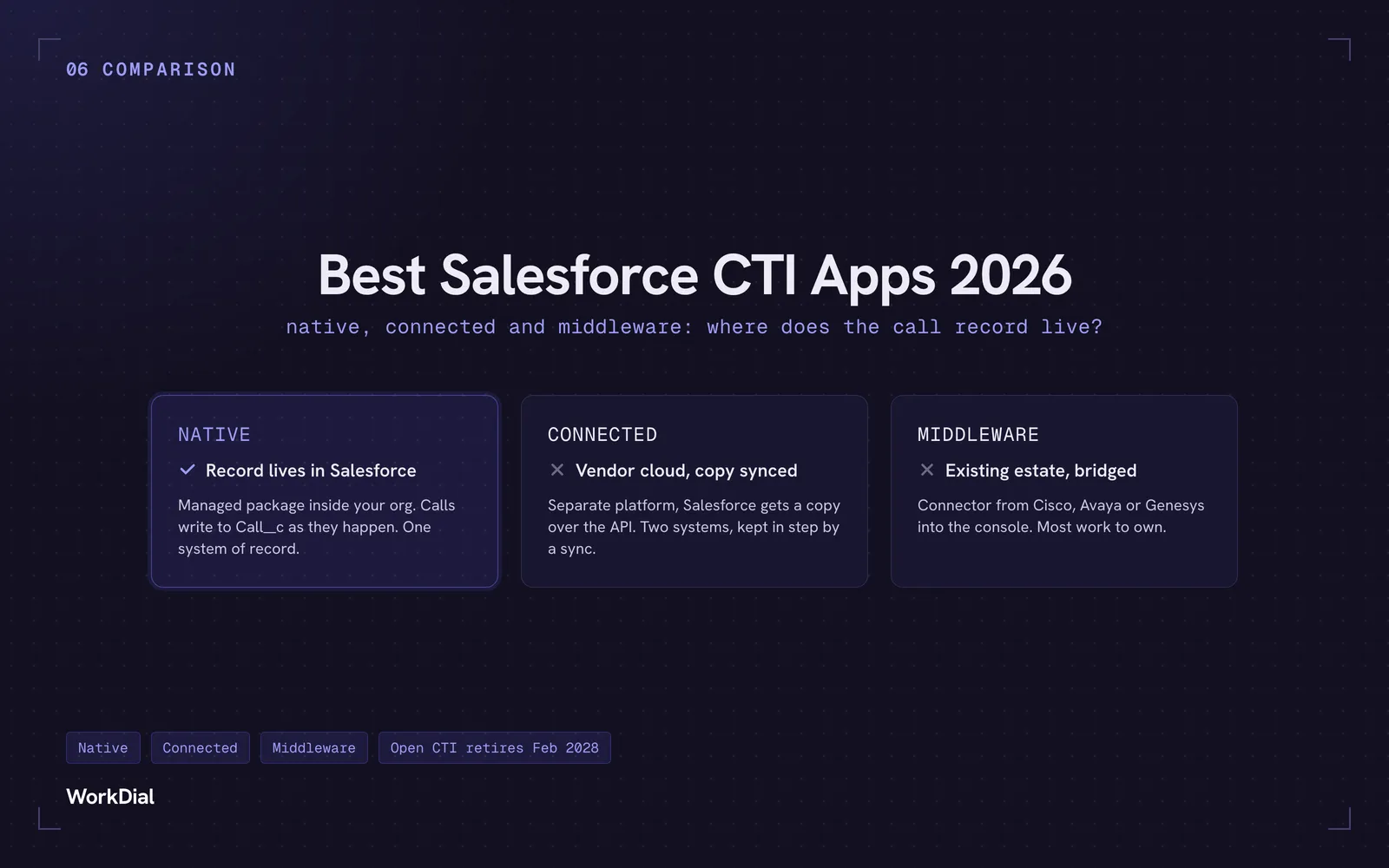
Best Salesforce CTI apps in 2026: native, connected and middleware
The 9 best Salesforce CTI apps in 2026, compared on one thing: where your call record actually lives. Native, connected and middleware, with real pricing.
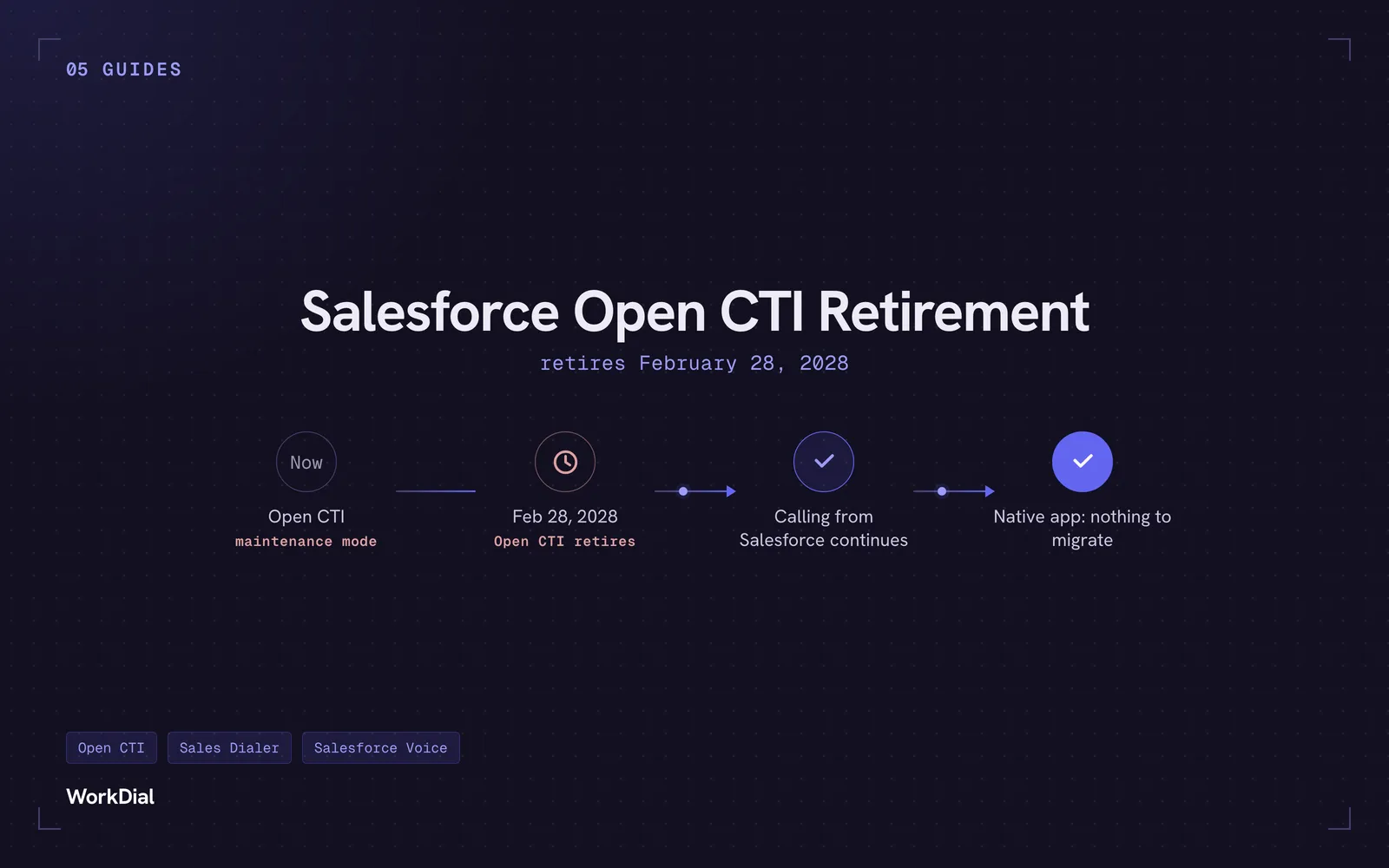
Salesforce Open CTI Retirement: What Actually Happens on February 28, 2028, and Your Real Options
Open CTI retires February 28, 2028. What breaks, what happens to your existing CTI, and how to keep calling in Salesforce without buying new licences.