
Salesforce CTI dashboards: where the data actually lives
WorkDial writes call data as Salesforce records, so CTI dashboards run on standard reports without syncs, exports, or a separate analytics tool.
CTI dashboards report reliably when the call data lives in Salesforce rather than a synced copy of a vendor database. WorkDial is a Salesforce-native CTI platform (computer-telephony integration) that writes every call, disposition, and AI artifact as a Salesforce record (Call__c, Transcript__c, Sentiment__c), so dashboards run on standard reports with no external analytics layer.
Where does my CTI dashboard data live with WorkDial?
Call data behind a WorkDial dashboard lives in Salesforce. Call activity, direction, agent, duration, and disposition are fields on Salesforce records, and the AI artifacts (transcripts, sentiment, summaries) write to the same objects. The telephony itself runs on your own Twilio account, so the carrier transport and audio recording stay in your account while the structured call data lands directly in Salesforce. Dashboards report on the records, not on a vendor’s copy of them.
This is the architectural distinction. Other tools connect to Salesforce. WorkDial runs inside it. That is why call data belongs in Salesforce rather than in a system you report against secondhand.
Why do CTI dashboards usually break?
CTI dashboards break most often when call data is split between Salesforce and an external system. The reason is architectural, and covered in full in native vs integrated CTI. For dashboards specifically, the failure shows up as three symptoms:
- Reported call counts and outcomes drift from what reps actually did, because the dashboard reads a copy of the data, not the source record.
- Nightly exports lag the workday, so managers make morning decisions on yesterday’s numbers.
- Admins build and maintain a parallel reporting layer to reconcile the gaps between systems.
None of these is a reporting problem. It is a location problem: the record a dashboard reads is not the record a rep created. Put both in the same place and the gap disappears.
What changes for reporting when nothing syncs
The table below compares the two architectures on the dimensions specific to dashboard reliability.
| Reporting dimension | Salesforce call records (WorkDial) | Synced from a bolt-on dialer |
|---|---|---|
| Report refresh cadence | Real time, as calls happen | Limited by sync or export schedule |
| Field-level security on report columns | Inherits the org’s existing FLS | Re-applied per integration, easy to miss |
| Historical trend continuity | Unbroken, same object over time | Depends on which syncs were retained |
When dashboards run on these records, filters work as expected, permissions stay enforced, and historical trends remain accurate without a separate tool to maintain. This reliability is the same reason CTI architecture ties to CRM data quality and sales efficiency.
A practical model for CTI dashboard reporting
Build reporting in three layers, each grounded in the same call record.
Start with a consistent call record
Your call object should capture inbound versus outbound, the agent or queue handling the call, start time, end time, duration, and a disposition. When these fields are consistent on every record, every downstream report stays stable. Manual logging leaves gaps in the activity record and costs rep time, which is why automatic capture matters here.
Build reports before dashboards
Create the underlying reports first: calls by agent and time range, answered versus missed calls, average handle time by queue, and calls by outcome. If a report is hard to build, the data model needs adjustment before any dashboard is worth assembling.
Layer dashboards for managers
Dashboards answer operational questions quickly: who is overloaded right now, where calls are dropping, which queues need attention, and how today compares to yesterday. Keep one role to one view. A dashboard that tries to serve everyone serves no one.
Report on AI call data too
Because WorkDial writes transcripts, sentiment, and summaries to the same Salesforce objects, AI call analysis in Salesforce is reportable alongside call volume. You can trend sentiment by queue, surface flagged calls, and tie conversation outcomes to pipeline in the same dashboard, without an external analytics product.
Why this architecture keeps reporting honest
This architecture removes the sync layer that introduces dashboard drift in the first place. Calls, dispositions, recordings (stored where you choose, whether that is your own Twilio account or elsewhere), and AI artifacts are stored where Salesforce reporting already works, so analytics stay inside the platform your team already trusts. This is the broader case for the architecture behind Salesforce CTI: the data model under your reports is the same model under the rest of your org.
WorkDial is buyable on its own, with dialing inside Salesforce feeding the call records your dashboards depend on. It pairs with ValueText (the messaging counterpart) when you want voice and messaging reporting in the same data model, though you do not need ValueText to run WorkDial. Pricing for every tier is on the pricing page.
See it running on your own org’s data
If your call reporting depends on a sync you do not control, the fix is architectural, not another export. See how Salesforce call records drive dashboards in a WorkDial demo. If you would rather try it against your own org, start a trial.
Common questions
- Where does the data behind my CTI dashboards live?
- With WorkDial, call activity, dispositions, and AI artifacts write to Salesforce objects in real time. Your dashboards report on those records directly. There is no vendor database to sync from, so the numbers on a dashboard match what reps actually did.
- Do I need a separate analytics tool for call reporting?
- No. Because WorkDial stores call data as Salesforce records, you build CTI dashboards with standard Salesforce reports and dashboard components. Filters, permissions, and historical trends behave exactly as they do for any other Salesforce object.
- Why do CTI dashboards built on bolt-on dialers drift?
- Bolt-on dialers keep call data in a vendor cloud and sync a copy into Salesforce on a schedule. Delays, partial logging, and field mismatches leave gaps the dashboard cannot fix. Writing directly to Salesforce removes the sync layer that causes the drift.
- Can I report on AI call data like sentiment and summaries?
- Yes. WorkDial writes transcripts, sentiment, and summaries to Salesforce objects, so they are reportable fields. You can group calls by sentiment, surface flagged conversations, and trend AI outcomes in the same dashboards as call volume and handle time.
Written by WorkDial, The voice layer of Salesforce. WorkDial is built by the team behind ValueText, the Salesforce-native messaging platform, rated 4.97 stars across 116 AppExchange reviews.
Keep reading
Related posts.
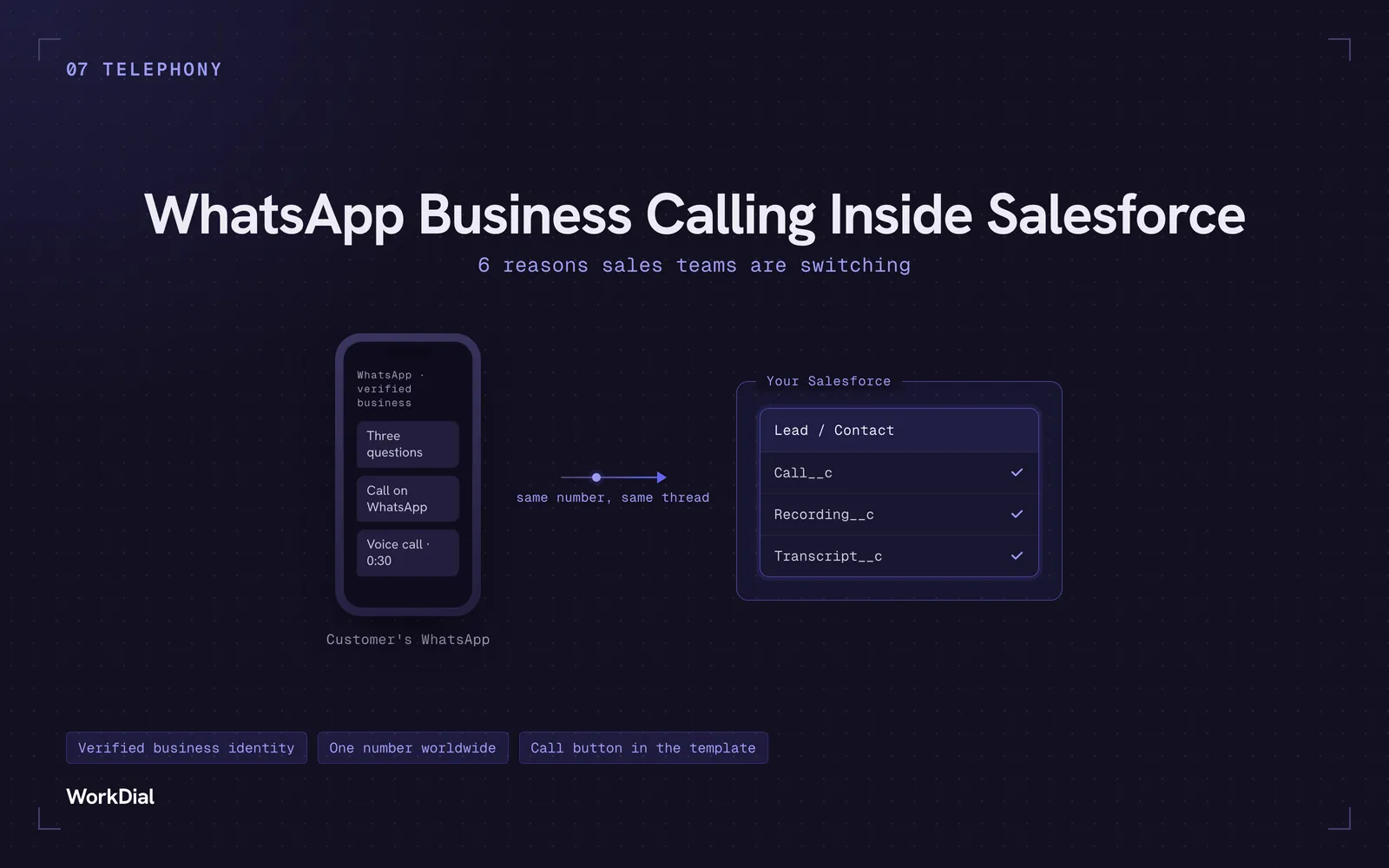
WhatsApp Business Calling Inside Salesforce: 6 Reasons Sales Teams Are Switching
Six reasons sales teams are moving calls onto WhatsApp inside Salesforce: one thread for chat and calls, a verified business identity on every call, one number worldwide, lower cost, a call button in the template, and one record for everything.
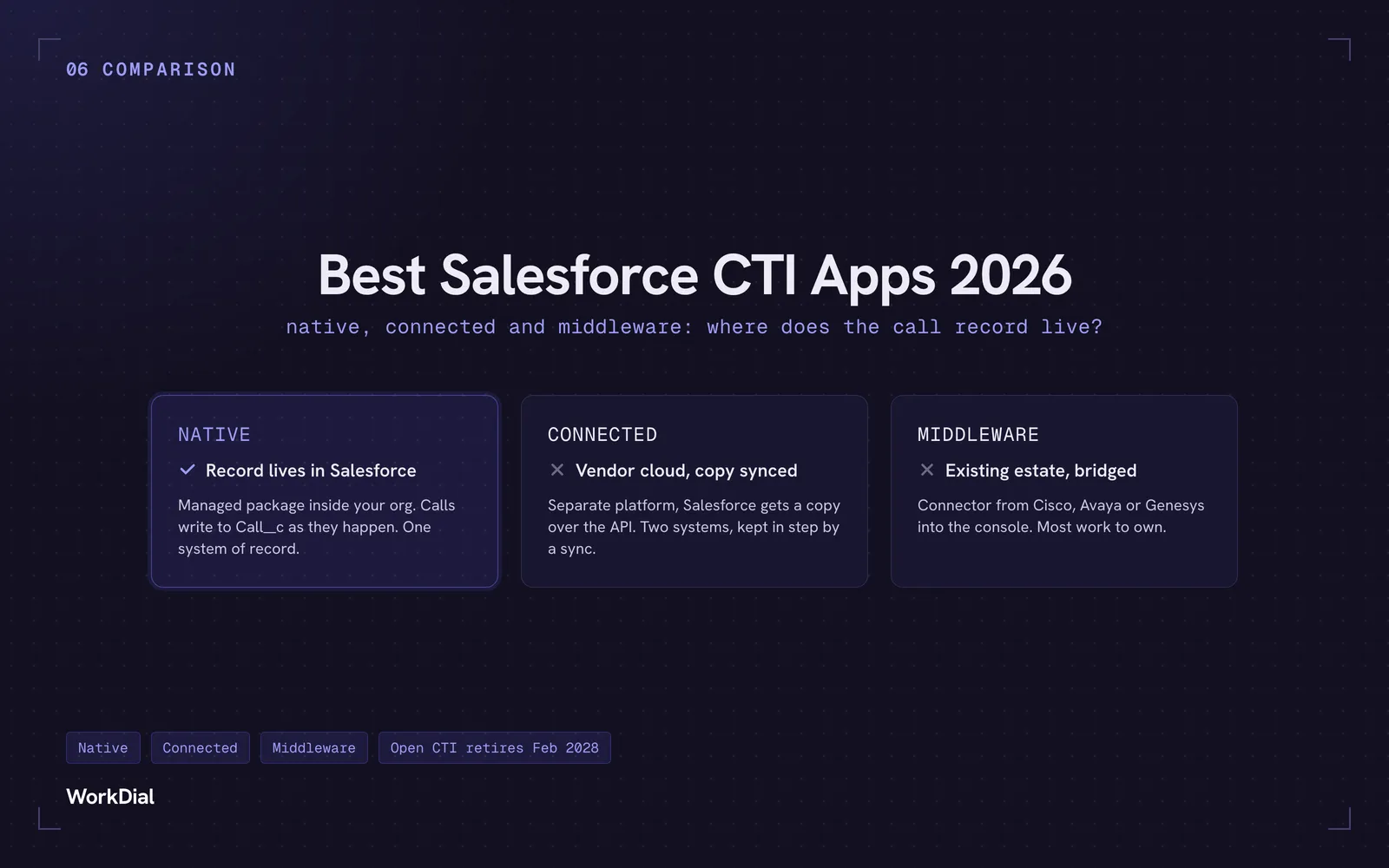
Best Salesforce CTI apps in 2026: native, connected and middleware
The 9 best Salesforce CTI apps in 2026, compared on one thing: where your call record actually lives. Native, connected and middleware, with real pricing.
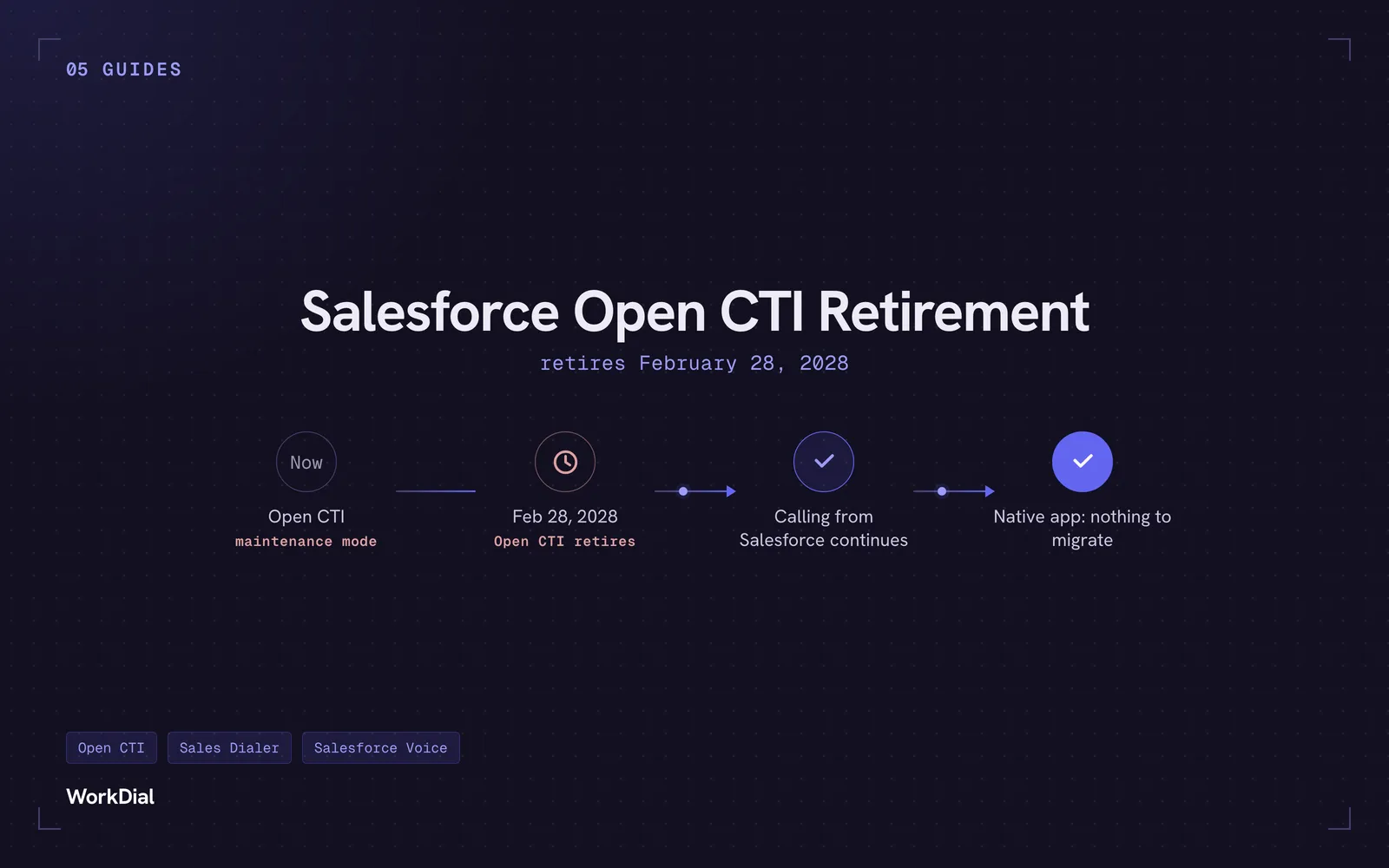
Salesforce Open CTI Retirement: What Actually Happens on February 28, 2028, and Your Real Options
Open CTI retires February 28, 2028. What breaks, what happens to your existing CTI, and how to keep calling in Salesforce without buying new licences.