
Power dialer vs predictive dialer for Salesforce
Power dialers give reps one call at a time with full control; predictive dialers maximize volume. Here is which fits a Salesforce sales team and why.
A power dialer places one outbound call at a time and advances only when the rep finishes, keeping the rep in control of every conversation. A predictive dialer places several calls at once and connects whichever answers to a free rep, trading control for volume. For most Salesforce sales teams, the power dialer is the fit.
What is a power dialer?
A power dialer dials numbers one at a time and moves to the next only after the rep ends the current call. The rep can review the lead record before dialing and log notes after, so every call gets full attention. Power dialing suits targeted B2B lists, regulated industries, and high-value selling where the conversation, not the call count, drives the outcome.
What is a predictive dialer?
A predictive dialer places multiple calls simultaneously and uses pacing logic to estimate when a rep will free up, keeping reps on live calls as much as possible. It optimizes for volume across large lists. The trade-off is control: when more calls connect than reps are available, the system can abandon calls, which raises compliance exposure and produces a rushed experience for the prospect.
Abandoned calls are the core risk of predictive pacing. A prospect picks up and reaches silence or a dropped line because no rep was free, and that pattern is exactly what consumer-protection rules target. Teams in regulated industries weigh that exposure against the volume gain and often decide the volume is not worth the regulatory surface area. The pacing that produces high call rates is the same pacing that produces abandoned calls, so the two cannot be tuned apart.
Power dialer vs predictive dialer: the differences
The two automate outbound calling in opposite directions. One protects the quality of each call; the other protects the rate of calls per hour.
| Dimension | Power dialer | Predictive dialer |
|---|---|---|
| Control | Rep reviews the record before dialing and logs notes after; one call at a time. | Calls connect automatically by pacing logic; the rep takes whatever answers next. |
| Volume | Lower volume, higher conversation quality. | High volume across large lists, with rushed or dropped calls possible. |
| Compliance | Lower abandonment risk: a live rep is connected to every answered call. | Higher abandonment risk when answers outpace available reps. |
| Fit | Targeted B2B lists, high-value selling, regulated industries. | High-volume B2C outreach, telemarketing, large call-center campaigns. |
Some teams run both: a power dialer for named, high-value accounts and a predictive dialer for mass outreach. For a Salesforce-only B2B org working an account list, the power dialer is the one that matches the workflow.
Why the dialer’s architecture matters more than its pacing
The pacing model is only half the decision. The other half is where the call data goes. A dialer can connect to Salesforce over an integration and still keep its activity, recordings, and analytics in a vendor database, syncing a copy back into Salesforce after the fact. That leaves your system of record one step behind the truth, with gaps when a sync fails.
For a high-velocity calling operation, that gap compounds. A power dialer can run hundreds of calls through a single rep in a day, and every one of those calls carries an activity record, a disposition, and (on the right plan) a transcript and summary. If each of those records is born in a vendor system and copied into Salesforce on a schedule, a sync outage means your dashboards undercount calls, your reps re-key notes, and your managers coach off stale numbers. The volume that makes a dialer worth buying is the same volume that makes a fragile sync expensive.
WorkDial is a Salesforce-native CTI platform: every call becomes a native Salesforce record at the moment it happens. Other tools connect to Salesforce. WorkDial runs inside it. Call activity, dispositions, and the AI artifacts (transcripts, sentiment, summaries) are written to native Salesforce objects, not synced in from a vendor store. If the tool is supposed to manage your Salesforce communication, why does your communication data live somewhere else?
A power dialer built on native architecture removes the admin layer between a rep and the next conversation, because the workflow and the record live in the same place:
- The dialer works straight from a Salesforce lead, contact, or campaign list. One call ends, the next begins, with no copy-pasting numbers.
- Call details (time, duration, outcome, disposition) log to Salesforce automatically. Manual logging leaves gaps in the activity record and costs rep time; automatic logging keeps the record current without rep effort. See automatic call logging in Salesforce.
- The queue can be ordered by Salesforce data, surfacing recently engaged leads first.
- Because call data writes to native objects, you report on call volume, connect rate, and outcomes in standard Salesforce Reports and Dashboards. No external portal, no export.
- Salesforce Flow can trigger directly on call events, and security inherits the Salesforce model rather than a separate vendor permission layer.
This is the difference between click-to-dial inside Salesforce backed by native records and a bolt-on connector that treats Salesforce as a destination to sync into later. For the full architecture argument, see native vs integrated CTI for Salesforce and the Salesforce CTI pillar.
How to evaluate a power dialer for a Salesforce team
Treat the pacing model as table stakes and the data architecture as the real test.
- Confirm where the call data lives and where it reports. Activity, dispositions, recordings, and AI output should be written to native Salesforce objects, not held in the vendor’s own database and synced in; if you need a separate portal to see call metrics, the data is not native.
- Check the telephony model. WorkDial uses bring-your-own-account telephony: it runs on your own Twilio account, billed at carrier cost with no markup. The carrier transport and audio recording stay in your own Twilio.
- Test logging on a small batch before rollout, and confirm activities map to the right fields.
The questions that separate native from integrated architecture are in how to choose the right CTI for Salesforce.
WorkDial is buyable on its own; you do not need anything else to run the power dialer. ValueText, the messaging platform built on the same architecture, is the other half of the same stack if you later want voice and text in one stack.
Which dialer fits a Salesforce team?
For a Salesforce-only B2B team working a targeted list, the power dialer is the fit: it keeps the rep in control of every call, avoids the abandonment risk of predictive pacing, and matches a process where each conversation counts. A predictive dialer earns its place in high-volume B2C call centers, which is a different operation from the Salesforce-based selling WorkDial is built for. The decision that outlasts the pacing model is architectural: a power dialer that writes natively to Salesforce keeps your system of record current on its own, while a bolt-on dialer leaves you maintaining a copy.
Start a 14-day trial of WorkDial Professional and run the power dialer against a real Salesforce list, no card required. If you are sizing a larger rollout, talk to sales.
Common questions
- What is the difference between a power dialer and a predictive dialer?
- A power dialer places one call at a time and moves to the next number only when the rep finishes. A predictive dialer places several calls at once and connects whichever answers to a free rep, prioritizing call volume over per-call control.
- Which dialer fits a Salesforce sales team?
- Most Salesforce sales teams fit a power dialer. They run targeted lists where each conversation matters, and a power dialer keeps the rep in control of every call. Predictive dialing suits high-volume B2C call centers, not typical Salesforce-based B2B selling.
- Does a power dialer reduce compliance risk?
- A power dialer connects a live rep to every answered call, so it avoids the abandoned calls a predictive dialer can produce when more calls answer than reps are free. That lower abandonment exposure is one reason regulated industries prefer power dialing.
- Where does call data go when the dialer runs inside Salesforce?
- When the dialer runs inside Salesforce, every call writes to native Salesforce objects: activity, disposition, and AI artifacts like transcripts and summaries. The records are created in Salesforce, not synced in from a vendor database, so reporting runs in standard Salesforce Reports and Dashboards.
- Can I use my own telephony account with WorkDial?
- Yes. WorkDial runs on your own Twilio account (bring your own account), billed at carrier cost with no markup. Call records become native Salesforce objects, while the carrier transport and the audio recording stay in your own Twilio.
Written by WorkDial, The voice layer of Salesforce. WorkDial is built by the team behind ValueText, the Salesforce-native messaging platform, rated 4.97 stars across 116 AppExchange reviews.
Keep reading
Related posts.
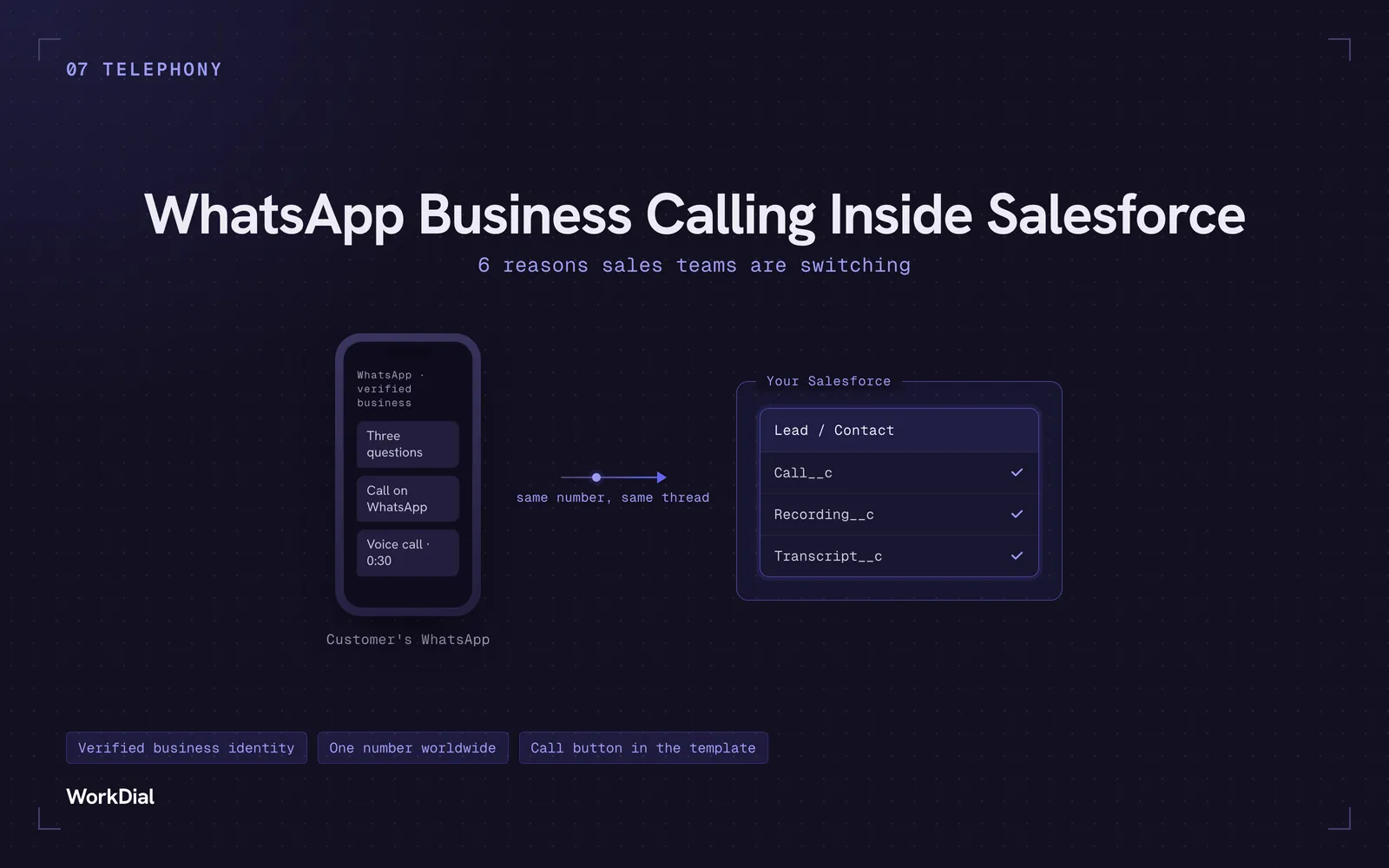
WhatsApp Business Calling Inside Salesforce: 6 Reasons Sales Teams Are Switching
Six reasons sales teams are moving calls onto WhatsApp inside Salesforce: one thread for chat and calls, a verified business identity on every call, one number worldwide, lower cost, a call button in the template, and one record for everything.
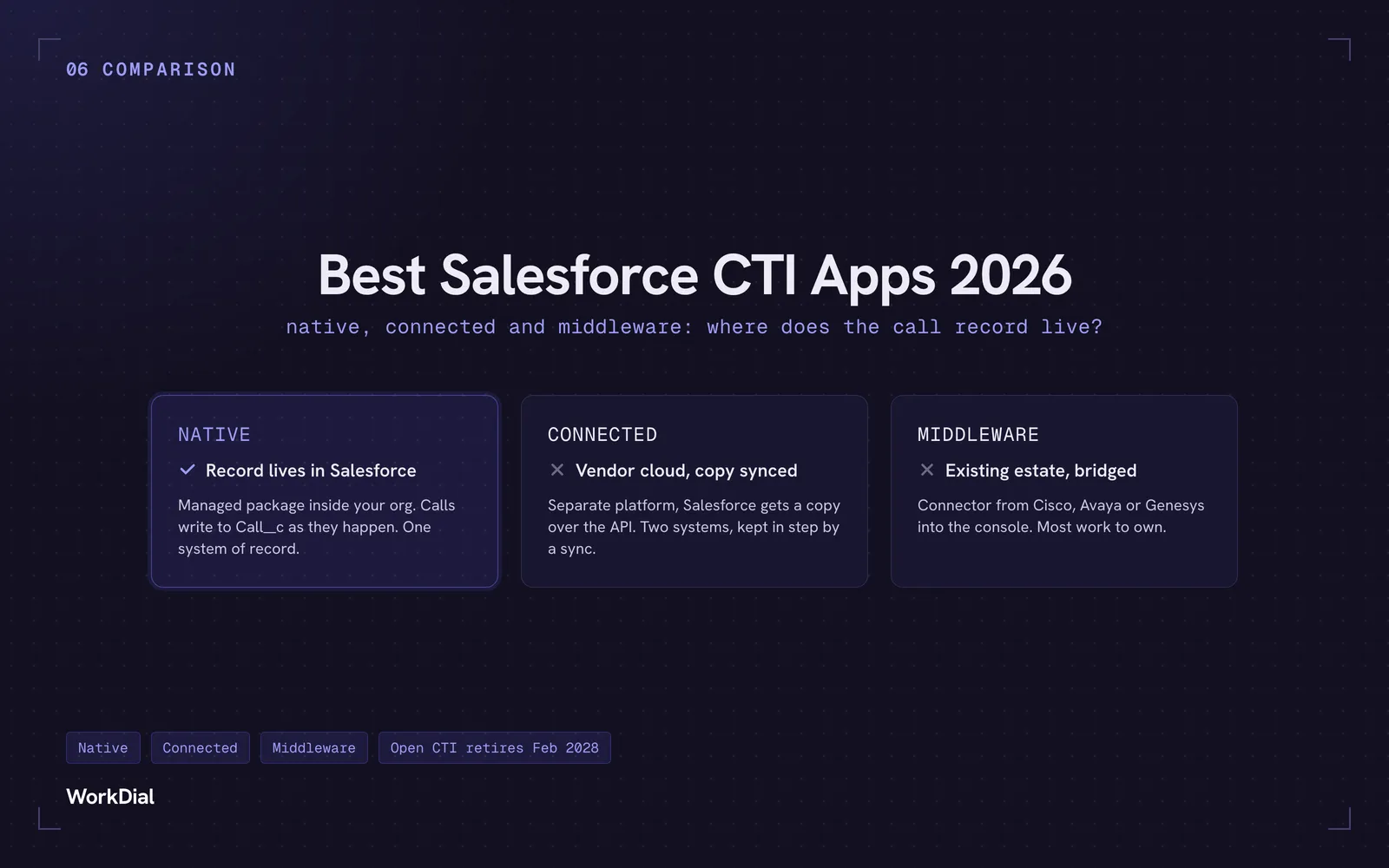
Best Salesforce CTI apps in 2026: native, connected and middleware
The 9 best Salesforce CTI apps in 2026, compared on one thing: where your call record actually lives. Native, connected and middleware, with real pricing.
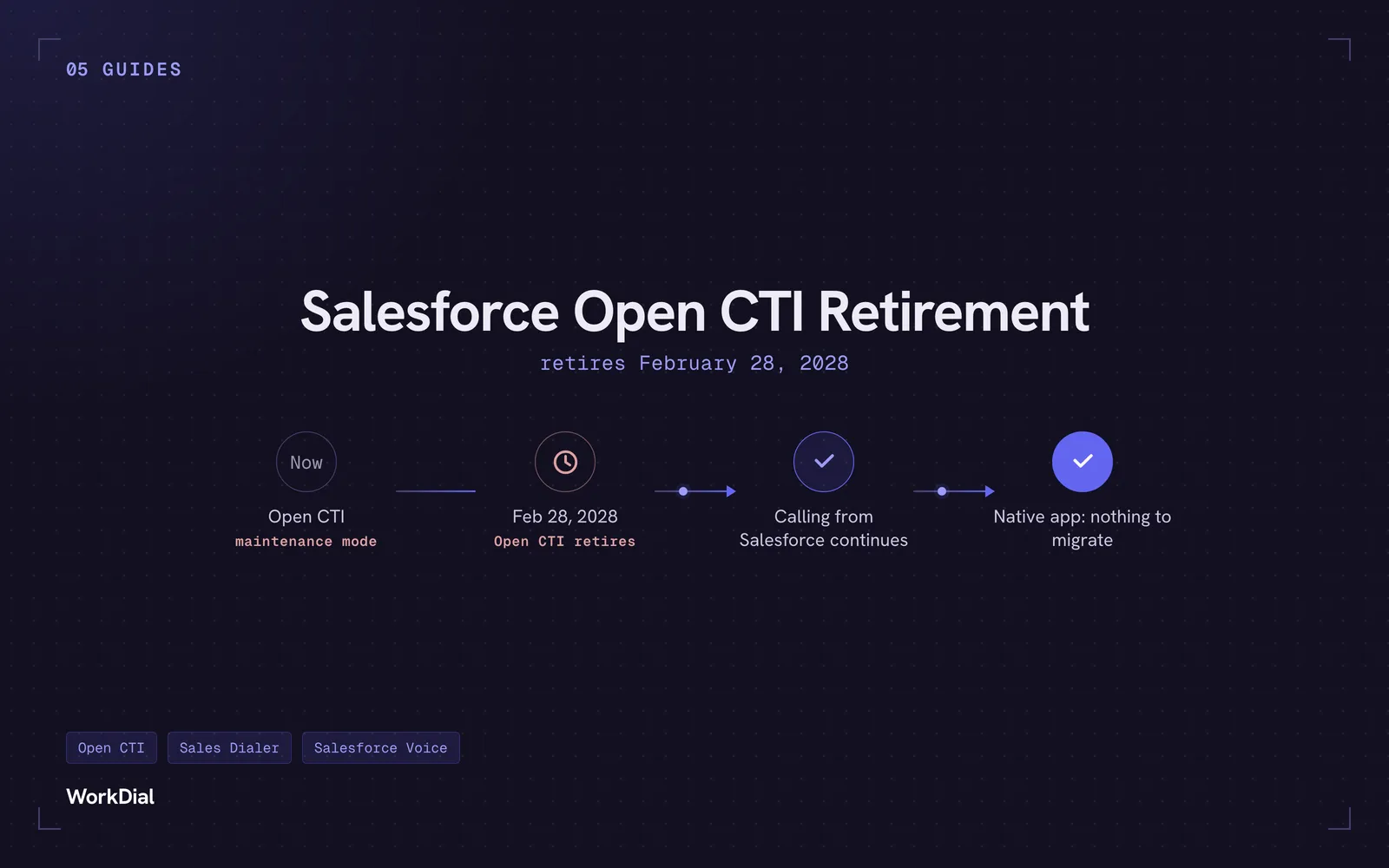
Salesforce Open CTI Retirement: What Actually Happens on February 28, 2028, and Your Real Options
Open CTI retires February 28, 2028. What breaks, what happens to your existing CTI, and how to keep calling in Salesforce without buying new licences.