
WhatsApp Business Calling Inside Salesforce: 6 Reasons Sales Teams Are Switching
Six reasons sales teams are moving calls onto WhatsApp inside Salesforce: one thread for chat and calls, a verified business identity on every call, one number worldwide, lower cost, a call button in the template, and one record for everything.
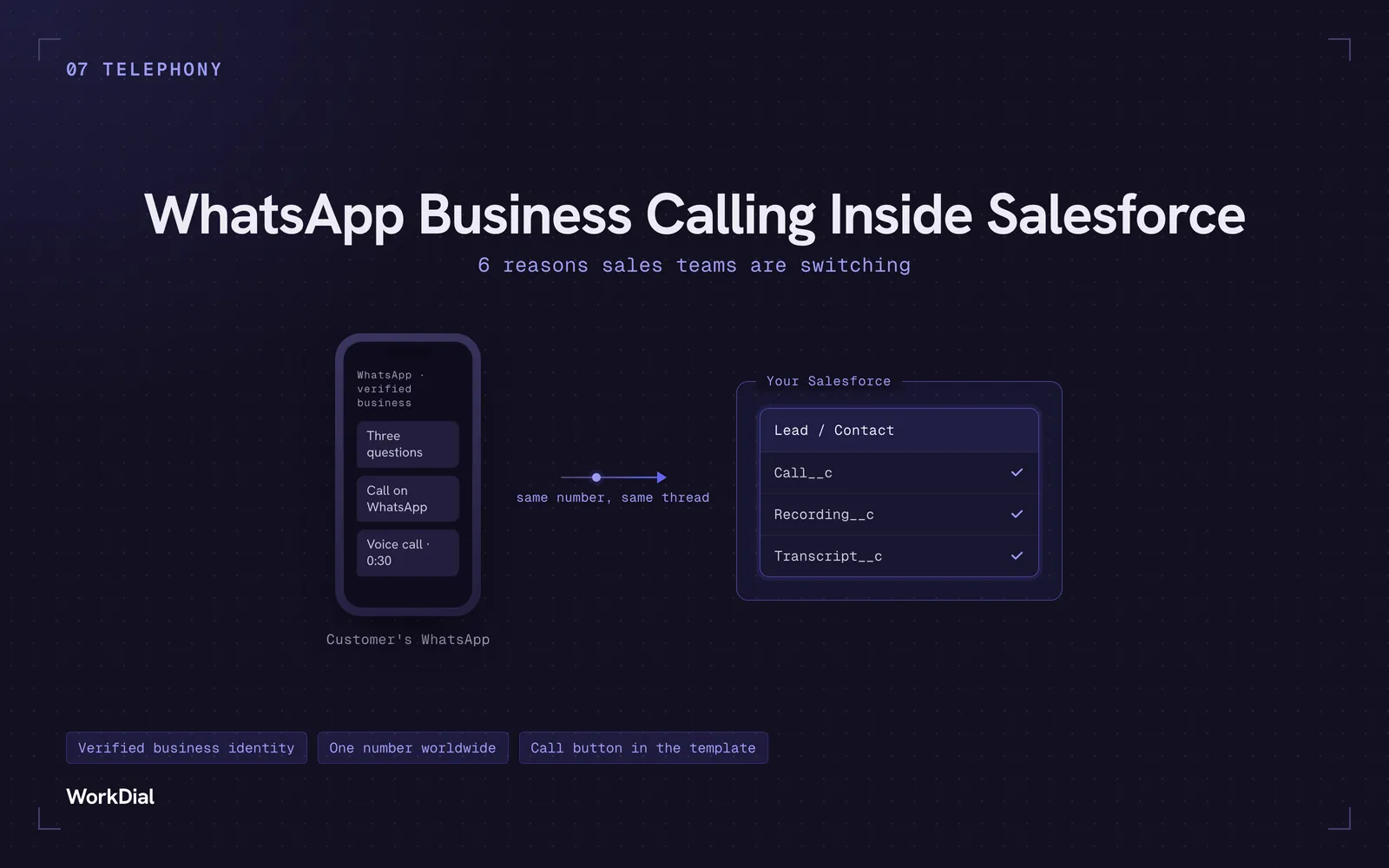
Your rep sends a WhatsApp message. The customer replies with three questions. The rep types out three long answers, the customer goes quiet, and the deal cools down.
A thirty second call would have closed it.
Until recently that meant switching apps, dialing a number the customer does not recognise, and hoping they pick up. Now you can just call them on WhatsApp, in the same thread, from the same number they have been chatting with. And if you run your pipeline in Salesforce, you can do it without leaving the record.
Here is why teams are making the move.
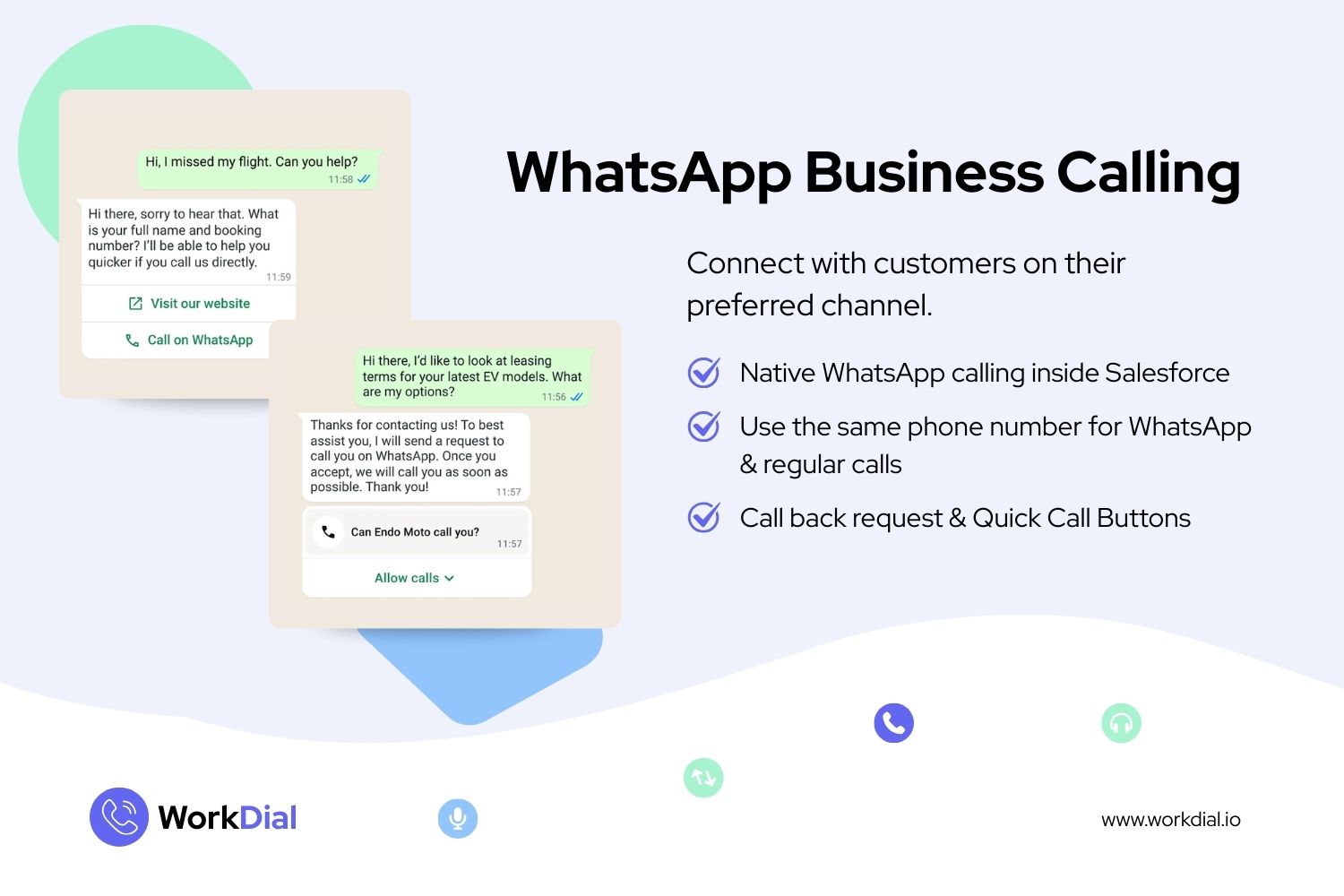
1. One app for calls and messages
You are already chatting with the customer on WhatsApp. They know the thread, they know your name, they have your last five messages in front of them.
Now the call happens in that same place. No app switching for your rep, no app switching for the customer. The chat history and the call sit in one conversation, which means context does not get lost between channels.
2. Trust and branding on every call
A regular voice call shows a phone number. An unknown number, often from another country. Most people let it ring.
A WhatsApp call shows your business name, your logo, and the green verified tick. The customer knows exactly who is calling before they answer. That single change lifts answer rates, especially for outbound sales and first touch calls where the customer has no reason to trust a random number.
Branding is not a nice to have on outbound calling. It is the difference between a conversation and a voicemail.
3. One number for the whole world
If your customers sit across several countries, you know the pain. Local numbers in each market, separate carriers, separate bills, separate setup, and a rep who has to remember which line to call from.
WhatsApp gives you one number for global reach. Universities recruiting international students, exporters, travel businesses, and any company running cross border sales can text and call from the same identity everywhere.
One number, one thread, every country.
4. Lower cost, lighter compliance
International voice minutes are expensive. WhatsApp calling generally costs less than dialing the same customer over a local carrier route, and you skip the paperwork that comes with buying and registering numbers in each market.
Meta bills calls per minute at rates that vary by country, with volume tiers that bring the rate down as your monthly minutes go up. Billing runs in six second pulses, and the call permission request message is charged at the normal per message rate. The current rate card sits on Meta’s Calling API pricing page, and Meta updates it quarterly, so model your own markets against that page rather than any third party summary.
You also avoid a lot of the local telecom compliance work that slows voice rollouts down. Worth noting, Meta does apply its own rules on business initiated calls, so plan for consent instead of assuming you can dial freely. More on that below.
5. A call button right inside your template
This is the part most teams miss.
You can add a call action to your WhatsApp templates. Send a promotional message, an appointment reminder, or a service update, and the customer taps once to call you. No copying a number, no leaving the screen, no dialer.
For inbound demand it is the shortest path there is between interest and a live conversation. A customer reading your message is one tap from talking to a rep.
6. Everything on one plate
Faster closes come from fewer gaps. When chat, calls, recordings, and follow up tasks live in the same conversation and the same CRM record, your rep stops rebuilding context and starts selling. Your manager sees the full story on one timeline. Your customer repeats themselves less.
That is the real win. Not the channel, the continuity.
Want to see this on your own Salesforce org? Book a 20 minute WorkDial demo at workdial.io/meet We will call your phone on WhatsApp from a live Salesforce record so you can see exactly how it lands for a customer.
What you should know before you start
Being straight with you here, because this is where most blogs stop short.
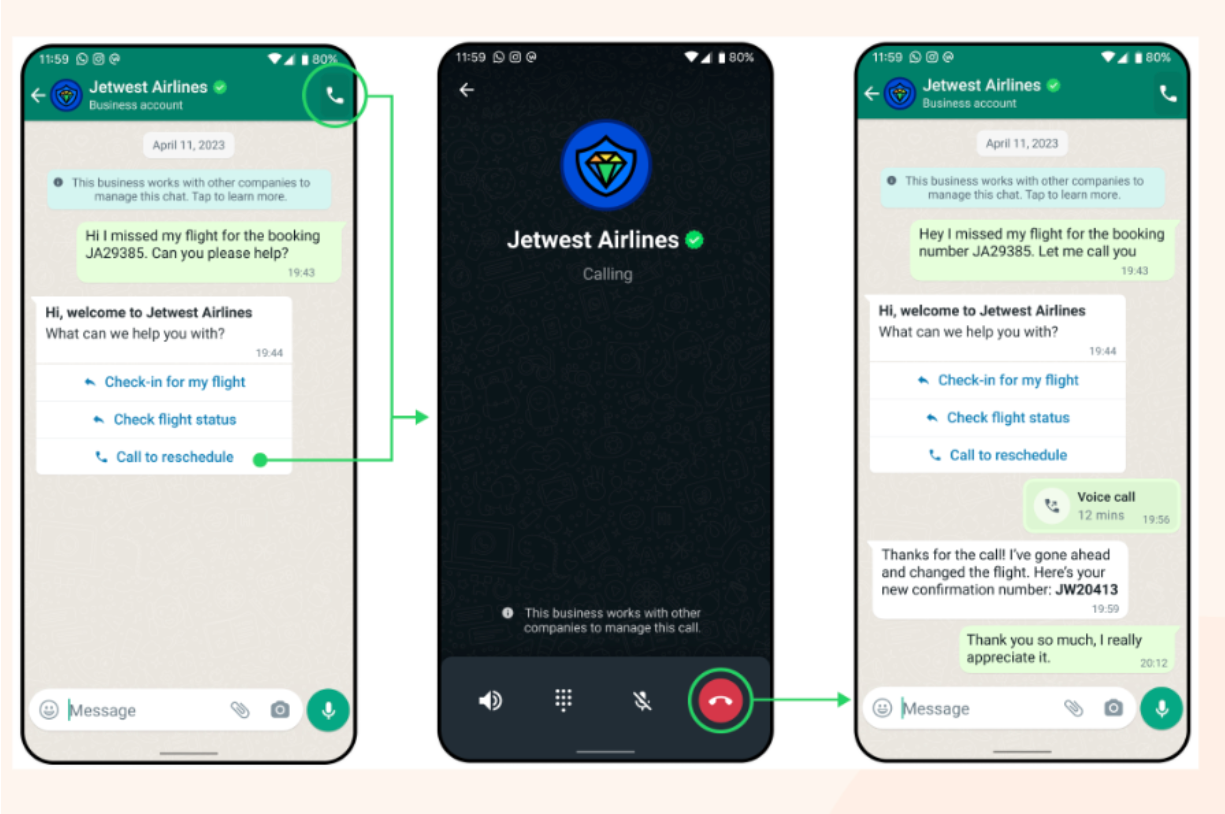
WhatsApp Business Calling runs on the WhatsApp Business Platform, not the free WhatsApp Business app. Business initiated calls need customer permission first, requested through a template inside an active conversation, and there are limits on how often you can ask. Inbound calls, where the customer taps to call you, work more freely.
Availability also varies. Business initiated calling is currently not supported for business numbers registered in a handful of countries including the United States and Canada, while inbound calling still works there. Meta updates this list, so check your market before you plan a campaign around it.
None of this is a blocker. It just means WhatsApp calling works best as part of a conversation you are already having, which is exactly how good sales teams use it anyway.
Where WorkDial fits
WorkDial brings WhatsApp Business Calling into Salesforce, alongside your regular voice calling, on the same number and the same screen.
Inside your Salesforce org you get:
- WhatsApp calls and standard voice calls from one panel, no screen switching
- Call recording and AI transcripts written back to the record
- Templates with call to action buttons, including call us and call back request
- Automatic call logging, task creation, and activity timeline updates
- Power dialer and call analytics on top of it all
WorkDial is the number 1 app for WhatsApp calling in Salesforce, and the only one that runs WhatsApp calls and traditional voice on the same number, in the same panel, without switching screens.
See it before you commit
You do not need to take our word for any of this. In 20 minutes we will open your Salesforce org, place a WhatsApp call from a live contact record, and show you the recording, the transcript, and the logged activity that lands afterwards.
No install required for the demo. No credit card. If it does not fit your workflow, you will know inside the first ten minutes.
Prefer to try it yourself first? Install WorkDial from AppExchange and start with your own number.
Written by WorkDial, The voice layer of Salesforce. WorkDial is built by the team behind ValueText, the Salesforce-native messaging platform, rated 4.97 stars across 116 AppExchange reviews.
Keep reading
Related posts.
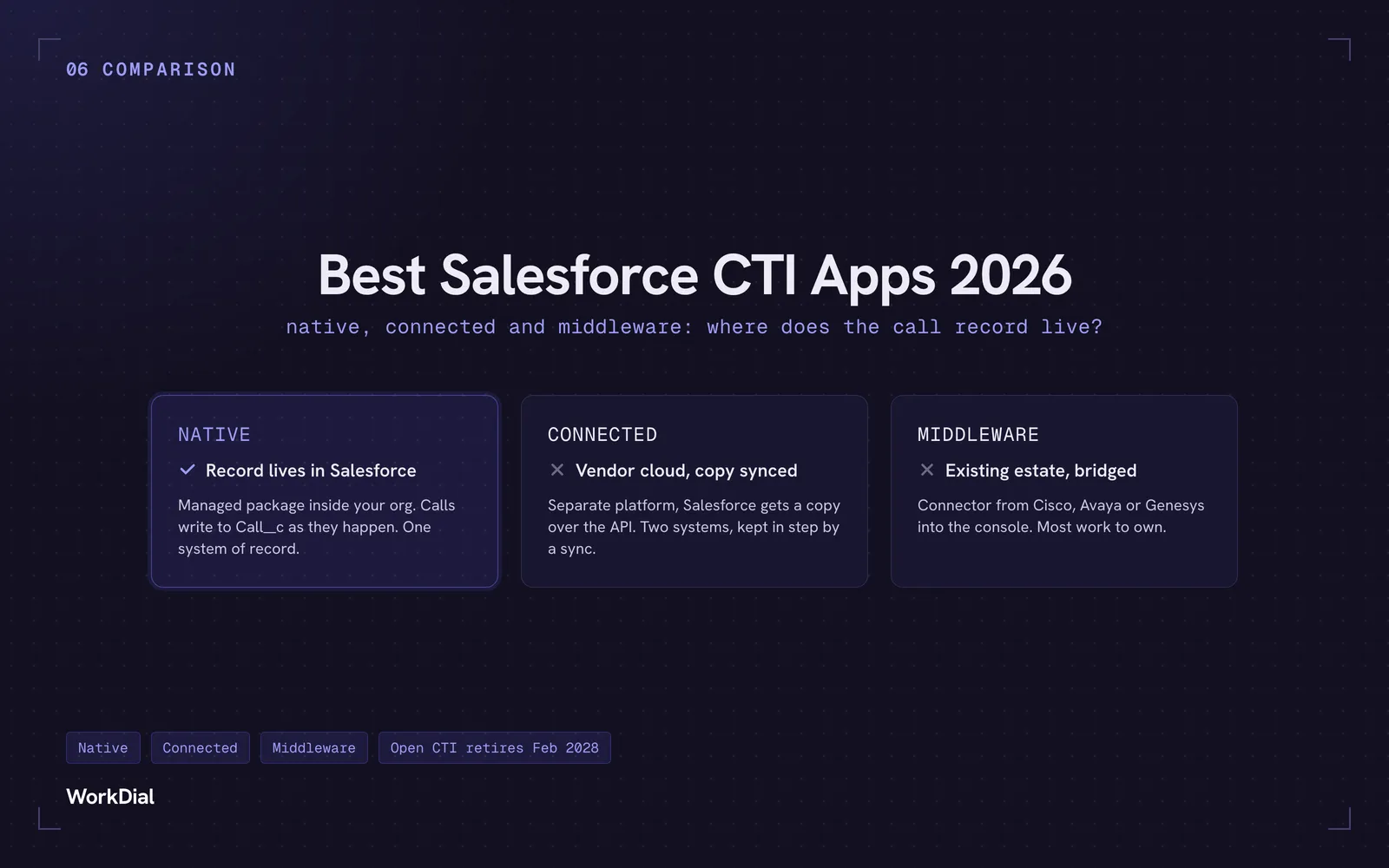
Best Salesforce CTI apps in 2026: native, connected and middleware
The 9 best Salesforce CTI apps in 2026, compared on one thing: where your call record actually lives. Native, connected and middleware, with real pricing.
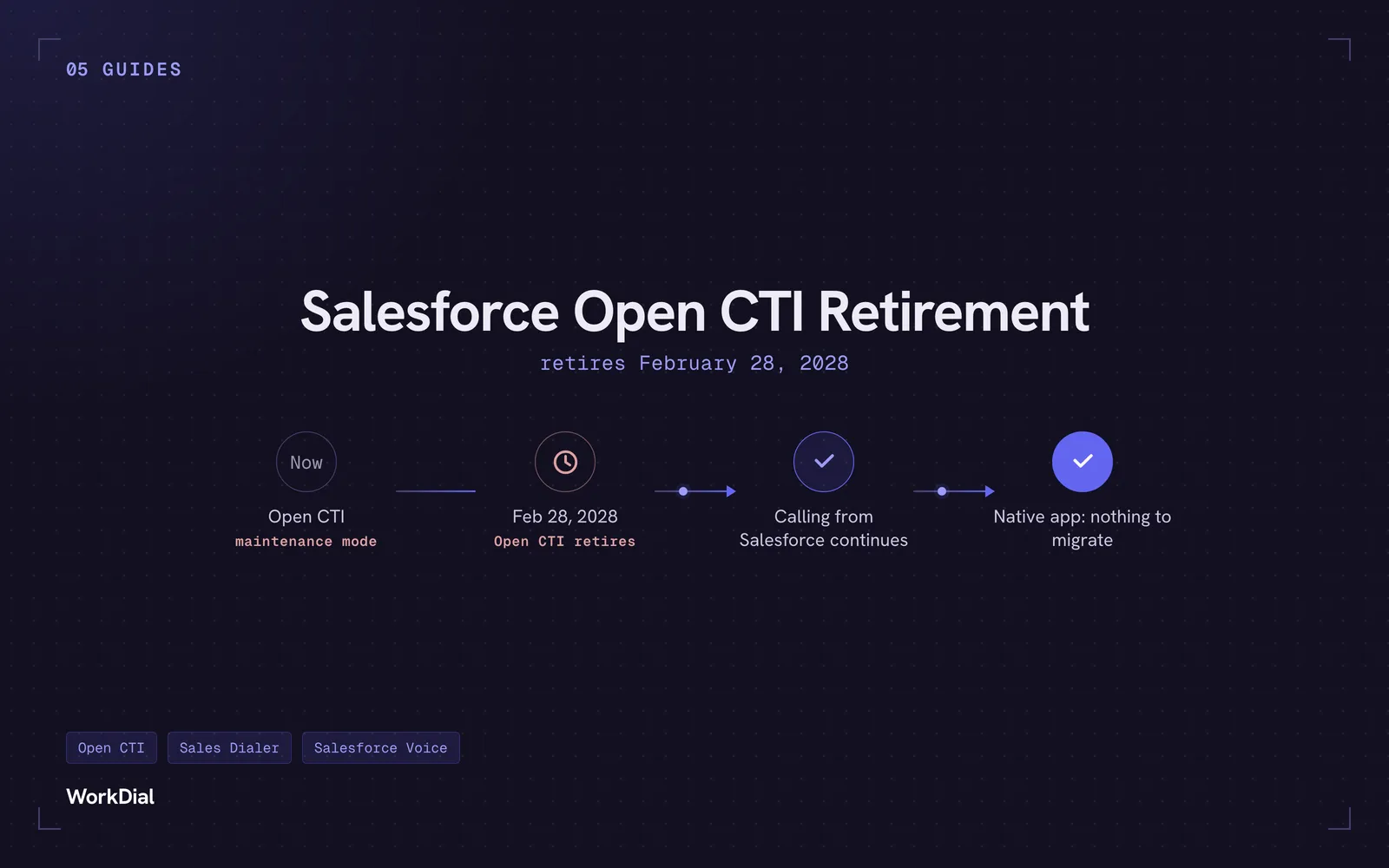
Salesforce Open CTI Retirement: What Actually Happens on February 28, 2028, and Your Real Options
Open CTI retires February 28, 2028. What breaks, what happens to your existing CTI, and how to keep calling in Salesforce without buying new licences.
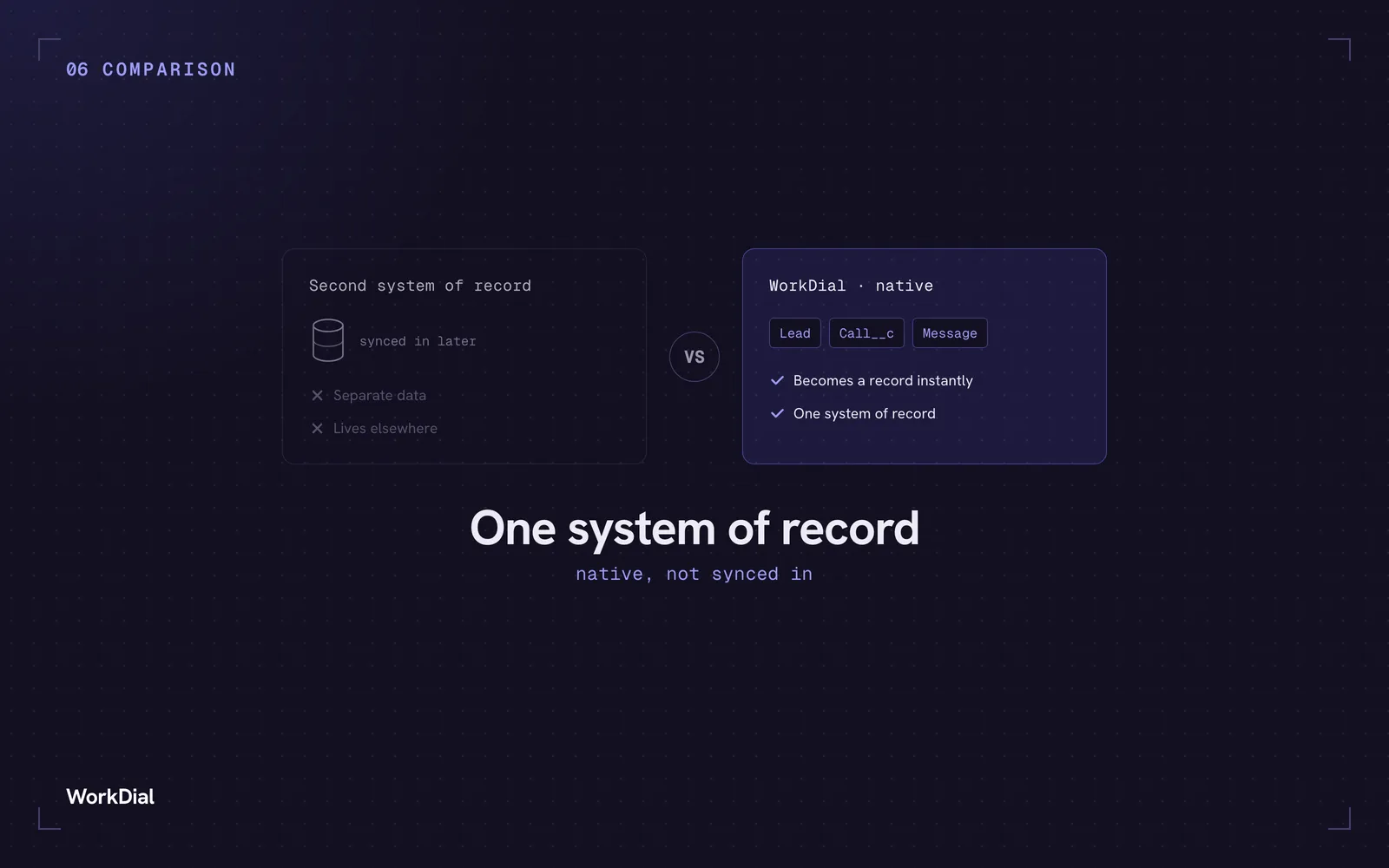
You bought Salesforce for one system of record. Why does your WhatsApp live somewhere else?
Native Salesforce CTI means the call and the WhatsApp message become Salesforce records the instant they happen, not copies synced in from a second system.