
Salesforce telephony integration explained
Salesforce telephony integration connects a phone system to Salesforce. One model runs telephony inside Salesforce so each call is written directly as a Call__c record.
Salesforce telephony integration connects a phone system to Salesforce so reps can dial, answer, and log calls inside the CRM. One model bridges an outside phone platform to Salesforce and syncs a copy of each call in. The other runs telephony inside Salesforce, writing every call directly as a Salesforce record.
That distinction is the whole decision. Most teams type “telephony integration” into a search bar because their phone system and their CRM are two separate places, and the goal is to make them act like one. Integration is one way to get there. Running telephony inside Salesforce is another, and it changes where your call data lives.
What does Salesforce telephony integration mean?
Salesforce telephony integration means linking a phone system to Salesforce so call actions and call data flow into the CRM. A rep clicks a number in a record, a softphone places the call, and the call is logged against the contact. Salesforce supports this through Open CTI, the framework that lets a phone system present a softphone and write call activity into Salesforce records.
CTI stands for computer-telephony integration (CTI): the layer that joins your phones to your software so a call and the record about that call stay connected. Salesforce ships its own telephony surfaces (Open CTI, Service Cloud Voice, Sales Dialer) and an event model that other tools build against.
The practical features people expect from any telephony integration are consistent: click-to-dial from a record, a screen pop that surfaces the caller’s history, and a logged call activity tied to the right contact, lead, or case. The question is not whether a tool offers those. It is where the resulting call data ends up.
Integrate from outside vs run inside Salesforce
There are two ways vendors build this, and they differ on data residency, not on whether the phone rings. Some run the call in their own platform and copy the result into Salesforce afterward. Others run the call through Salesforce itself and write it as a Salesforce record the moment it happens.
The outside model leaves Salesforce governing a second system of record: when the call lives elsewhere and a copy lands later, the activity record can lag, drop fields, or miss calls entirely, and reps fill the gaps by hand. That hand-logging costs rep time and leaves the CRM less reliable for the reports built on it.
That distinction has its own answer. Read native vs integrated CTI for Salesforce for the full comparison of dispositions, AI artifacts, and reporting under each model.
How WorkDial handles telephony inside Salesforce
WorkDial is a Salesforce-native CTI platform that runs telephony inside Salesforce instead of integrating with it from outside. Other tools connect to Salesforce. WorkDial runs inside it. Every call becomes a Salesforce record the moment it happens: the call activity, the disposition, and the AI artifacts (transcript, sentiment, summary) are written to native Salesforce objects, not synced in from a vendor database.
The architecture rests on three pieces working together:
- Open CTI provides the in-Salesforce softphone and the call event model, so dialing and answering happen on Salesforce’s own framework. See how this works on the inside-Salesforce surface page.
- Twilio on your own account carries the call. WorkDial uses bring-your-own-account (BYOA) telephony: production calling runs on your Twilio account, billed at carrier cost with no markup. The audio recording stays in your own Twilio.
- Call__c records hold the result, written as native Salesforce objects. Salesforce Flow can trigger on them and Salesforce reports can read them without a connector in between.
This is the honest split, stated plainly. The structured call data lives in Salesforce. The carrier transport and the audio recording live in your own Twilio account. WorkDial keeps no data store of its own, so there is no vendor cloud holding a copy of your calls.
Because the call is written directly as a Salesforce record, the Salesforce dialer and the records it creates inherit Salesforce’s permission model, automation, and reporting with nothing bolted on. There is no separate admin console for call data and no second source of truth to keep in step.
When integration still makes sense
Integration from outside is the right model when Salesforce is not your only system of record. A team running calls across several CRMs, or one where the phone platform is the primary system and Salesforce is secondary, has a real reason to keep the call platform separate and sync a copy in.
WorkDial is built for the opposite case: Salesforce-only orgs that want their call data to be Salesforce data. If Salesforce is where your reps already work and where your reports already run, running telephony inside Salesforce removes the sync layer entirely rather than maintaining it well.
For the broader landscape of Salesforce telephony options, the Salesforce CTI pillar lays out the full map.
Buying WorkDial, with or without messaging
WorkDial is buyable on its own as the voice layer for Salesforce. Pricing is published and per-user: see the pricing page for Core, Professional, and Enterprise tiers, and the 14-day Professional trial with no card required.
ValueText, the messaging platform built for Salesforce with 4.97 stars across 100+ AppExchange reviews, is the optional messaging layer. Run together, WorkDial and ValueText form the complete voice-and-messaging stack for Salesforce, and buying both earns a 20% bundle discount. Neither requires the other. WorkDial stands alone as a complete phone system for Salesforce.
Native is the stronger answer to “telephony integration”
People search for telephony integration because their phone and their CRM are two places. The strongest answer is not a tighter bridge between them. It is to stop running two places: put telephony inside Salesforce so every call is a native record from the moment it connects, with the recording in your own Twilio and no vendor cloud in between.
See exactly how that looks in a live org. View a demo of WorkDial running inside Salesforce. If you would rather try it on your own data first, start a trial.
Common questions
- What is Salesforce telephony integration?
- Salesforce telephony integration connects a phone system to Salesforce so reps can dial, answer, and log calls without leaving the CRM. Vendors build this two ways: bridging an outside phone platform in on a sync, or running the call through Salesforce so it writes directly as a Call__c record.
- What is the difference between integrated and native Salesforce telephony?
- Integrated telephony keeps calls in a vendor platform and syncs a copy into Salesforce. WorkDial runs the call through Salesforce directly, so each call is written as a Call__c record as it happens: dispositions, transcripts, and summaries are Salesforce data, not synced-in copies.
- Where does the call recording live with WorkDial?
- Call data lives in Salesforce as Call__c and related custom records. The audio recording and carrier transport stay in your own Twilio account under bring-your-own-account (BYOA), billed at carrier cost with no markup. The structured call record is Salesforce data; the recording is in your Twilio.
- Do I have to buy ValueText to use WorkDial?
- No. WorkDial is bought on its own as the CTI platform for Salesforce. ValueText, the messaging platform built for Salesforce, is the optional messaging layer. Buying both together earns a 20% bundle discount, but WorkDial stands alone as a complete voice layer for Salesforce.
Written by WorkDial, The voice layer of Salesforce. WorkDial is built by the team behind ValueText, the Salesforce-native messaging platform, rated 4.97 stars across 116 AppExchange reviews.
Keep reading
Related posts.
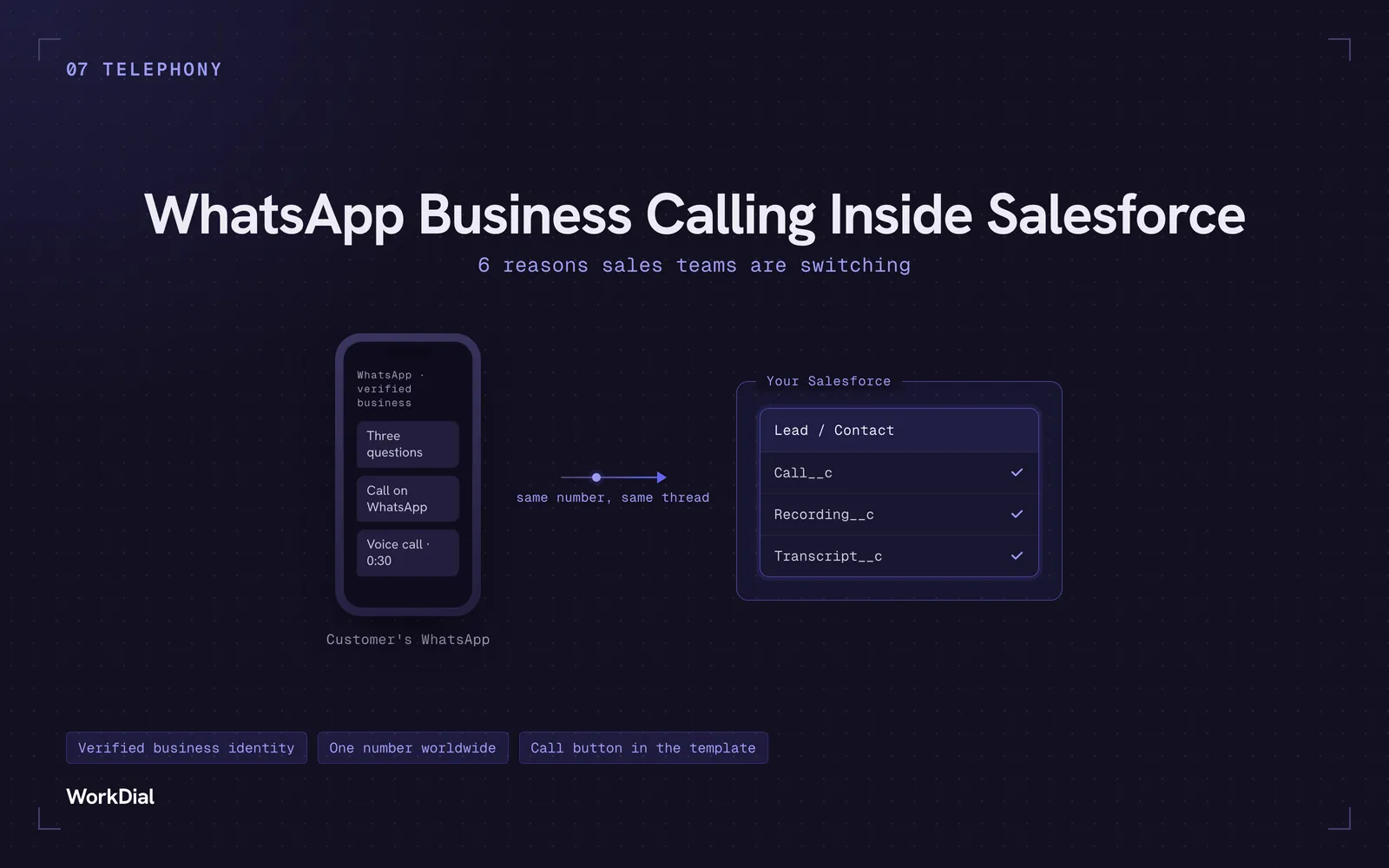
WhatsApp Business Calling Inside Salesforce: 6 Reasons Sales Teams Are Switching
Six reasons sales teams are moving calls onto WhatsApp inside Salesforce: one thread for chat and calls, a verified business identity on every call, one number worldwide, lower cost, a call button in the template, and one record for everything.
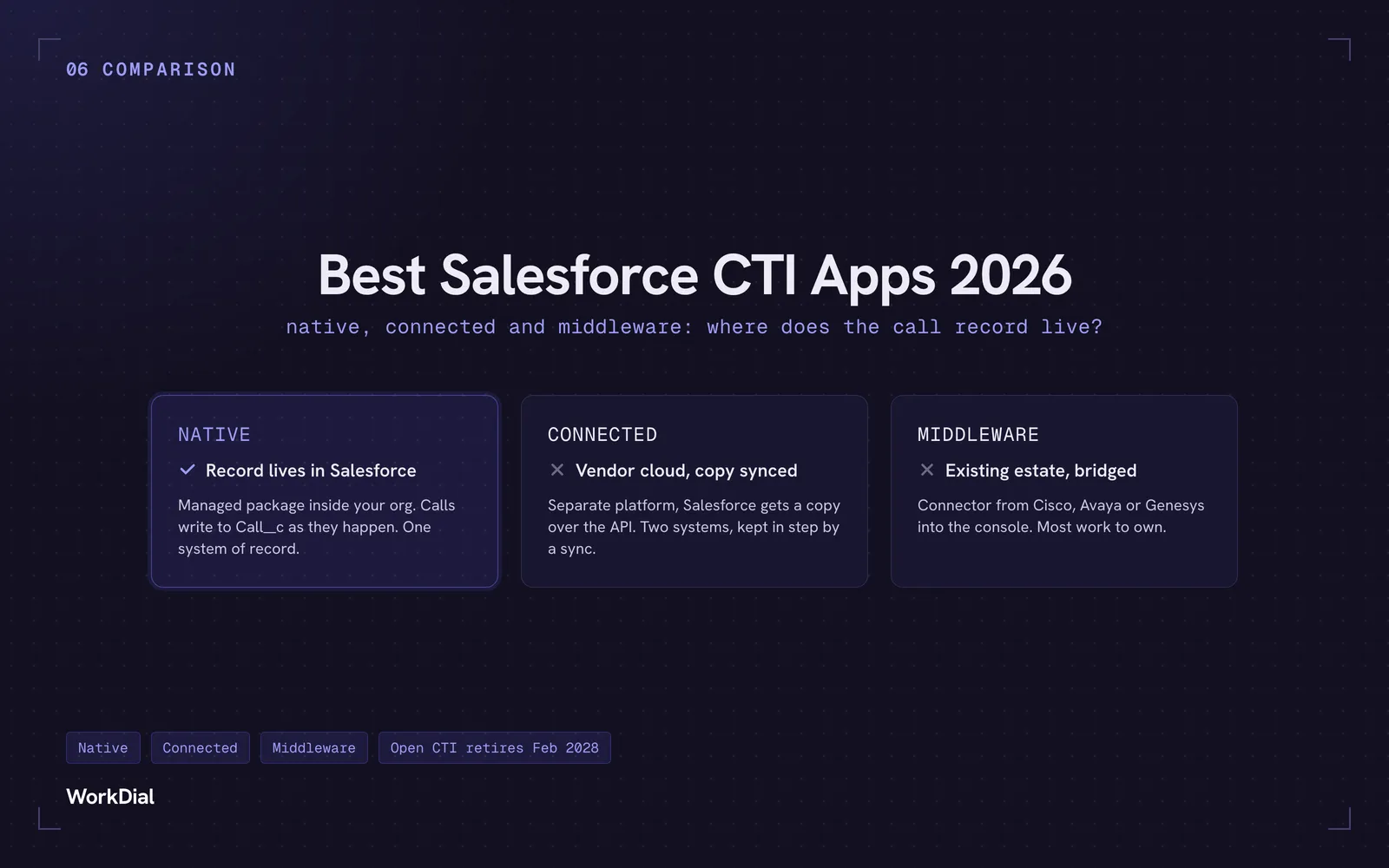
Best Salesforce CTI apps in 2026: native, connected and middleware
The 9 best Salesforce CTI apps in 2026, compared on one thing: where your call record actually lives. Native, connected and middleware, with real pricing.
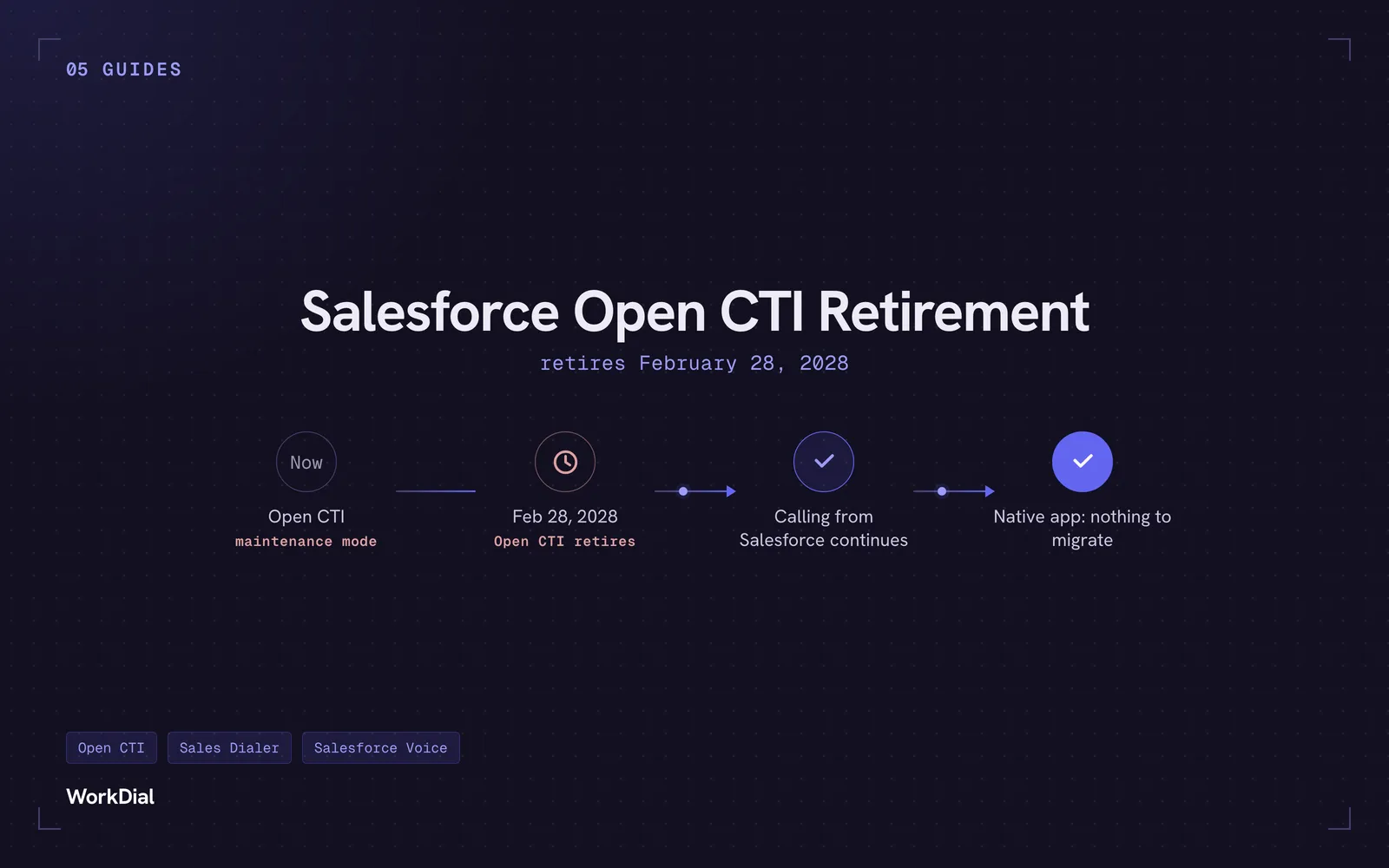
Salesforce Open CTI Retirement: What Actually Happens on February 28, 2028, and Your Real Options
Open CTI retires February 28, 2028. What breaks, what happens to your existing CTI, and how to keep calling in Salesforce without buying new licences.