
What to check before you sign: where does your call data actually live?
Before you sign a CTI contract, ask where the recording, the record, and the deletion rights actually sit. A checklist for evaluating any Salesforce dialer vendor on data ownership.
Before you sign a CTI contract, ask where the recording and the record actually live, and who can delete them. Not the AppExchange listing. Not the marketing page. The architecture. WorkDial is a Salesforce-native CTI platform (computer-telephony integration) built around a specific answer to that question: the record stays inside your org as a Salesforce object, and you choose where the recording lives. This is the checklist to run in five minutes, before the demo turns into a contract.
Where does the recording go?
With WorkDial, you choose the destination: native Salesforce Files in your own org, your own Twilio account, or your own cloud storage. WorkDial writes to whichever one you configure and keeps no recording store of its own. That is a genuine choice, not a default with two disabled options. An org that wants everything inside Salesforce picks native Salesforce Files. An org already invested in Twilio for other channels keeps the audio there.
Who owns it, and who can delete it?
Ownership follows storage. If the recording sits in native Salesforce Files, your Salesforce admin governs access, sharing, and deletion the same way they govern any other file attached to a record. If it sits in your own Twilio account, you hold the credentials and Twilio’s controls apply. Either way, the account is yours, not a vendor’s, so the delete button is yours too.
Compare that to a bolt-on dialer that stores recordings on its own infrastructure: deletion means opening a support ticket and trusting a process you cannot inspect. If the tool is supposed to manage your Salesforce communication, why does deleting your own data require asking someone else first?
How does retention actually work when the record is native?
The call record, the disposition, the transcript, and the sentiment score are written as native Salesforce objects (Call__c and Transcript__c among them), so they age out, get archived, or get purged the same way any other Salesforce record does, under your org’s existing retention rules and your admin’s control. There is no second retention clock running on a vendor’s server, and no separate deletion request to file, because there is no separate copy to delete.
A five-point checklist before you sign
Run these five questions on any Salesforce dialer, WorkDial included, before you sign:
- Where does the audio file physically live? Get the storage location by name (a specific vendor database, your own Twilio account, or native Salesforce Files), not a description like “secure cloud storage.”
- Who can access it, and through which permission model? If the answer is a vendor support console instead of Salesforce profiles and permission sets, access control lives outside the system you already audit.
- How do you delete it? Self-service inside a system you control, or a request to the vendor’s support team. The first is verifiable. The second is a promise.
- Does the vendor keep its own copy anywhere, even a backup or a cache? Ask directly. A vendor with no data store of its own has a short answer.
- What happens to your data if you cancel? If the recordings live in your own Twilio or your own Salesforce org, cancellation does not strand your data with a third party.
WorkDial’s answers: a named destination you choose (native Salesforce Files, your own Twilio, or your own cloud storage), Salesforce’s own permission model for anything stored in the org, self-service deletion through the storage you control, no vendor-side copy, and nothing to migrate out on cancellation because nothing was ever held outside your infrastructure.
For the architecture underneath this (why writing the record as a native Salesforce object instead of syncing a copy in changes reporting, routing, and automation, beyond residency alone), see native vs integrated CTI; this post is the ownership and residency checklist version. For the billing mechanics of running telephony on your own Twilio account, see bring your own Twilio.
WorkDial is buyable on its own; the residency model in this checklist does not depend on ValueText. Pair it with ValueText, the Salesforce-native messaging platform with 4.97 stars across 100+ AppExchange reviews, applying the same architecture to voice, and both products write to the same Salesforce org at a 20% bundle discount, but nothing here requires the bundle.
If you want to see where a recording lands before you sign anything, view a demo. Prefer to check it in your own org first? Start a trial and run a real call through native Salesforce Files or your own Twilio.
Common questions
- Who owns the call recordings when you use WorkDial?
- You do. WorkDial operates no recording store of its own. The audio lives wherever you choose it to: as native Salesforce Files in your own org, in your own Twilio account, or in your own cloud storage. Ownership sits with your org because the storage sits in your org.
- Where can a WorkDial call recording be stored?
- Three places, all customer-controlled: native Salesforce Files inside your own org, your own Twilio account, or your own cloud storage. WorkDial writes the recording to whichever destination you configure and keeps no copy on its own infrastructure.
- How does retention and deletion work for call data in Salesforce?
- Call activity, dispositions, transcripts, sentiment, and summaries are native Salesforce objects, so they follow your org's existing data-retention and deletion process, the same one that governs every other record. There is no separate vendor schedule to negotiate, because there is no separate vendor store holding a copy.
- Does WorkDial keep a copy of call recordings or transcripts?
- No. WorkDial writes the record to Salesforce and the recording to the destination you chose, then keeps nothing itself. If you delete the record in Salesforce or the file at its storage destination, there is no second copy sitting in a WorkDial-operated database.
- Does this mean call data never leaves Salesforce?
- No, and any vendor that claims that unconditionally should be questioned. The record lives in Salesforce as a native object. Where the recording lives is your choice: native Salesforce Files keeps it inside your org, while your own Twilio or your own cloud storage means the audio sits in infrastructure you own but technically outside Salesforce. Residency is a choice you make, not a blanket guarantee.
Written by WorkDial, The voice layer of Salesforce. WorkDial is built by the team behind ValueText, the Salesforce-native messaging platform, rated 4.97 stars across 116 AppExchange reviews.
Keep reading
Related posts.
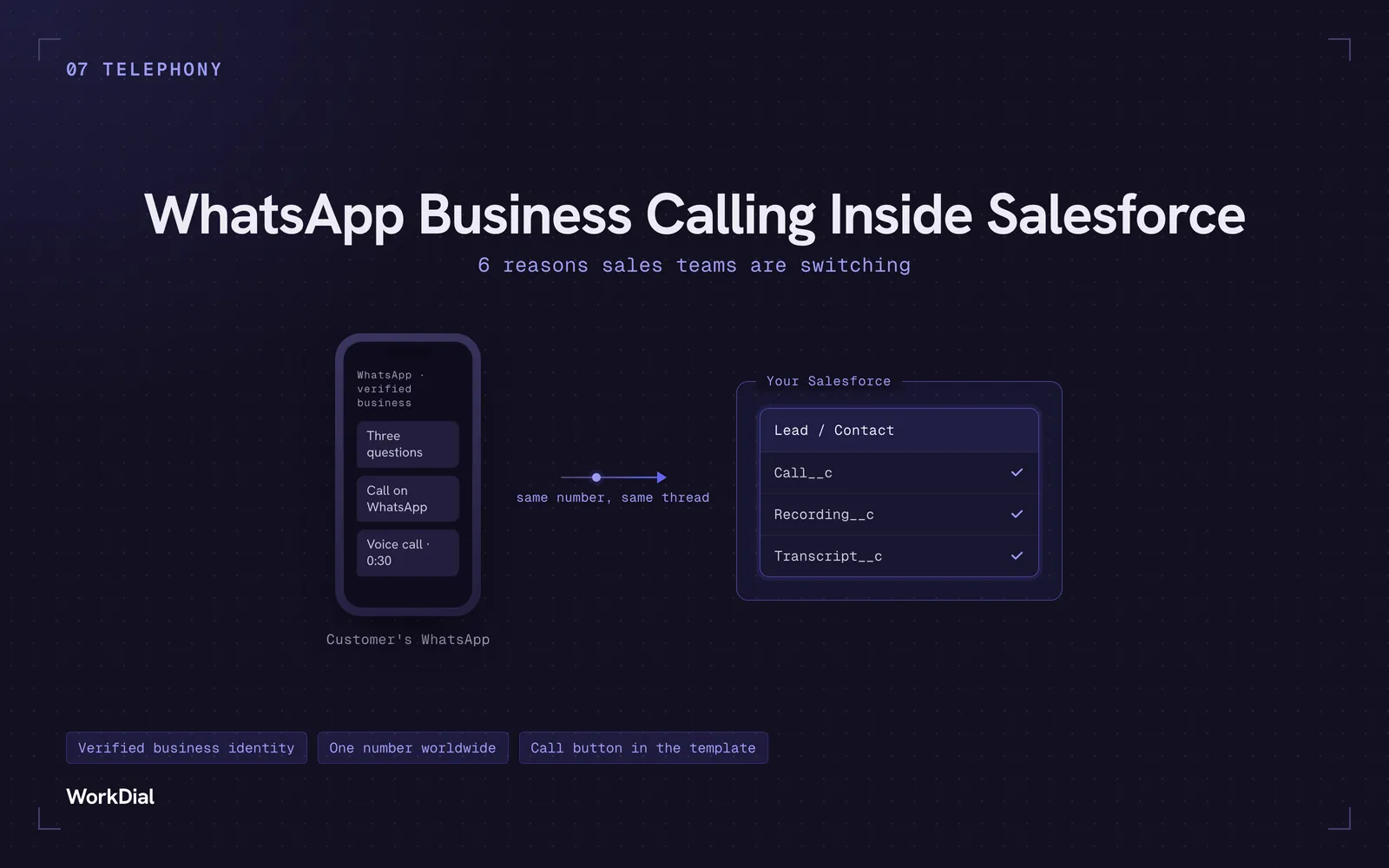
WhatsApp Business Calling Inside Salesforce: 6 Reasons Sales Teams Are Switching
Six reasons sales teams are moving calls onto WhatsApp inside Salesforce: one thread for chat and calls, a verified business identity on every call, one number worldwide, lower cost, a call button in the template, and one record for everything.
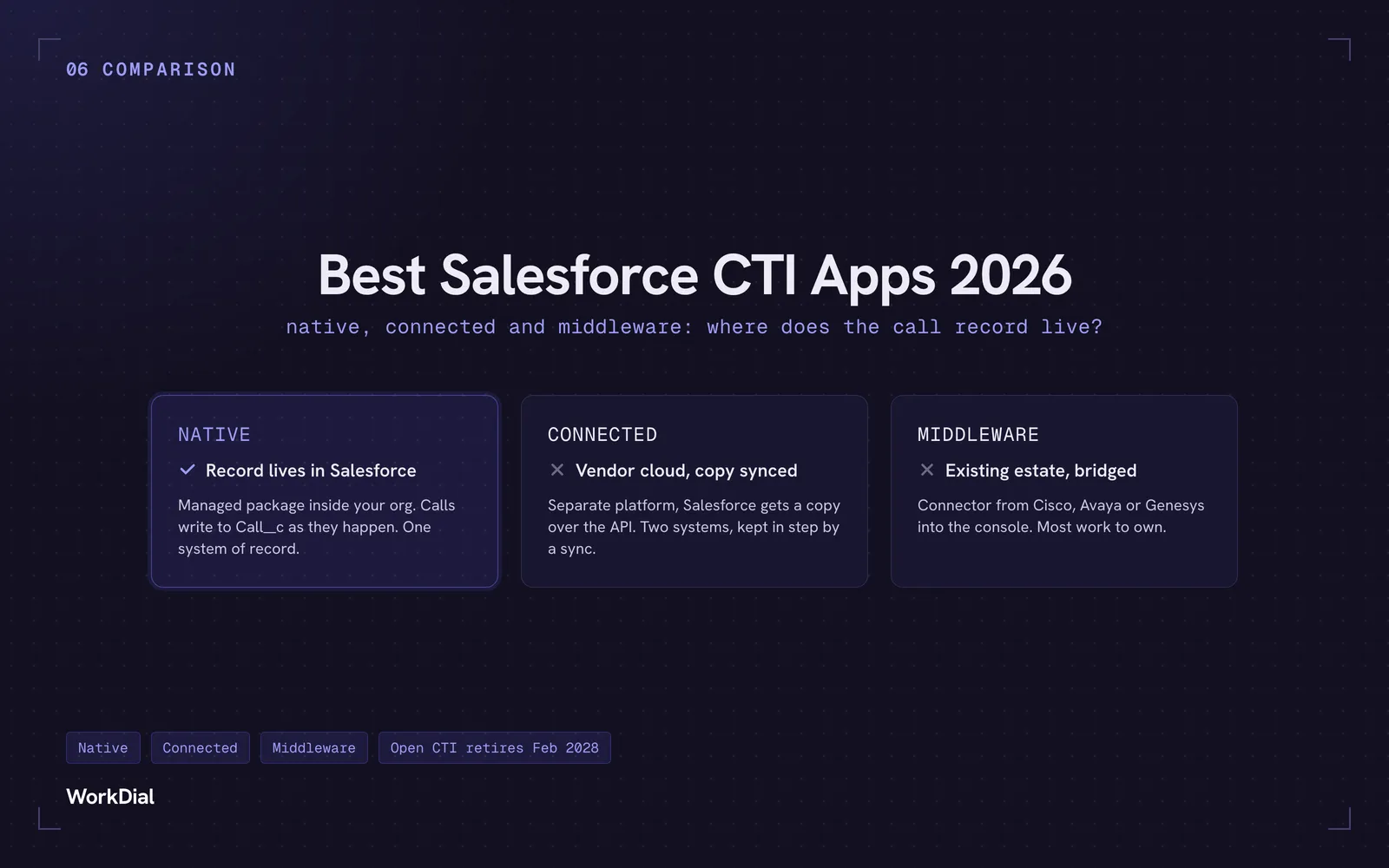
Best Salesforce CTI apps in 2026: native, connected and middleware
The 9 best Salesforce CTI apps in 2026, compared on one thing: where your call record actually lives. Native, connected and middleware, with real pricing.
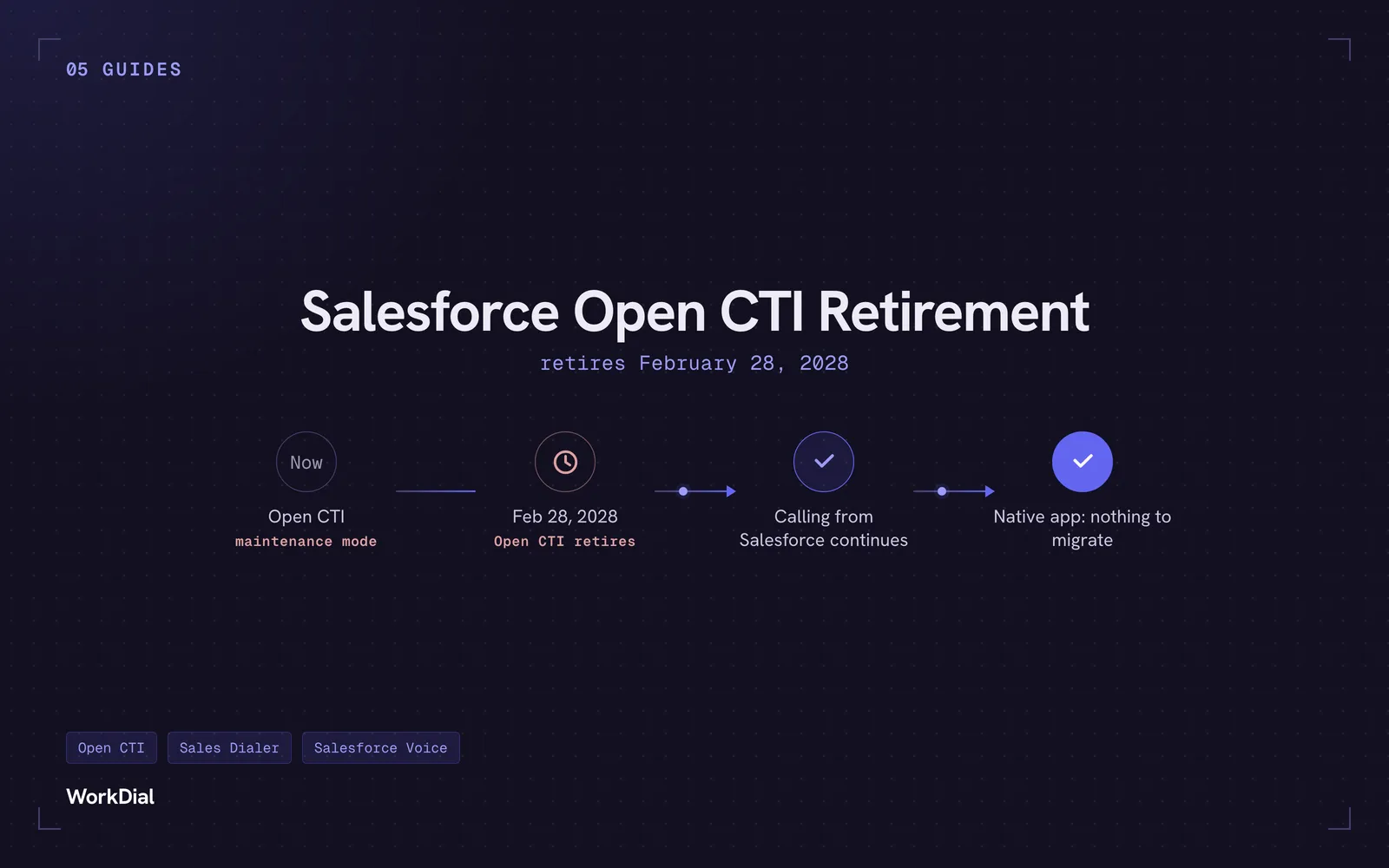
Salesforce Open CTI Retirement: What Actually Happens on February 28, 2028, and Your Real Options
Open CTI retires February 28, 2028. What breaks, what happens to your existing CTI, and how to keep calling in Salesforce without buying new licences.