
CTI AI automation for Salesforce call handling
WorkDial pairs computer-telephony integration with AI so call summaries, transcripts, sentiment, and follow-up automation all live as native Salesforce objects.
CTI AI automation only pays off when the AI output changes what happens next, not only what gets read. WorkDial is a Salesforce-native CTI platform (computer-telephony integration) that ties every transcript, sentiment score, and summary to the call record the moment it lands, so Salesforce Flow can create the follow-up task, update the Case, or log the Opportunity note without a copy-paste step first.
How automation acts on a call record
Automation acts on the call record through Salesforce Flow, the same tool an admin uses to automate every other object. Flow triggers on it and its AI artifacts directly, with no middleware and no separate rules console.
Patterns that are straightforward to build:
- A call summary contains a reschedule request, so Flow creates a follow-up task with a due date and assigns it to the owner.
- A support call comes in, so Flow updates the Case and prefills the summary into a clean field.
- A pipeline call ends, so Flow logs the next activity on the Opportunity and appends the key points.
The follow-up, not the summary, is what changes behavior. A manual after-call note leaves gaps in the activity record and costs rep time every call. Automation off the artifact closes that gap without depending on memory or discipline.
What is CTI AI automation in Salesforce?
CTI AI automation in Salesforce is the pattern where the phone system captures the call, AI generates artifacts from it (transcript, summary, sentiment), and Salesforce automation turns those artifacts into the next action. The value is not the summary. It is that the summary triggers a consistent follow-up because the record lives where the workflow already runs.
Most AI call handling stalls at the same point. The call gets logged, but the meaning of the call stays in a rep’s notes. Transcripts sit in a separate portal, so access and audits become a second system to govern. Follow-ups stay manual, so consistency depends on whoever was on the call. Reporting looks complete but rests on partial logging and late updates. The AI output reads as extra reading rather than an operational change.
The reason is architectural. Other tools connect to Salesforce. WorkDial runs inside it. When the call data lives in a vendor cloud, the AI artifacts live there too, and automation has to reach across a sync to use them. Salesforce CTI built this way removes that reach.
Where do WorkDial’s AI artifacts live?
Transcript, sentiment, and summary land on Transcript__c, Sentiment__c, and Summary__c the moment the call ends, each linked to the Call__c record (full mechanics: how AI call analysis works on native objects). What that makes possible is the subject of this post: what Salesforce Flow can do with them.
Native vs integrated, once AI is added
The native-vs-integrated tradeoff itself is unpacked in native vs integrated CTI for Salesforce. What changes once AI is layered on top is timing: a transcript or sentiment score is only as fresh as the record it’s attached to, so a synced record makes the AI output late by definition. The reporting side of that same comparison is covered in building CTI dashboards in Salesforce.
Keeping ownership with the admin
CTI AI automation holds up when the admin owns it end to end. Routing rules, business hours, supervisor controls, and reporting that all run inside Salesforce mean there is no second environment to keep in sync and no reconciliation across tools. The capture side starts with reliable logging: click-to-dial and screen pops tied to real records so every call produces a record worth summarizing.
This is less about a feature list and more about operational ownership. The question a buyer is really deciding is whether Salesforce is the system of record for call handling, or only a place to display it.
WorkDial is buyable on its own. ValueText is the messaging layer of the same stack if you later add native SMS and WhatsApp messaging, but WorkDial’s voice and AI call handling run without it.
Where to start
If you want to see AI artifacts land on Salesforce objects and a Flow act on them, the fastest read is the demo. View the WorkDial demo to watch a call become a Salesforce record, a summary, and an automatic follow-up. If you would rather build it in your own org, start a trial of the Professional tier with full AI call analysis on. Pricing is published on the pricing page.
Common questions
- What does CTI AI automation in Salesforce actually do?
- It writes each call as a native Salesforce record, attaches AI artifacts (transcript, summary, sentiment) to that record, then lets Salesforce Flow act on them: create a follow-up task, update a Case, or log the next step on an Opportunity. No copy-paste between systems.
- Where do WorkDial's AI transcripts and summaries get stored?
- On native Salesforce objects in your own org: the transcript on Transcript__c, sentiment on Sentiment__c, the summary on Summary__c, each linked to the Call__c record and its Contact, Case, or Opportunity. They are written there, not synced in from a vendor database.
- Can automation trigger off a call without custom code?
- Yes. Because call events and AI artifacts land as Salesforce records directly, Salesforce Flow triggers on them without a sync step. An admin builds the follow-up logic in Flow Builder, the same place they automate every other Salesforce record, with no separate console or middleware.
- Do I need ValueText to use WorkDial's AI call handling?
- No. WorkDial runs its full voice and AI call handling on its own. ValueText is a separate add if you later want native SMS and WhatsApp messaging too.
Written by WorkDial, The voice layer of Salesforce. WorkDial is built by the team behind ValueText, the Salesforce-native messaging platform, rated 4.97 stars across 116 AppExchange reviews.
Keep reading
Related posts.
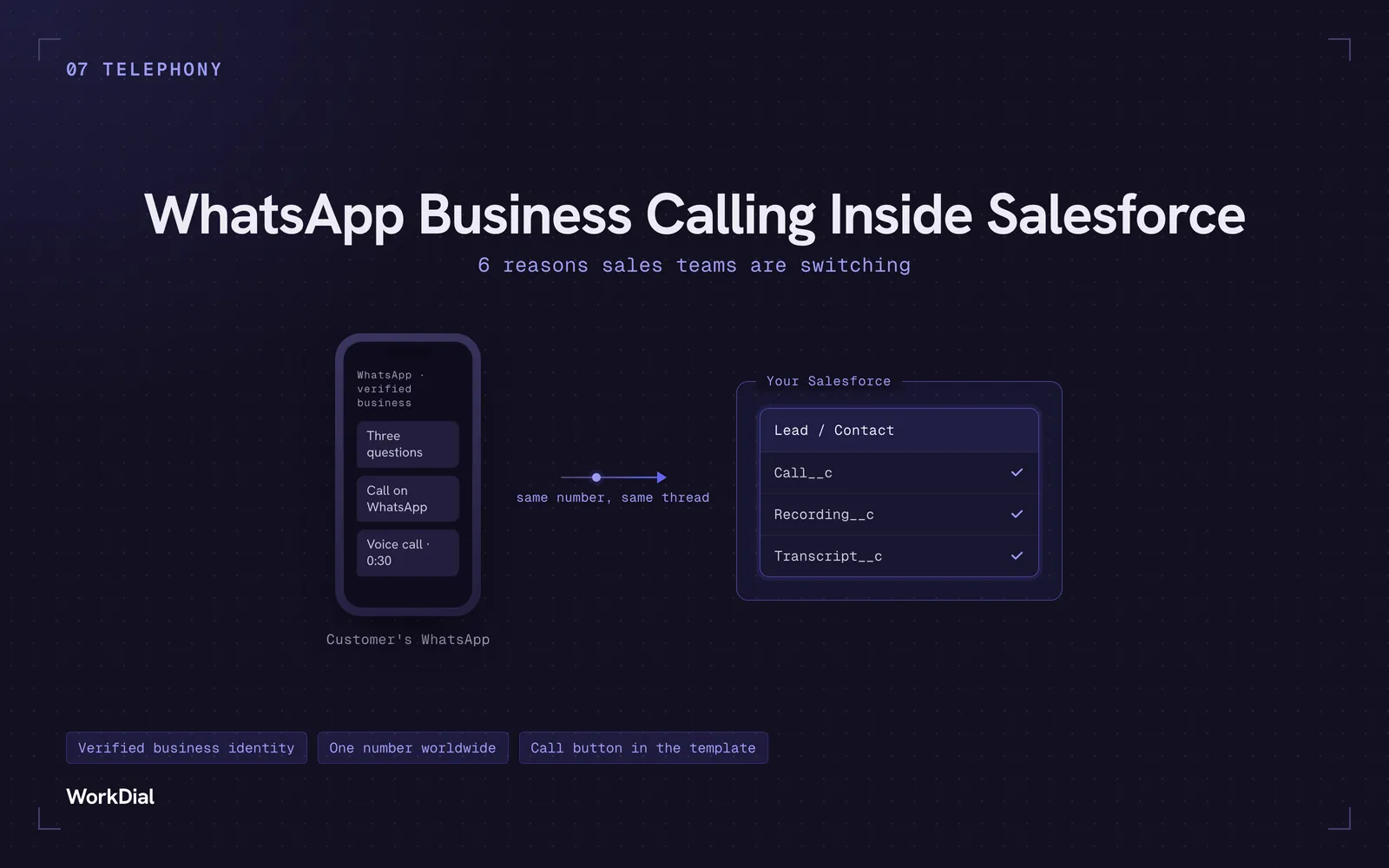
WhatsApp Business Calling Inside Salesforce: 6 Reasons Sales Teams Are Switching
Six reasons sales teams are moving calls onto WhatsApp inside Salesforce: one thread for chat and calls, a verified business identity on every call, one number worldwide, lower cost, a call button in the template, and one record for everything.
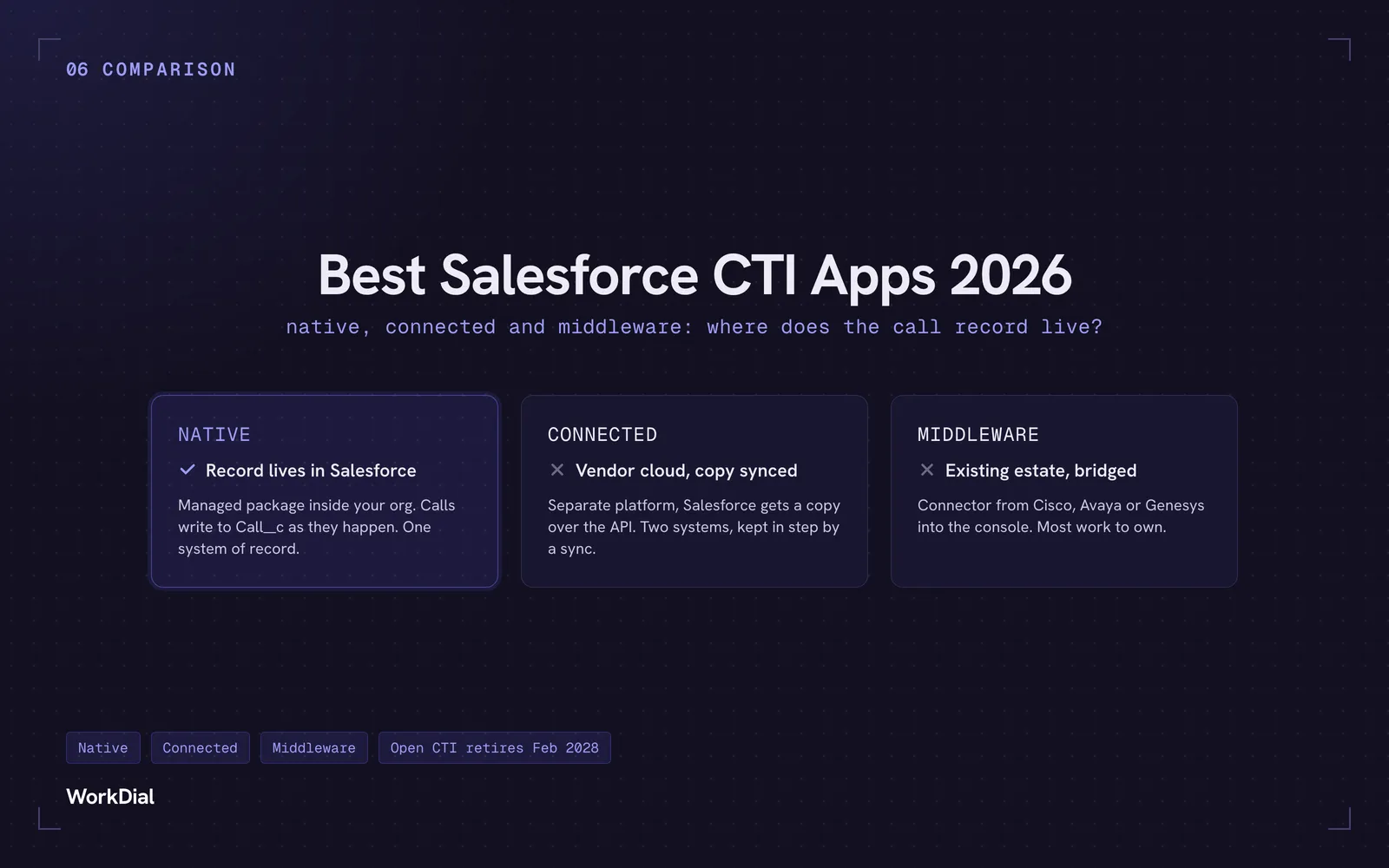
Best Salesforce CTI apps in 2026: native, connected and middleware
The 9 best Salesforce CTI apps in 2026, compared on one thing: where your call record actually lives. Native, connected and middleware, with real pricing.
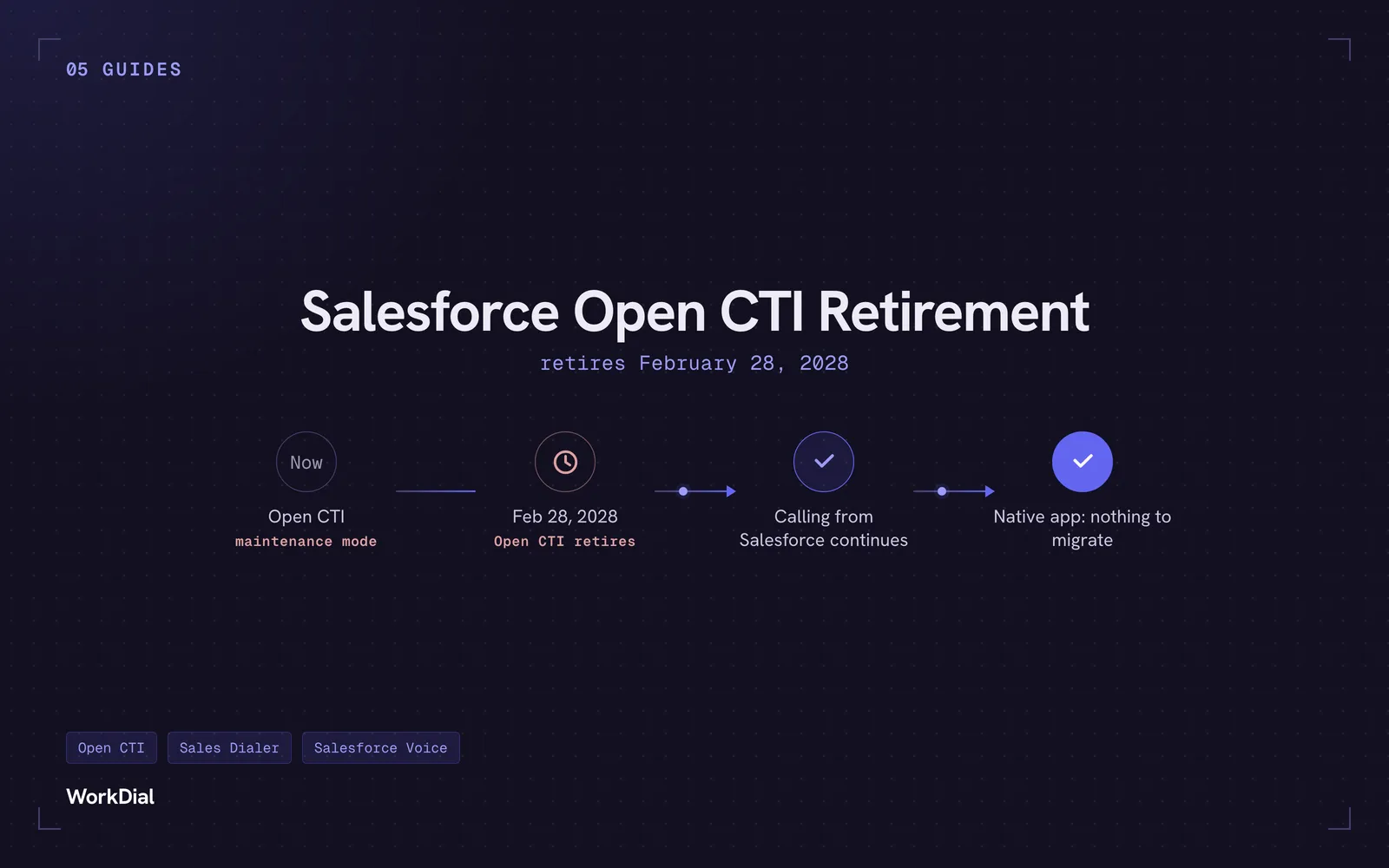
Salesforce Open CTI Retirement: What Actually Happens on February 28, 2028, and Your Real Options
Open CTI retires February 28, 2028. What breaks, what happens to your existing CTI, and how to keep calling in Salesforce without buying new licences.