
WhatsApp Business Calling in Salesforce
WhatsApp Business Calling lets verified businesses take voice calls over WhatsApp. WorkDial places them by request and writes each one as a native Call__c.
WhatsApp Business Calling lets verified businesses make and receive voice calls over the WhatsApp network using their official WhatsApp Business number. WorkDial is a Salesforce-native CTI platform that handles those calls as part of the Salesforce record: every WhatsApp voice call becomes a Call__c record with routing, disposition, and reporting that match every other call in the CRM.
In much of EMEA, LATAM, and APAC, a customer’s first instinct is to tap the call button inside WhatsApp rather than dial a phone number. WhatsApp voice is a default business channel in those markets, not a fallback. The question for a Salesforce team is no longer whether to handle those calls. It is whether each one becomes data your CRM owns or a conversation that happens somewhere else.
What is WhatsApp Business Calling?
WhatsApp Business Calling is voice calling over the WhatsApp network through the WhatsApp Business Calling API, placed and received on a verified WhatsApp Business number. Unlike a personal WhatsApp account, it supports multiple agents, verified business profiles, and call management through approved platforms. The customer experiences a familiar call inside WhatsApp; the business experiences a voice channel it can operate at scale.
For years that capability lived outside Salesforce. Calls happened on mobile devices or in a separate dashboard, disconnected from the records they related to. A rep might log “called via WhatsApp” as a manual Task, or log nothing. Manual logging leaves gaps in the activity record and costs rep time, and it means managers cannot answer a basic question: how many customer calls came through WhatsApp last week versus the phone?
How does an outbound WhatsApp call work?
Outbound WhatsApp voice is request-based, not a cold dial. WhatsApp requires the recipient to accept a call request before the line connects, and WorkDial runs that handshake from the Salesforce record:
- The rep sends the request. From a Lead, Contact, or Case, the rep taps WA Call to send a WhatsApp call request to the contact.
- The recipient accepts. The contact accepts the request in WhatsApp on their own device.
- Salesforce is notified. On acceptance, WorkDial tells Salesforce the call can connect.
- The rep places the call. The WhatsApp voice call connects from the record, and when it ends it writes as a Call__c record with the recording referenced as Recording__c.
The rep never leaves Salesforce to manage any of this. The request, the connection, and the log all happen on the record, so the conversation is captured the same way a phone call is.
How is inbound WhatsApp voice routed?
Inbound WhatsApp voice enters the same Salesforce Omni-Channel routing as your phone calls. Because both share one Call__c object, queues and skills for product, language, or region apply across phone and WhatsApp alike, alongside business hours and agent presence. You can also route by Salesforce data (account owner, case status, region, or a criterion you define) in WorkDial’s routing settings. That avoids a failure mode common to split setups: one system routes phone calls, another routes WhatsApp calls, and reps sit idle in one queue while calls overflow in the other. One routing decision covers both channels, and the call lands on the record as Call__c either way.
Where does the WhatsApp call data live?
Call data lives in Salesforce as native objects. With WorkDial, a WhatsApp voice call writes a Call__c record as it happens, with the channel marked as WhatsApp voice, direction, start and end time, duration, owner, and the related Lead, Contact, or Case. Dispositions and any AI artifacts (transcripts, sentiment, summaries) write to native Salesforce objects too, not synced in from a vendor database after the fact.
The telephony itself runs on your own Twilio account (bring your own account), billed at carrier cost with no markup. Twilio carries the WhatsApp voice transport and stores the audio recording, so the recording stays in infrastructure you control. The honest split is this: the call data lives natively in Salesforce, and the carrier transport and recording storage live in your own Twilio. That is the architectural difference, and it is the heart of the native versus integrated CTI question.
Other tools connect to Salesforce. WorkDial runs inside it. If the tool is supposed to manage your Salesforce communication, why does your communication data live somewhere else?
How does WhatsApp voice compare to a bolt-on tool?
A WhatsApp voice call is a native Call__c record like any other, not a special case. The general native-versus-bolt-on tradeoffs (routing, reporting, recording storage) are the same ones covered in Native vs integrated CTI in Salesforce; what changes with WhatsApp is only the channel the call arrives on.
What Salesforce automation opens up once WhatsApp voice is a Call__c record?
Once WhatsApp voice calls are native Call__c records, the rest of your Salesforce automation applies without rework. A dropped call triggers a Flow that creates a callback Task. A completed call updates the related Case from the same screen the rep already works in. Because the record carries language and region, routing sends future calls from the same customer to a matching rep, and reporting shows where WhatsApp demand comes from without a separate BI tool.
The AI side follows the same rule. Transcripts, sentiment, and summaries land on native objects, so AI call analysis in Salesforce covers WhatsApp voice and phone calls together rather than treating WhatsApp as a channel your analytics cannot see. For how placing and receiving WhatsApp voice works on the record, see WhatsApp calling in Salesforce, the product surface this post sits beneath.
Compliance and audit with WhatsApp voice
Voice carries sensitive information, so where the evidence lives matters. With WorkDial, recordings and metadata are referenced from the Call__c record, access is governed by permission sets and field-level security like any other object, and retention can be set by region or business unit. Legal and security teams care less about which network carried the audio and more about where the record lives. Here that answer is Salesforce, with the audio in your own Twilio.
Messaging alongside voice
WorkDial covers WhatsApp voice. Text on WhatsApp is a separate job handled by ValueText, the messaging platform from the same team, which covers WhatsApp and SMS messaging inside Salesforce as native records. WorkDial is buyable on its own for voice; you do not need ValueText to make WhatsApp calls from Salesforce. Run together, WorkDial and ValueText form the complete communication stack, voice plus messaging, at a 20% bundle discount. Pricing for both, including the Professional trial, is on the pricing page.
Treat this as your reference design
If you accept that Salesforce should own the call data and that a WhatsApp voice call should be a native Call__c record, the only open question is which tool matches that pattern. WorkDial was built to it: a managed package that adds the WorkDial panel to your records, your own Twilio for carrier and WhatsApp transport, routing by your Salesforce data, and every call written as a native record in your org.
See it run on a real org in a WorkDial demo. If you would rather try it yourself first, start a trial.
Common questions
- Can you make WhatsApp calls from Salesforce?
- Yes. With WorkDial, a rep places an outbound WhatsApp voice call from the WorkDial panel on a Lead, Contact, or Case. Outbound is request-based: the rep sends a call request, the recipient accepts it in WhatsApp, and then the call connects. The call writes a native Call__c record, so reporting and routing match every other call.
- How do you start an outbound WhatsApp call in WorkDial?
- By request, not a cold dial. The rep taps WA Call on the Salesforce record to send a WhatsApp call request, the recipient accepts the request in WhatsApp, Salesforce is notified on acceptance, and then the rep places the call. The conversation writes to the record as Call__c when it ends.
- What is WhatsApp Business Calling?
- WhatsApp Business Calling lets verified businesses make and receive voice calls over the WhatsApp network using their official WhatsApp Business number through the WhatsApp Business API. Customers reach the business by tapping call inside WhatsApp instead of dialing a traditional phone number.
- Where does the WhatsApp call data live?
- Call activity, dispositions, and AI artifacts write to native Salesforce objects as the call happens, not synced from a vendor database. Telephony transport and recording storage run on your own Twilio account, so the Call__c record lives in Salesforce while the audio stays in infrastructure you control.
- Do I need ValueText to use WhatsApp calling in WorkDial?
- No. WorkDial is buyable on its own for voice, including WhatsApp Business voice. ValueText, the messaging platform built on the same architecture, covers WhatsApp and SMS text. The two together form the complete communication stack, voice plus messaging, at a 20% bundle discount.
- How is inbound WhatsApp voice routed to the right rep?
- Inbound WhatsApp voice enters the same Salesforce Omni-Channel routing as your phone calls: queue membership, skills such as language or product, business hours, and agent presence. You can also route by Salesforce data such as account owner, case status, or region in WorkDial's routing settings. One routing decision covers both channels, so each call reaches the right rep instead of two systems competing.
Written by WorkDial, The voice layer of Salesforce. WorkDial is built by the team behind ValueText, the Salesforce-native messaging platform, rated 4.97 stars across 116 AppExchange reviews.
Keep reading
Related posts.
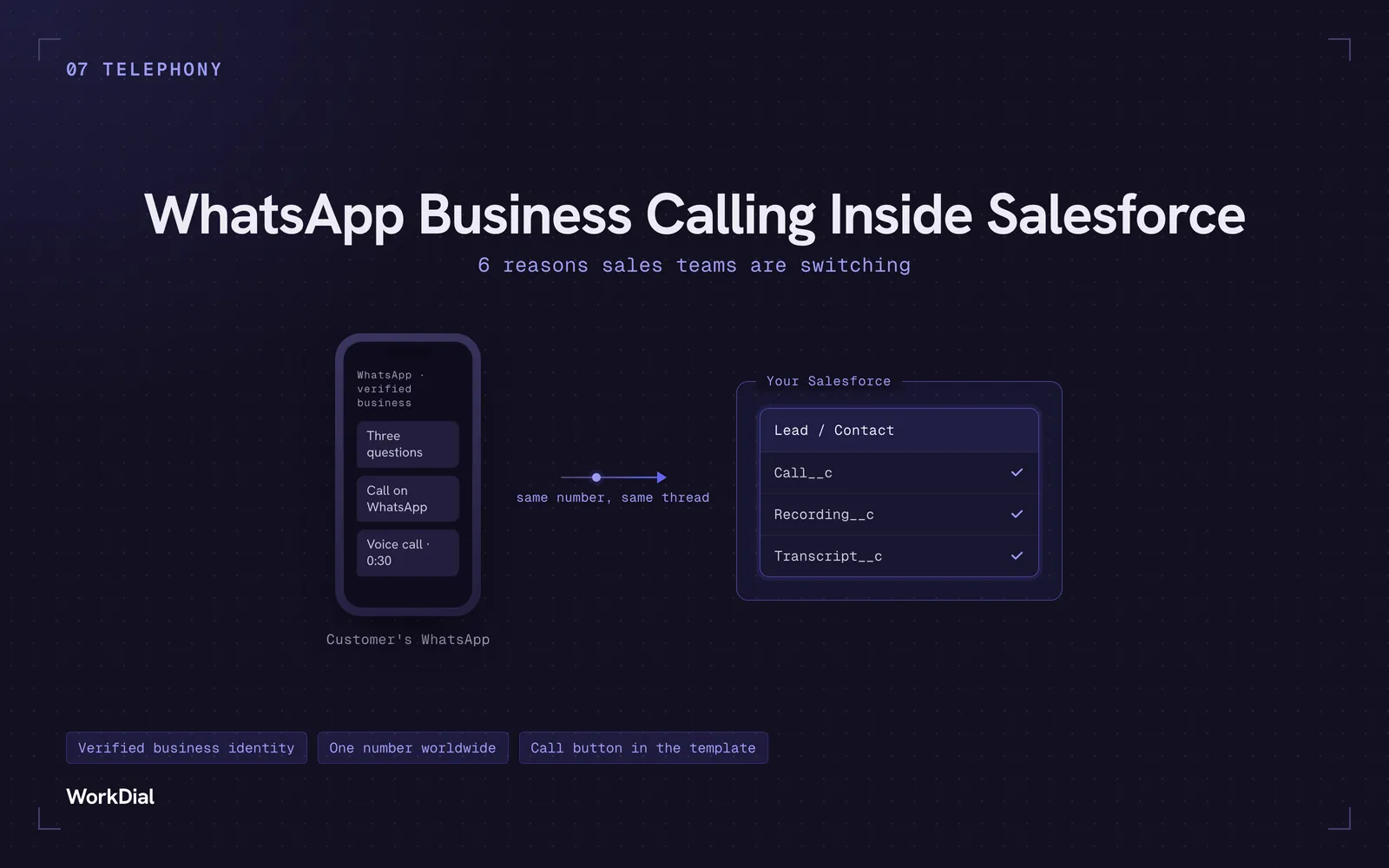
WhatsApp Business Calling Inside Salesforce: 6 Reasons Sales Teams Are Switching
Six reasons sales teams are moving calls onto WhatsApp inside Salesforce: one thread for chat and calls, a verified business identity on every call, one number worldwide, lower cost, a call button in the template, and one record for everything.
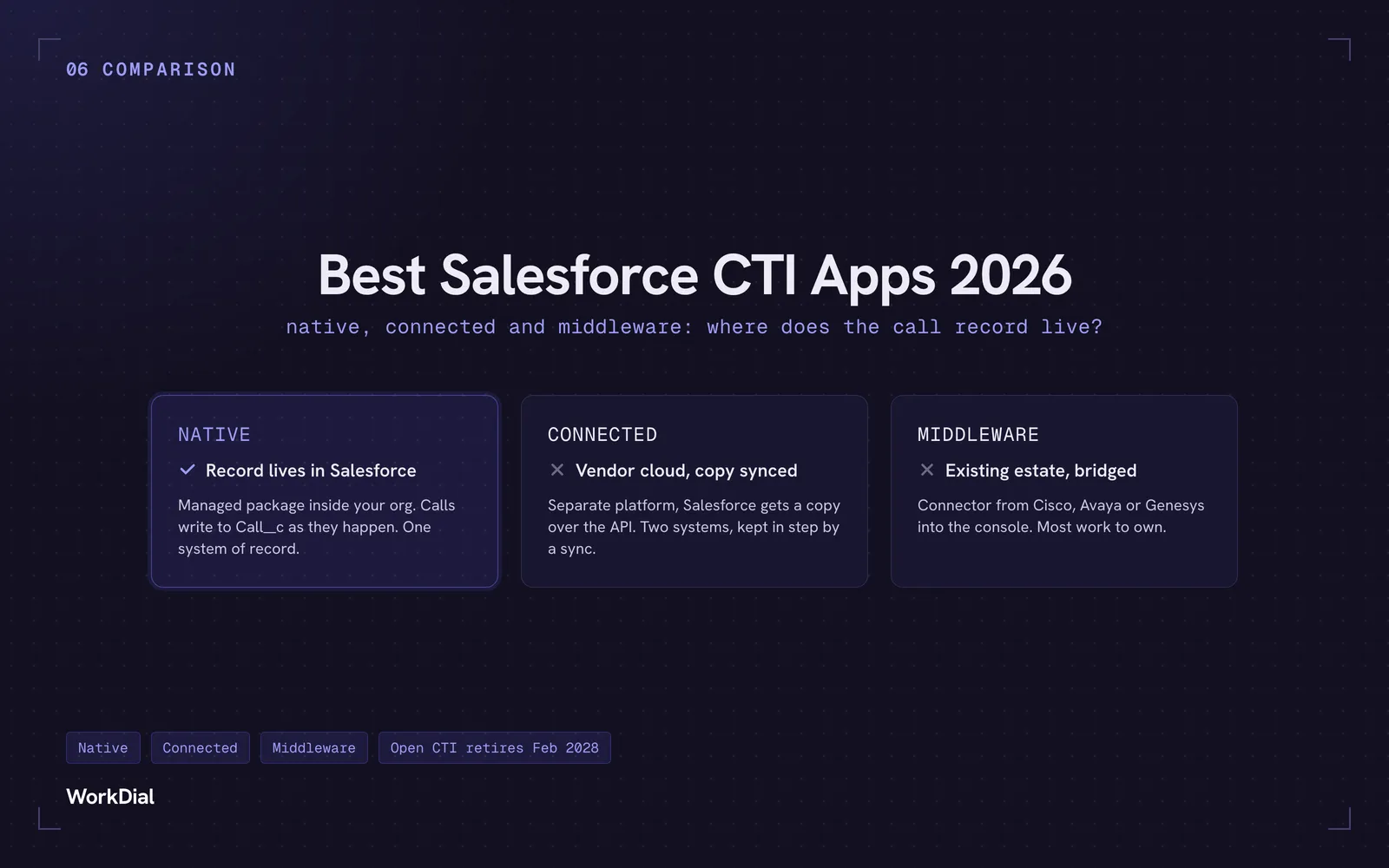
Best Salesforce CTI apps in 2026: native, connected and middleware
The 9 best Salesforce CTI apps in 2026, compared on one thing: where your call record actually lives. Native, connected and middleware, with real pricing.
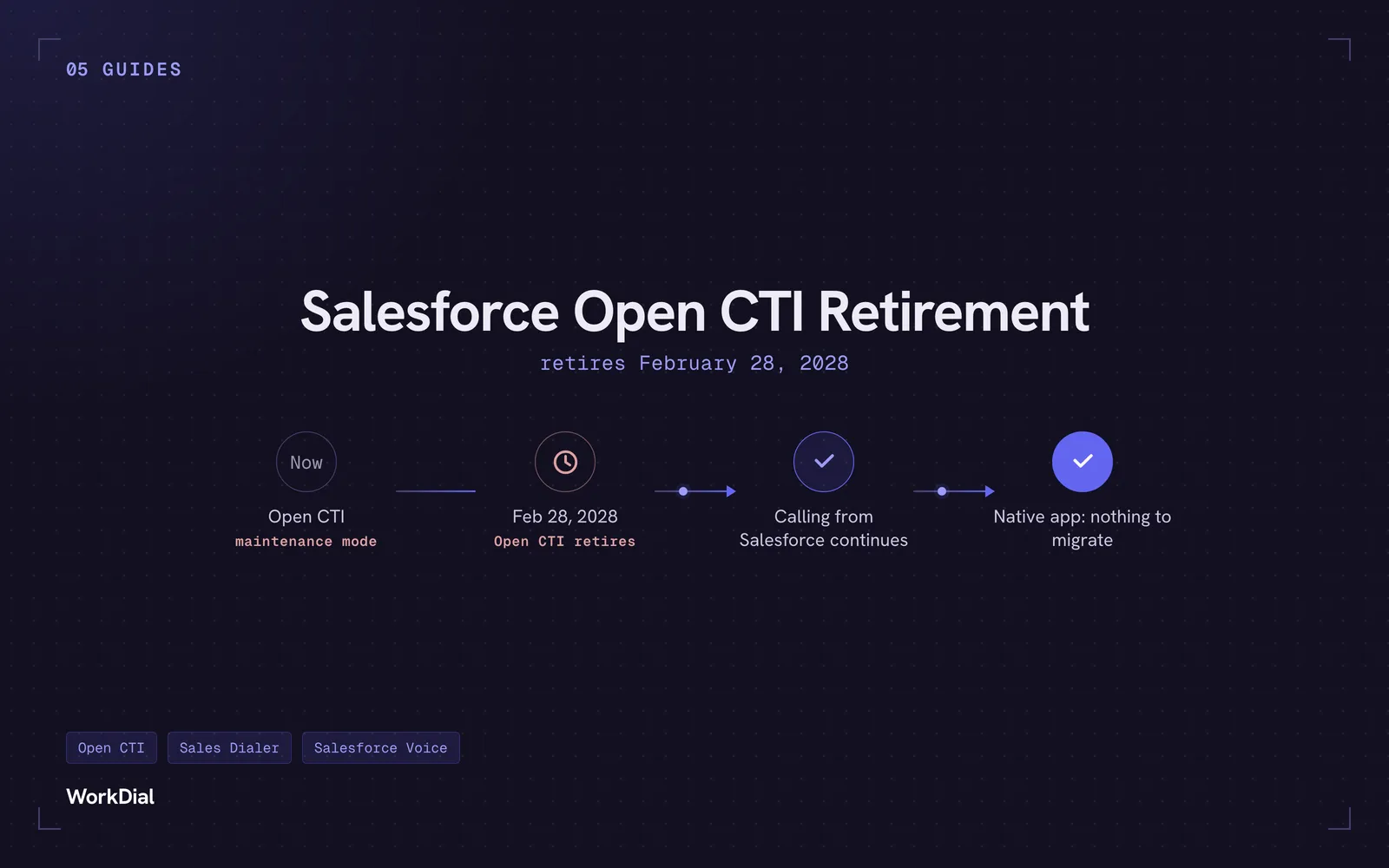
Salesforce Open CTI Retirement: What Actually Happens on February 28, 2028, and Your Real Options
Open CTI retires February 28, 2028. What breaks, what happens to your existing CTI, and how to keep calling in Salesforce without buying new licences.